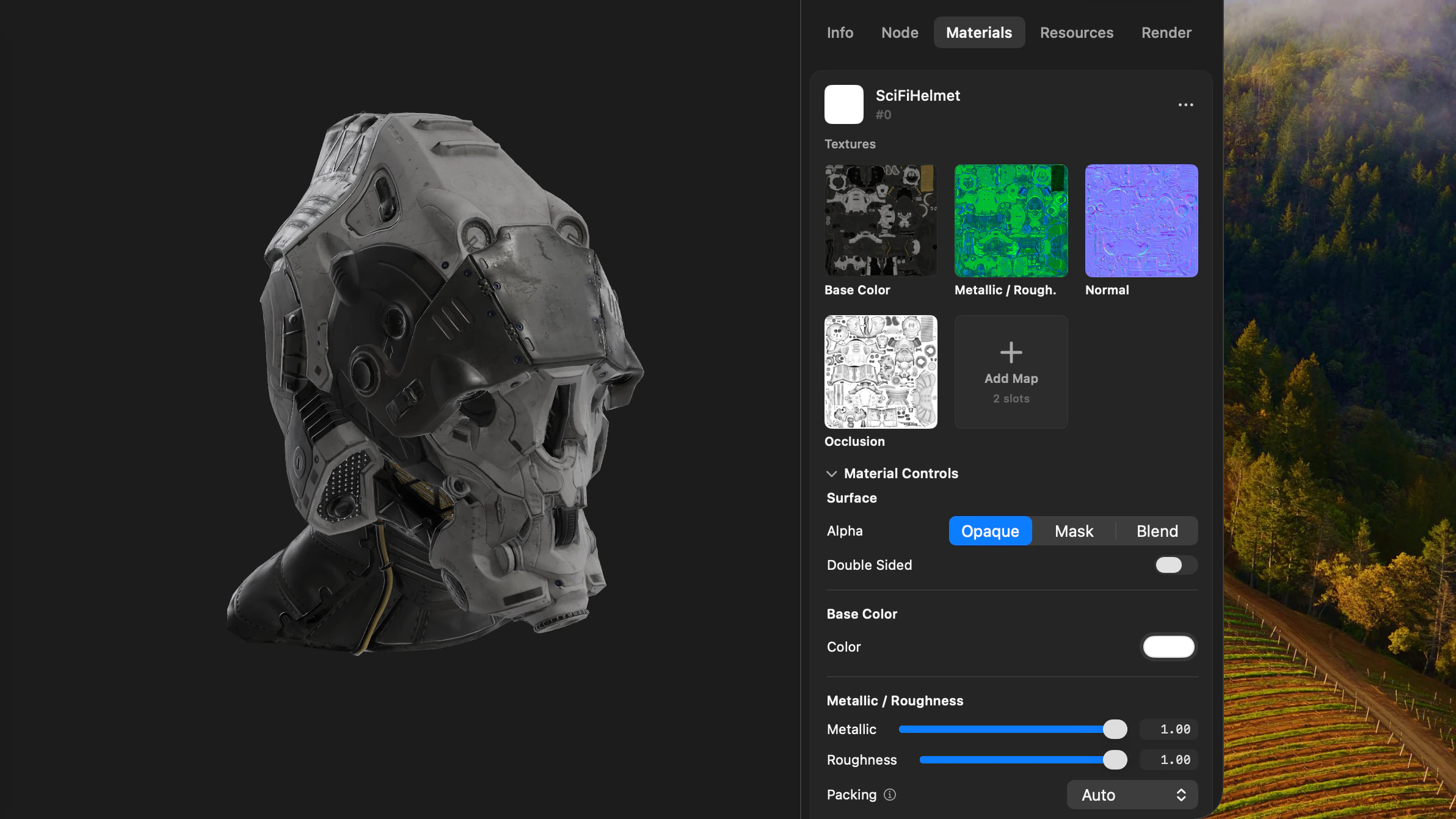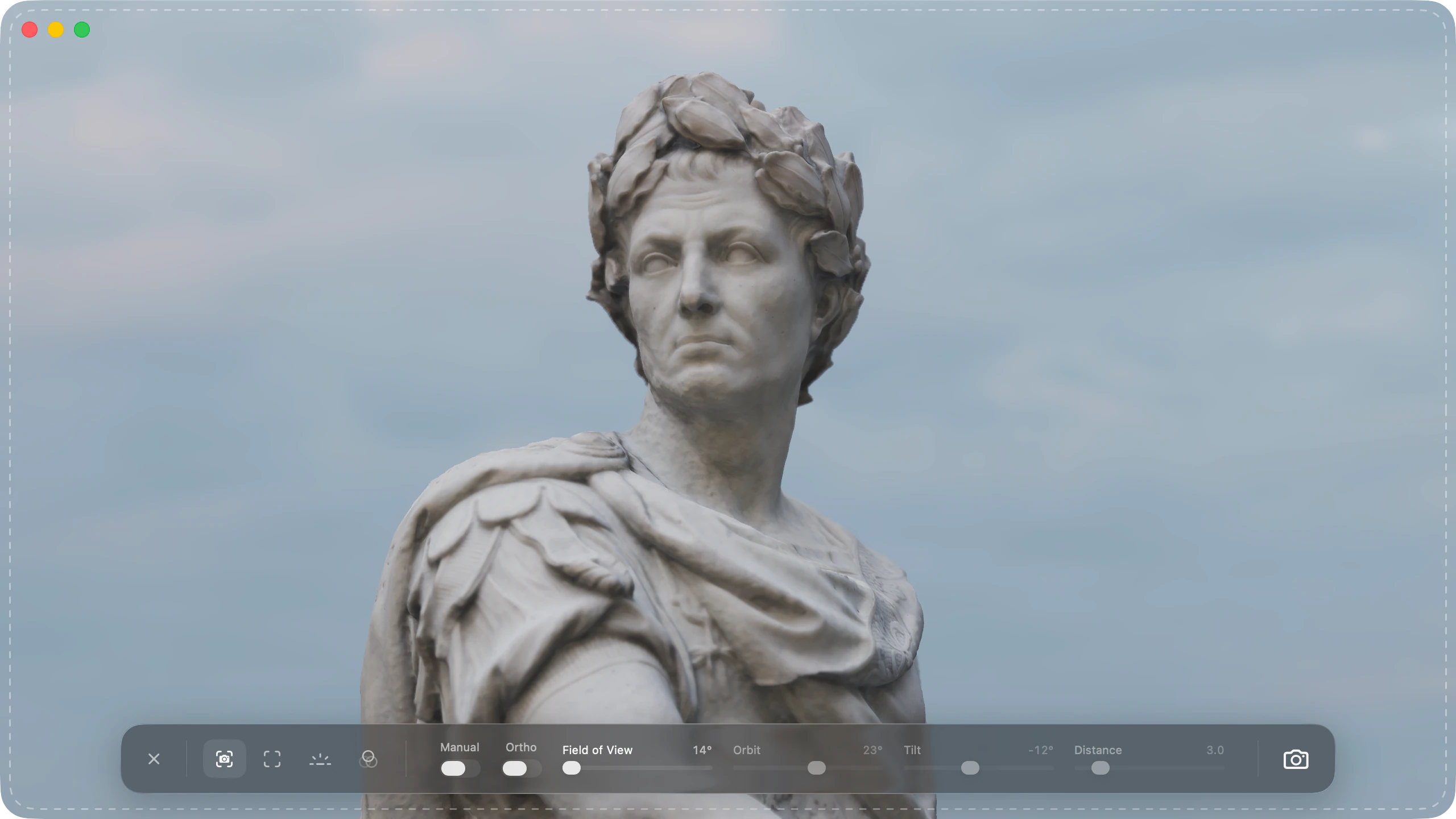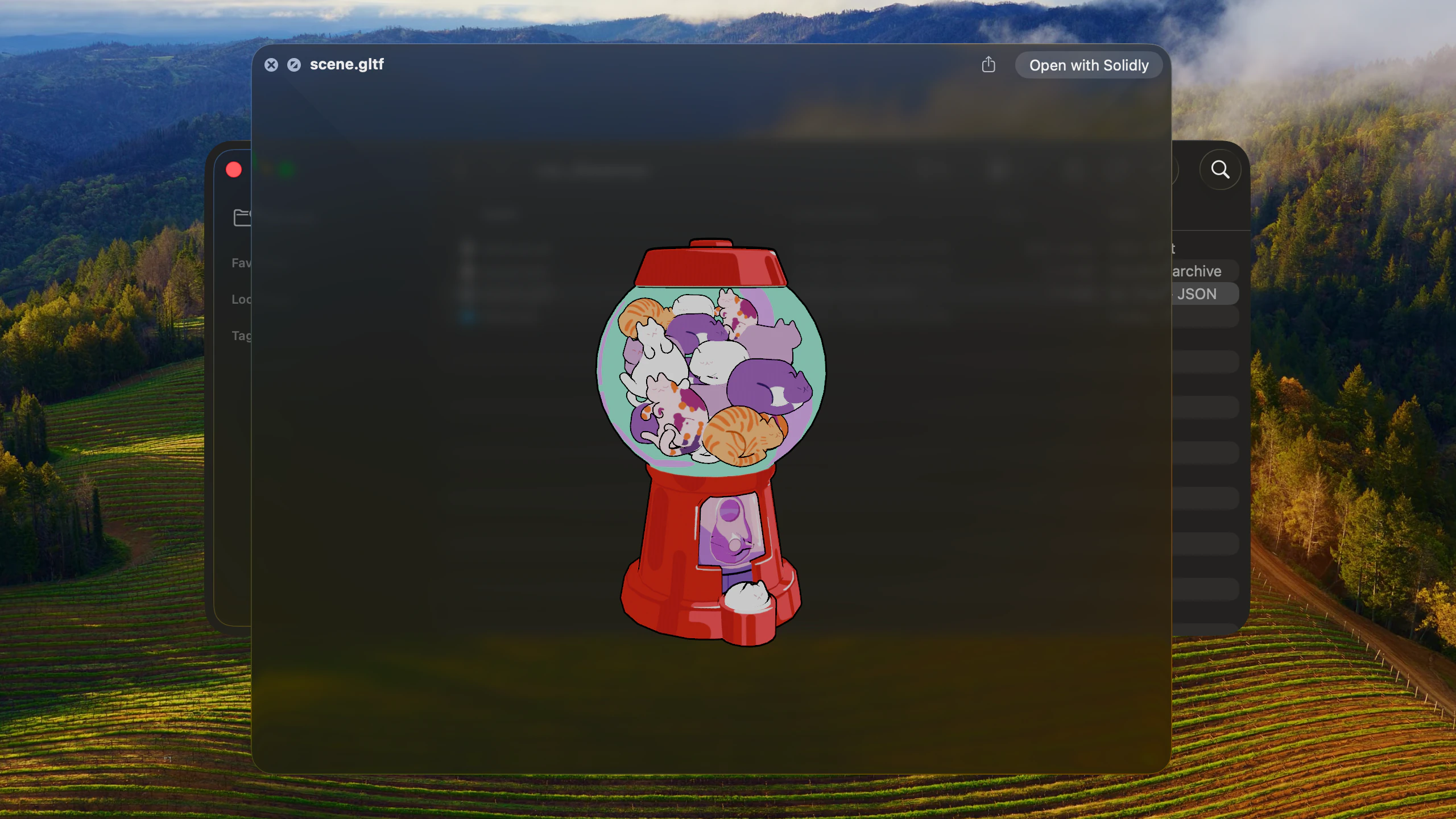
Solidly extends macOS Quick Look to preview 3D models directly in the Finder, rendering geometry, physical materials, lighting, and animation tracks on Apple silicon without launching the main application window.
Interactive Finder previews and navigation
Pressing Space on any supported 3D file in the Finder opens an interactive preview framed to fit the window. Click-dragging orbits the camera, a two-finger drag pans, and standard trackpad pinches or scroll wheels zoom. The preview inherits custom orbit styles, sensitivity, and scroll inversion preferences configured in Solidly.
Previews render with the same environment lighting, tone mapping, anti-aliasing, and shadow configuration active in the main application. Files authored with animation tracks automatically play their primary animation sequence directly inside the preview panel.
Quick LookMulti-file asset and texture resolution
Multi-file 3D assets store geometry, material definitions, and textures in separate sibling files. Solidly's Quick Look extension resolves external dependencies automatically: glTF files load external .bin buffers and texture maps, OBJ files evaluate companion .mtl libraries and image files, FBX models locate adjacent media folders, and USD stages compose referenced sublayers.
External resources resolve across any accessible folder on disk, ensuring models preview with their full material properties rather than untextured grey surfaces.
Sibling filesSTEP, IGES, and 3MF previews
STEP and IGES files preview with their edge lines drawn, at the complexity level Solidly chooses automatically for the model. A large CAD file can take several seconds to read, and the preview shows a progress indicator until the model is ready.
A 3MF project from Bambu Studio or Orca Slicer previews on its build plates.
STEP, IGES, and 3MF previewsFormat management and system integration
In Settings ▸ Advanced ▸ Quick Look, Solidly provides individual toggles for every supported file extension, allowing formats to be enabled or disabled independently while leaving unselected extensions to default system handlers.
For formats reserved by macOS, such as STL, OBJ, PLY, and USD, Solidly can set aside default system previewers without requiring administrator permissions. To preserve Finder responsiveness when browsing dense scans or large scenes, Solidly automatically declines files that exceed the active import memory ceiling, allowing macOS to handle the preview instead.
Taking over the macOS previewersAvailability
Every feature on this page is included in Solidly's 30-day free trial with no payment details required. Solidly Standard is a one-time purchase that keeps full functionality permanently. See pricing.
Solidly requires an Apple silicon Mac running macOS 26 or later.
Limitations
- Solidly generates interactive Quick Look previews displayed upon pressing Space; it does not generate static thumbnail icons for Finder folder views.
- Previews evaluate authored material declarations; automated material suggestion passes for unlinked textures run exclusively within the main application.
- Previews evaluate the primary animation take in a file and do not include clip selection or playback transport controls.
- Files exceeding the configured import memory ceiling are declined to protect system responsiveness.
Frequently asked questions
How do I preview 3D files in the Finder on a Mac?
Install Solidly and open it once to register its Quick Look extension with macOS. Selecting a supported 3D file in the Finder and pressing Space opens an interactive preview. For formats reserved by macOS, such as STL, OBJ, PLY, and USD, enable the format override during setup or in Settings ▸ Advanced ▸ Quick Look.
Can Solidly preview STL files in the Finder?
Yes. Solidly can override the default macOS previewer for STL files during setup or in Settings ▸ Advanced ▸ Quick Look. Pressing Space on an STL file then opens an interactive 3D preview with orbit, pan, and zoom navigation.
Can Quick Look show the textures of a glTF or OBJ model?
Yes. Solidly's Quick Look extension resolves companion files, including external .bin buffers, .mtl material libraries, and referenced texture images across accessible folders.
Can I choose which formats Solidly previews?
Yes. Every supported format has an independent toggle switch in Settings ▸ Advanced ▸ Quick Look. Disabling a format restores the default macOS previewer immediately.
Is Solidly's Quick Look extension free?
Solidly includes an unrestricted 30-day trial with no credit card required. Continued use after 30 days requires purchasing a permanent Solidly Standard license.