Solidly provides a native macOS workspace for composing, lighting, and rendering high-resolution still images from any supported 3D format. Models render directly through Apple silicon hardware without secondary export tools, producing clean PNG images at resolutions up to 8K.
Camera composition and optical depth of field
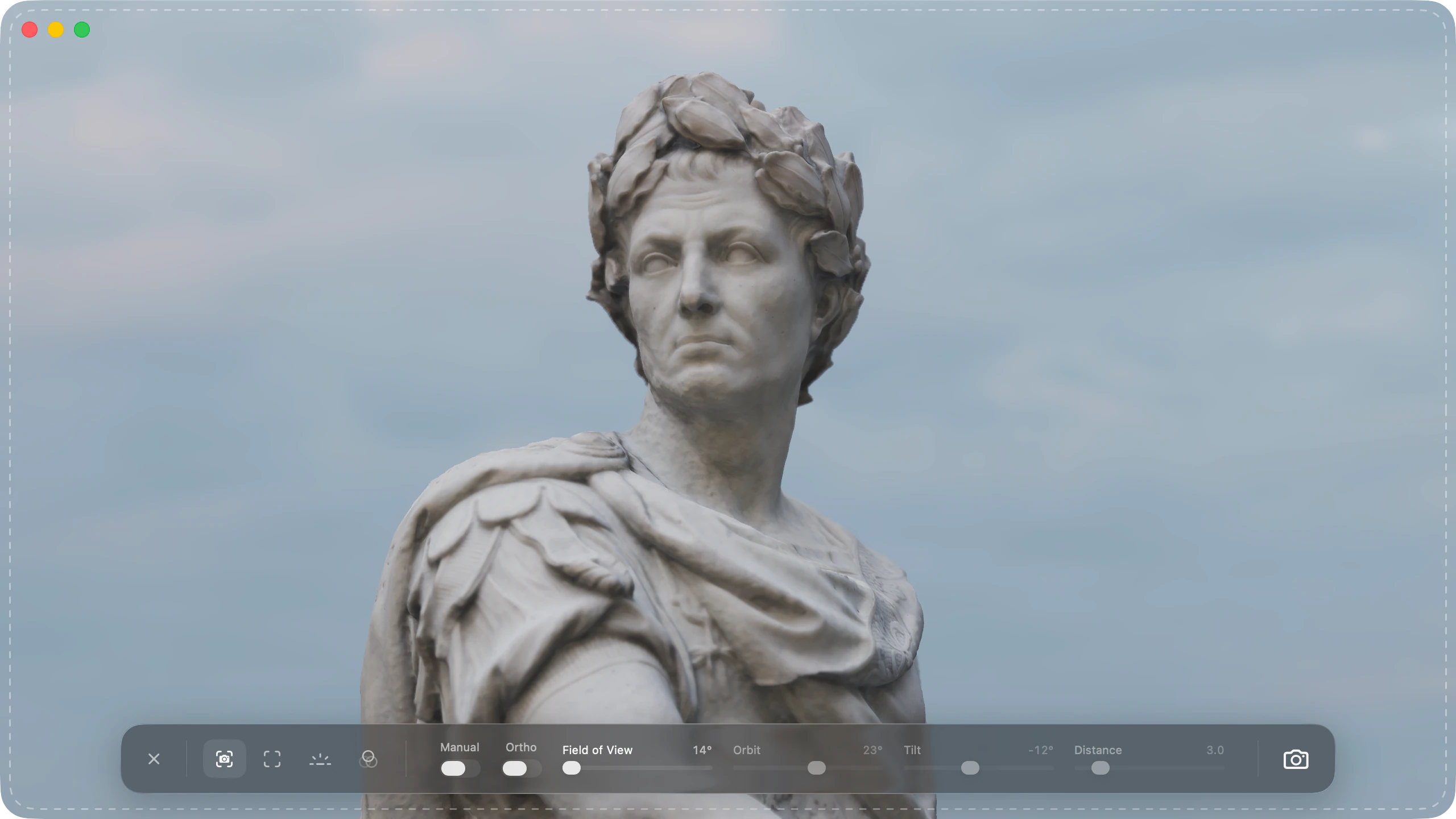
Photo Mode opens directly from the toolbar, inheriting the active viewport framing. The camera can be positioned interactively with standard orbit, pan, and zoom gestures, or aligned numerically using precise orbit, tilt, distance, and field of view values. An orthographic mode provides flat projections for technical and isometric views.
Optical depth of field simulates physical camera lenses with aperture settings from f/1.0 to f/22. Double-clicking any surface in the scene sets the focal plane directly to that point, producing natural focus falloff across complex models.
Photo Mode controls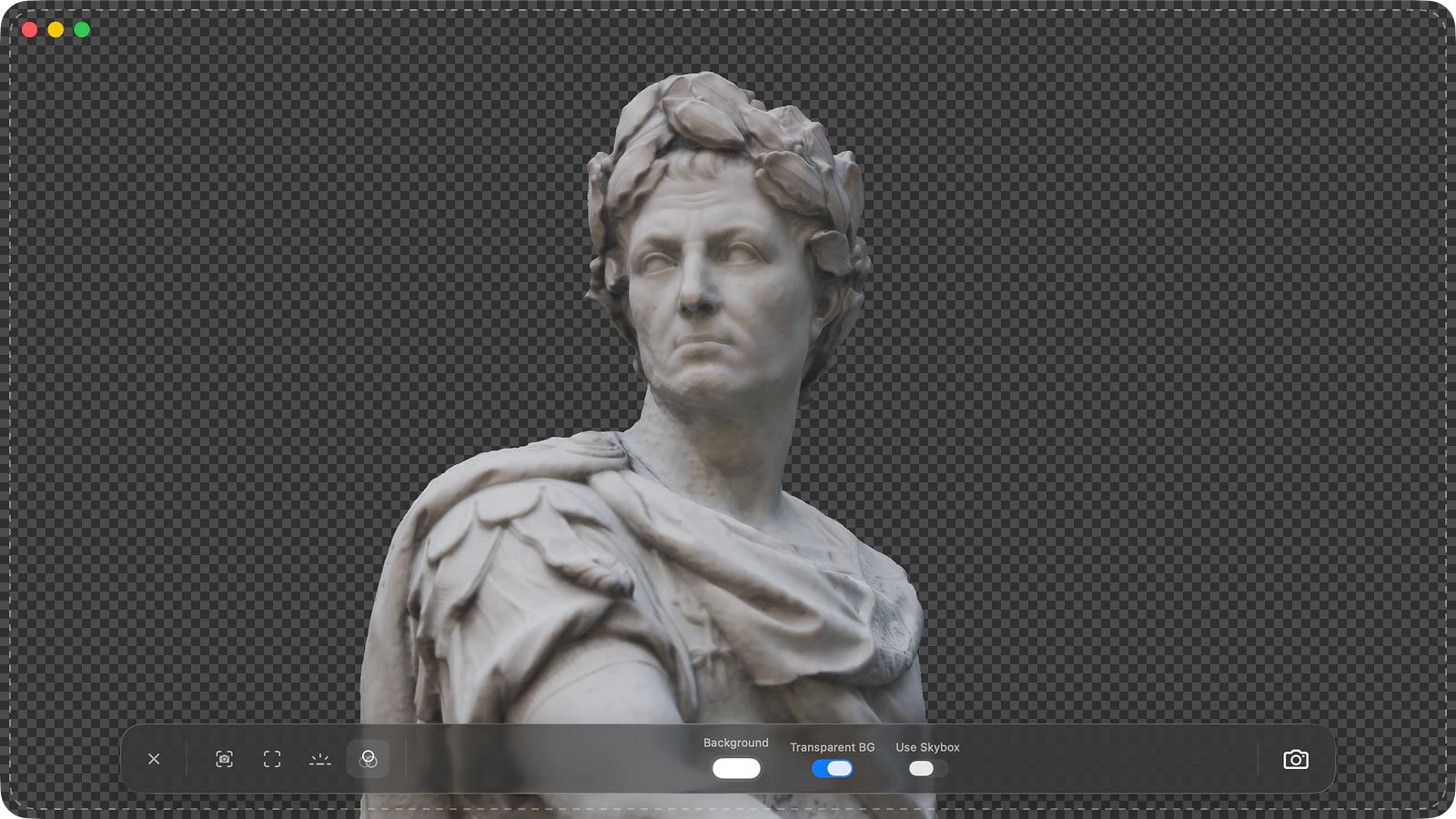
Studio lighting and transparent backgrounds
Photo Mode provides an adjustable key light with controls for intensity, horizontal angle, height, and shadow hardness. Environment lighting, ambient fill, and ground drop shadows carry over from the viewport, alongside post-processing adjustments for exposure, contrast, saturation, and bloom.
Backgrounds can be set to solid colours, drawn from the active HDR environment, or rendered fully transparent. Transparent PNG exports preserve surface drop shadows on an invisible ground plane for placement in product catalogues and layout designs.
Lighting and backgroundsHigh-resolution capture and animation stills
Capture settings include presets for 4K and 1440p landscape displays, 1080p square product frames, and vertical mobile formats. Manual sizing accepts custom dimensions from 256 up to 8192 pixels on each axis. Solidly evaluates the frame at target dimensions directly on the GPU, decoupling image resolution from window or screen size.
For animated assets across glTF, FBX, and USD, Photo Mode captures the exact frame displayed on the transport timeline, allowing specific action poses to be framed and rendered at full fidelity.
Capture resolutionAutomated command-line rendering
Solidly includes the solidly render command-line tool, enabling headless batch rendering across entire folders of 3D assets into PNG, JPEG, HEIC, or TIFF images.
Rendering options match the graphical interface, including camera angles for front, top, and isometric views, transparent backgrounds, environment lighting, and specific animation timecodes for automated asset pipelines and thumbnail generation.
solidly renderAvailability
Every feature on this page is included in Solidly's 30-day free trial with no payment details required. Solidly Standard is a one-time purchase that keeps full functionality permanently. See pricing.
Solidly requires an Apple silicon Mac running macOS 26 or later.
Limitations
- Solidly renders in real time on the local Mac GPU using environment lighting, key lights, and shadow maps; it does not compute multi-bounce global illumination or optical caustics.
- The in-app Photo Mode interface exports PNG files exclusively; alternative image formats such as JPEG, HEIC, and TIFF are available through the
solidly rendercommand-line tool. - Photo Mode captures still frames; video export, turntable animations, and multi-frame image sequences are not supported.
- Lighting environments are drawn from Solidly's built-in HDR skies or environments defined within USD stages; custom external HDR environment maps are not yet supported.
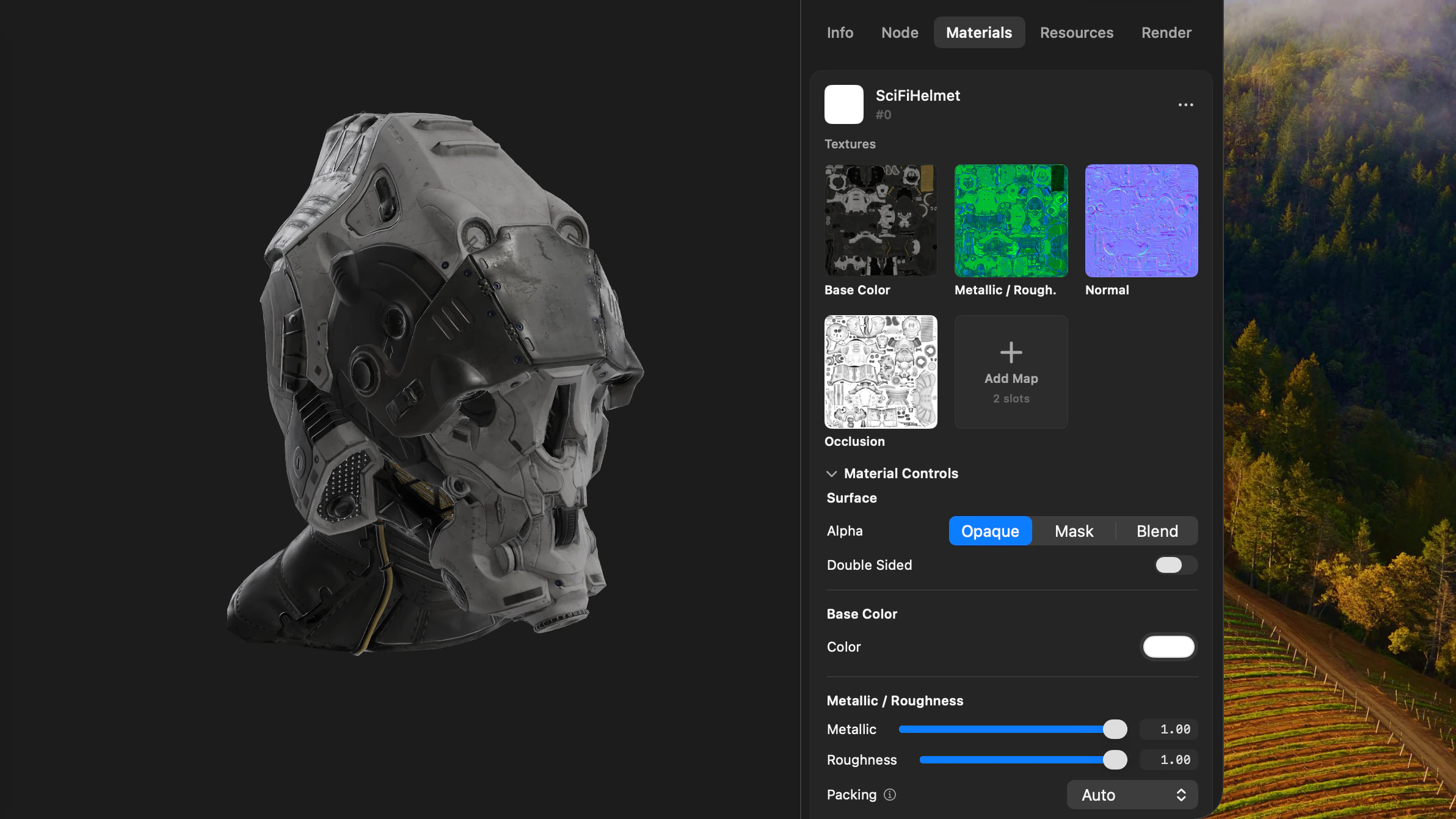
- Photo Mode captures geometry and materials as configured in the scene; surface colours and texture assignments must be adjusted in the Materials tab before entering Photo Mode.
Frequently asked questions
How do I convert an STL, GLB, or OBJ file to a PNG image?
Open the model in Solidly, click the camera icon in the toolbar to enter Photo Mode, and frame the shot. Select an output resolution in the capture settings and click Save Photo. Solidly writes a PNG file to the chosen folder, with support for transparent backgrounds. The same workflow applies to FBX, USDZ, PLY, 3MF, STEP, and IGES files.
Can Solidly render product images with transparent backgrounds?
Yes. Enabling Transparent BG in Photo Mode removes the background while preserving the model and its contact ground shadow. The resulting PNG can be placed directly onto website layouts or product listings.
Can Solidly render high-resolution 4K or 8K images on a MacBook?
Yes. Render resolution is decoupled from window and display dimensions. Solidly renders up to 8192 × 8192 pixels directly on the Mac GPU, whether operating in full screen or inside a compact window.
Can Solidly batch render multiple 3D files?
Solidly includes the solidly render command-line tool, which processes entire directories of 3D models headlessly. It applies consistent camera angles, lighting, transparent backgrounds, and export formats across batches of assets.
Is Solidly's Photo Mode free?
Solidly includes an unrestricted 30-day trial with no credit card required. Continued use after 30 days requires purchasing a permanent Solidly Standard license.