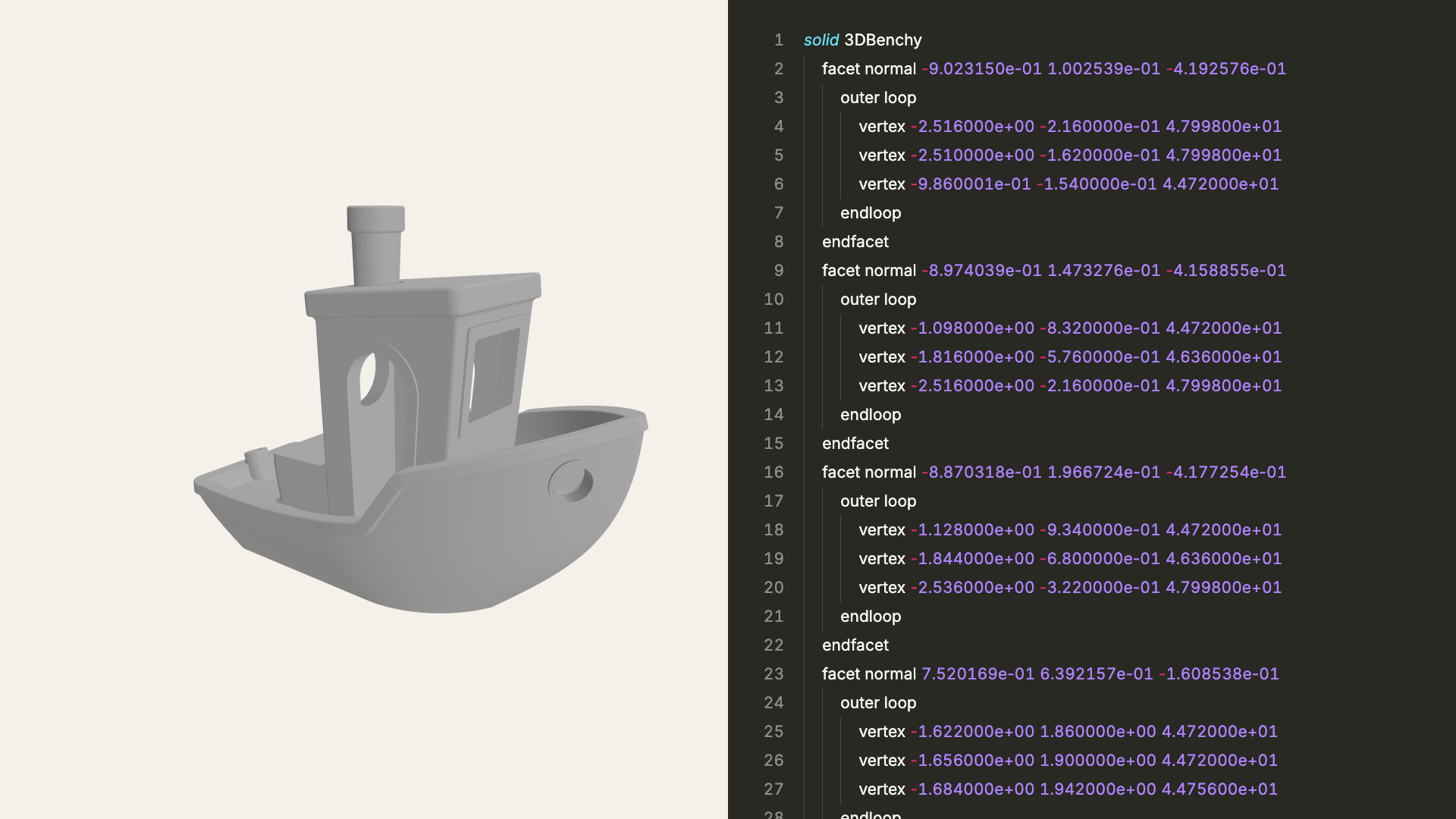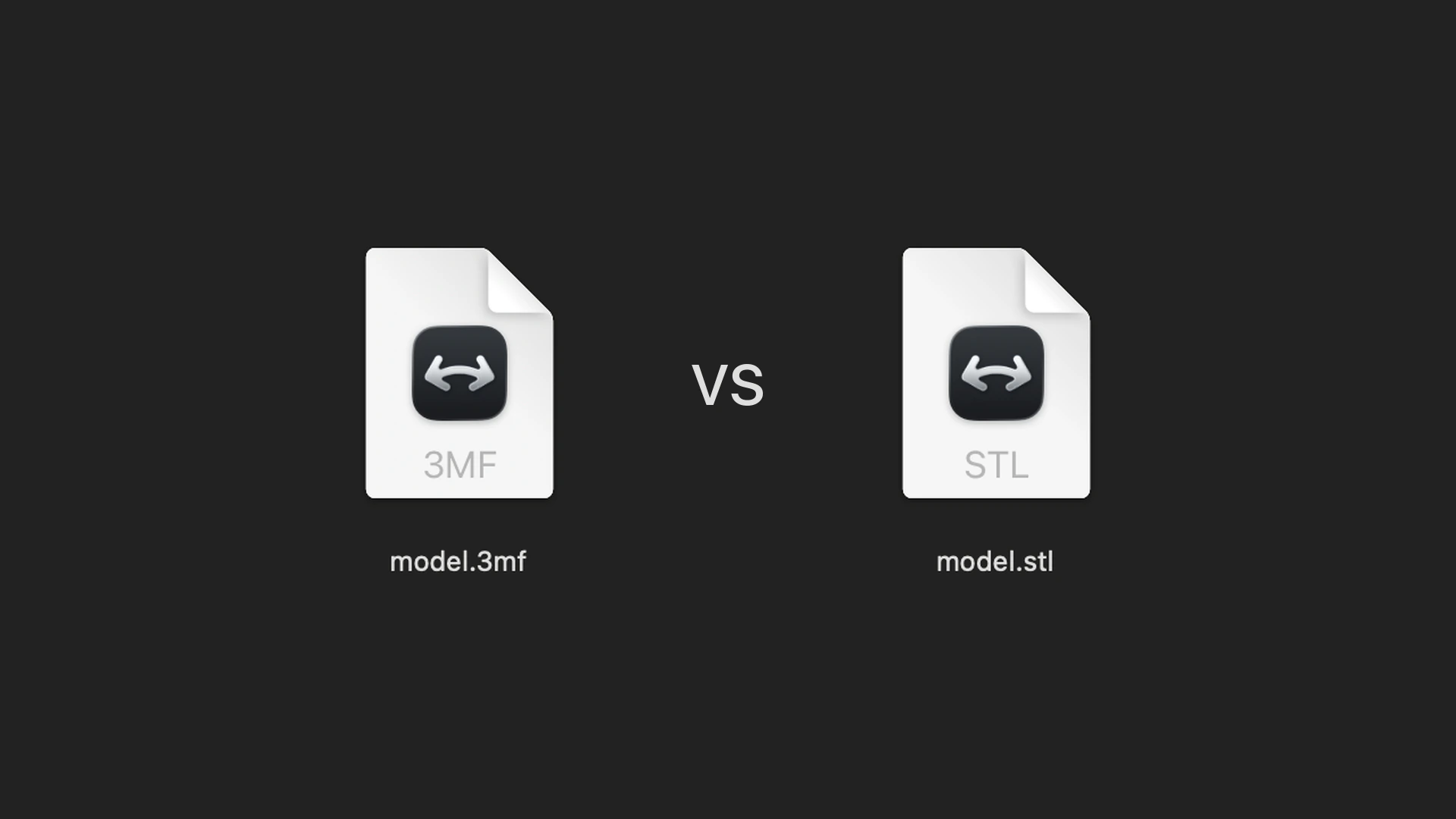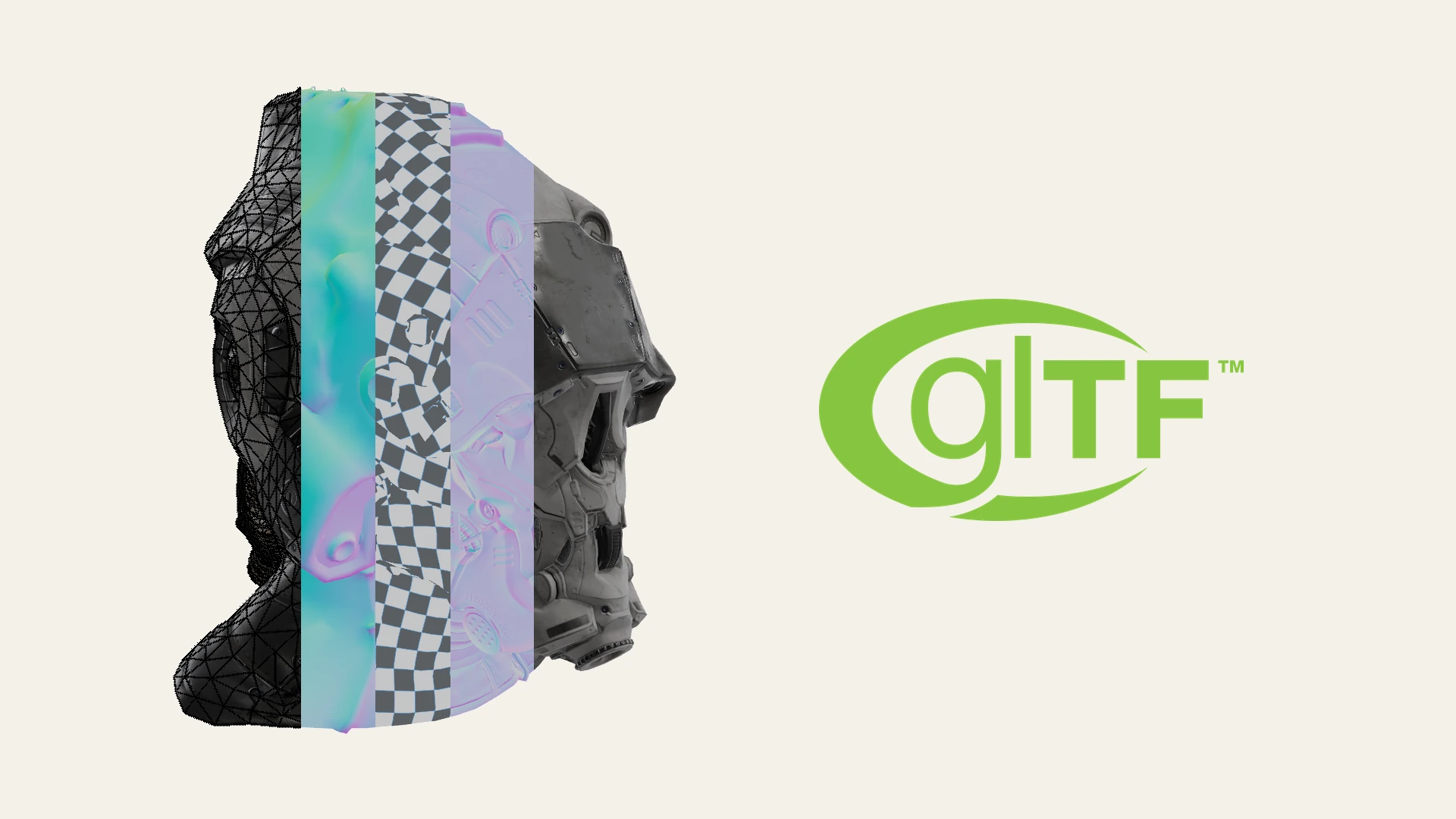
A GLB file is a standardized 3D format that packages an entire scene into a single binary file. Known as the "JPEG of 3D," GLB is the binary container for glTF (GL Transmission Format), an open specification by the Khronos Group.
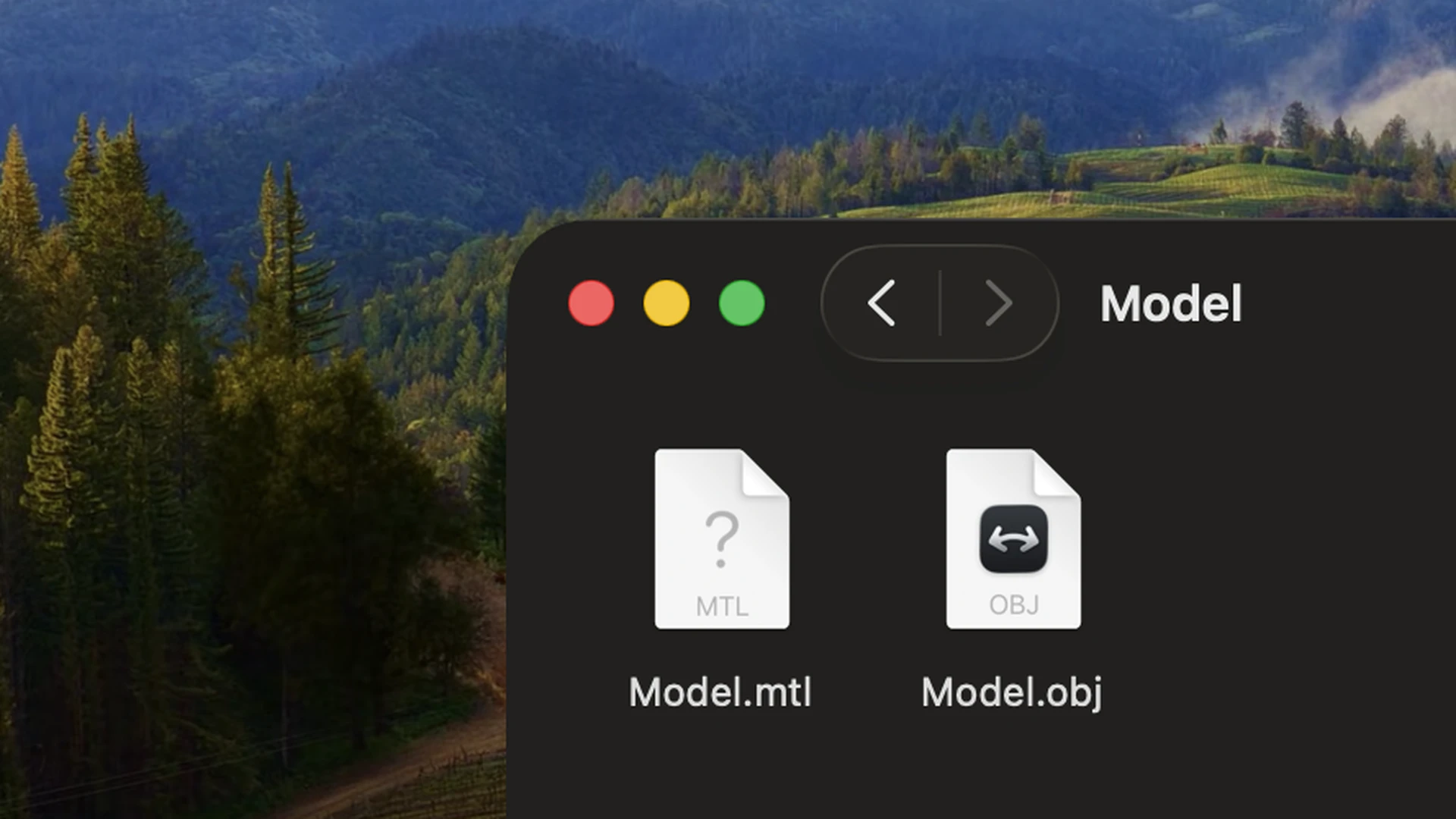
Unlike older formats like OBJ that require loose texture files, a single .glb file packs everything together. It is the primary standard for interactive web 3D, eCommerce product viewers, and mobile augmented reality.
What does a GLB file contain?
A GLB file bundles multiple layers of 3D data into a single binary stream:
- Scene hierarchy: A JSON block defining the scene graph, cameras, lights, and node transforms.
- Mesh geometry: Binary buffers containing vertex positions, normals, UV coordinates, and skin weights.
- PBR materials: Surface definitions using the standard metallic-roughness model for predictable lighting.
- Embedded textures: Bitmap textures (PNG, JPEG, WebP, or KTX2) stored directly inside the container without external folders.
- Animation & morph targets: Skeletal rigs, animation clips, and blend shapes for character and facial movement.
GLB vs. glTF vs. USDZ
GLB and glTF share the exact same underlying standard (glTF 2.0), but package data differently:
- glTF (
.gltf): Stores scene structure in JSON, referencing external.bingeometry and loose texture files. This makes it easy to edit parameters in a text editor during development. - GLB (
.glb): Combines JSON scene data, binary geometry, and textures into one file, eliminating missing texture errors. - USDZ: Apple's single-file 3D format built on Pixar's Universal Scene Description for iOS and visionOS AR.
How to open and view a GLB file on Mac
Choosing the right tool depends on your goal: a quick visual check, accurate technical inspection, or full mesh authoring.
For quick casual checks: macOS Preview and Quick Look
For a fast look without installing anything, macOS opens GLB files natively:
- Select any
.glbfile in the Finder and press Spacebar for Quick Look, or double-click to open it in Preview. - Click and drag to orbit the model, or use trackpad pinch gestures to zoom.
Under the hood, macOS silently converts the GLB into a temporary USDZ file to render it through Apple's RealityKit engine. While convenient for quick checks, this conversion can occasionally drop advanced glTF material extensions (such as clearcoat, transmission, or sheen) or alter authored surface colors.
For technical inspection and desktop workflow: Solidly
If you work with 3D models regularly, opening a heavy modeling suite just to inspect an asset is slow, and macOS Preview is often inaccurate. Solidly is a dedicated macOS 3D viewer built for Apple silicon that renders GLB and glTF files natively without converting them to USDZ:
- Drag and drop any GLB file onto Solidly, or use File ▸ Open….
- Inspect PBR material channels (such as clearcoat, transmission, and sheen) in the Materials tab.
- Check technical asset health in the Info tab using the built-in Khronos glTF Validator.
- Scrub animation clips and switch takes with the transport controls at the bottom of the viewport.
Solidly also includes a Finder Quick Look plugin, allowing you to preview GLB files with Solidly's native renderer directly from the desktop by pressing Spacebar.
Best for: 3D web developers, technical artists, and designers who need fast inspection, accurate PBR extension verification, and live glTF validation on macOS.
For full 3D authoring and editing: Blender
When you need to remodel geometry, re-bake textures, modify skeletons, or convert models between formats, Blender is the free, open-source industry standard:
- Launch Blender and choose File ▸ Import ▸ glTF 2.0 (.glb/.gltf).
- Select your GLB file and click Import glTF 2.0.
- Press Z in the viewport and select Material Preview to display textures.
- If the model includes animation, press Spacebar to play the timeline.
Best for: Deep editing and format conversion. However, Blender is a full production suite rather than a lightweight viewer, and imports assets into an active production scene.
For web engine testing: Browser viewers
To test how a model renders in WebGL and WebGPU engines, drop your GLB file directly into the Khronos glTF Sample Viewer, the Three.js Editor, or the Babylon.js Sandbox.
Why are some GLB files so large?
- Uncompressed textures: PNG and JPEG textures often make up 80 percent of file size. Converting them to WebP or KTX2 cuts file size substantially.
- Dense geometry: High-polygon meshes can be compressed with Draco or Meshopt to reduce download times.
Frequently asked questions
Can I convert a GLB file to USDZ on a Mac?
Yes. macOS Preview can export GLB files as USDZ. You can also import the model into Blender and export it via File ▸ Export ▸ Universal Scene Description (.usdz).
Can you edit a GLB file in Blender?
Yes. Blender's importer reconstructs meshes, skeletons, animations, and PBR shader nodes. After making edits, export the scene back to GLB using File ▸ Export ▸ glTF 2.0 (.glb/.gltf).
Why does a GLB model look different across viewers?
While glTF defines a strict PBR specification for surface properties like metallic and roughness, the specification does not standardize environment lighting or camera post-processing. Different rendering engines (such as Apple RealityKit, Three.js, Babylon.js, and Blender's EEVEE) apply different HDR environment maps, exposure levels, and tone-mapping curves. As a result, surface colors and reflections can appear subtly brighter, more contrasty, or shifted in saturation depending on the engine rendering them.
Summary
GLB is the standard format for real-time 3D across the web and mobile devices. Mac users can preview files with built-in macOS Preview, edit and convert them in Blender, or inspect PBR extensions and validate assets natively in Solidly.