A 3MF file (.3mf) is an open archive format designed for 3D manufacturing. While the format was created to exchange complete model data across industrial manufacturing and design tools, it has become most popular in the 3D printing world.
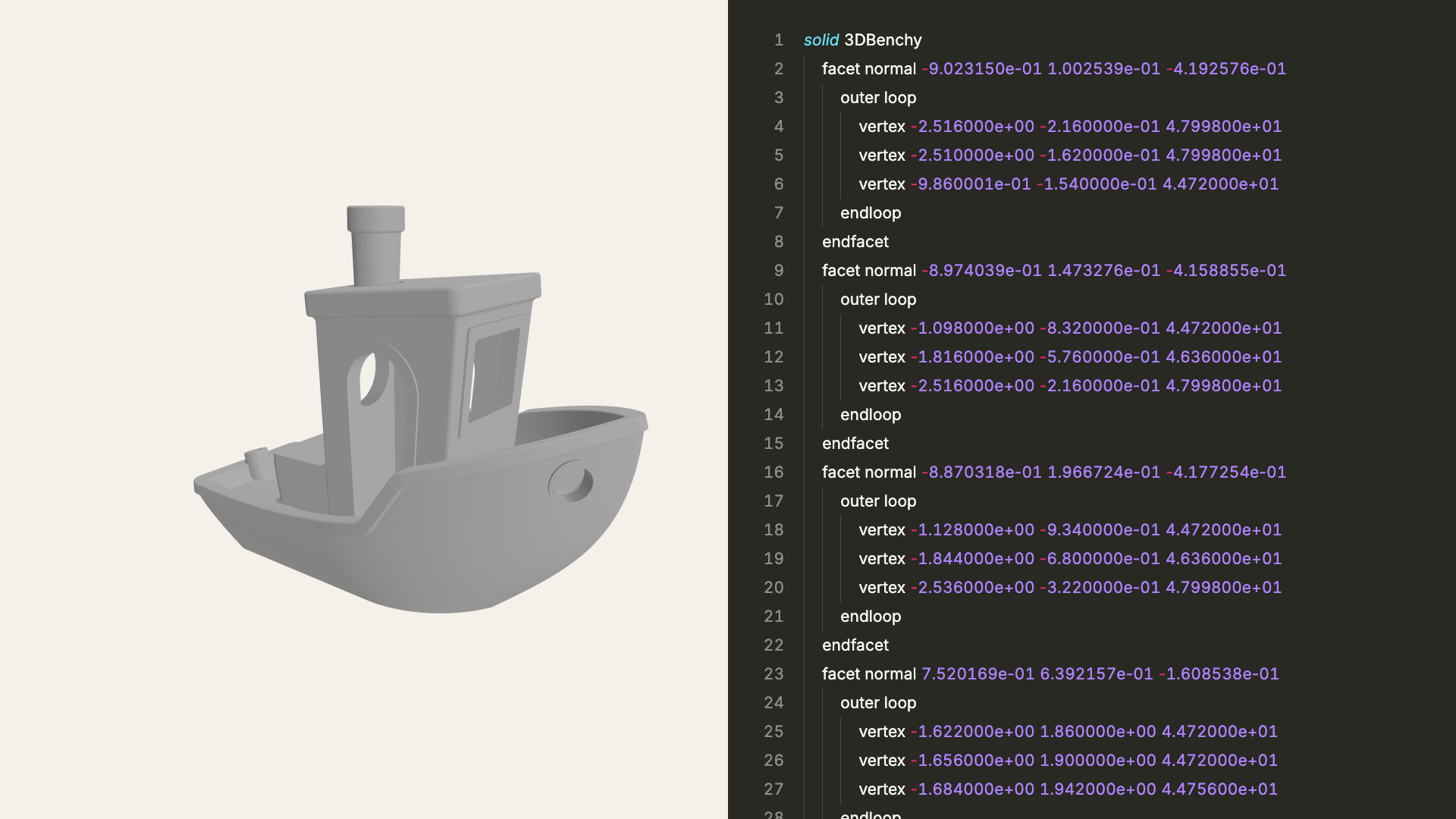
Unlike an STL file, which only stores a raw triangle mesh without scale or color, a 3MF package bundles everything needed to fabricate an object. A single file can hold one or more 3D models with their physical units, materials, colors, and slicer settings. Today, it is the default project format for modern slicers like Bambu Studio, Orca Slicer, and PrusaSlicer.
What is inside a 3MF file?
A .3mf file is an Open Packaging Conventions ZIP container, like a .docx file. Rename a Bambu Studio or Orca Slicer .3mf file to .zip and extract it to see its contents:
model.3mf (ZIP archive)
├── [Content_Types].xml
├── _rels/.rels
├── 3D/
│   ├── 3dmodel.model
│   └── Objects/
│       └── object_1.model
└── Metadata/
    ├── plate_1.png
    ├── model_settings.config
└── project_settings.config[Content_Types].xmland_rels/.rels: Package manifests from the 3MF Core Specification that locate the primary model and thumbnail.3D/3dmodel.model: The root XML file declaring the unit (millimeter,inch), metadata (title, author, license), materials, and the<build>list placing objects on the bed.3D/Objects/*.model: In projects using the 3MF Production extension, each part's<vertices>and<triangles>live in separate.modelfiles referenced from3dmodel.model.Metadata/: Plate thumbnails (plate_1.png) and slicer configs (model_settings.config,project_settings.config) storing plates, part names, filament colors, and print settings.
How is a 3MF file different from an STL?
3MF fixes the main limitations of the 1987 STL format:
- Recorded units: 3MF declares its unit in XML (
millimeterby default). STL stores raw numbers without units, so an inch-based STL opens 25.4 times too small in a millimeter slicer. - Colors and textures: STL has no color data. 3MF stores base colors, vertex gradients, UV textures, metallic or translucent finishes, and multi-color filament assignments.
- Multiple objects and plates: STL merges everything into one mesh. 3MF keeps parts separate, arranges them across build plates, and instances repeated parts without duplicating geometry.
- Compact, watertight meshes: Binary STL repeats vertex coordinates for every shared corner. 3MF indexes shared vertices once, compresses the archive with ZIP, and requires manifold (watertight) meshes.
- Print settings and thumbnails: A 3MF file can bundle slicer settings, support modifiers, preview images, and designer attribution in one file.
When is STL still the better choice?
STL is still preferred in a few situations:
- Legacy software support: Almost every 3D viewer, CNC tool, and mesh utility built over the last thirty years reads
.stlout of the box. - Sharing raw geometry without print profiles: Slicer
.3mfprojects include the author's printer model, filament temperatures, and infill settings. If you want to share a plain mesh without overriding another user's slicer defaults, STL is simpler. - Editing mesh topology in Blender: Blender includes a built-in STL importer (File ▸ Import ▸ Stl), while opening
.3mffiles in Blender requires installing a community add-on.
Why does a 3MF open empty or grey in some programs?
Many .3mf files from MakerWorld or Printables open empty or grey in general 3D viewers for two reasons:
- Empty viewport: Bambu Studio and Orca Slicer use the 3MF Production extension to store meshes inside
3D/Objects/*.modelwhile leaving3D/3dmodel.modelas an assembly pointer. Viewers that only read the Core 3MF specification find zero triangles in3dmodel.modeland show nothing. - Grey model: Instead of writing standard 3MF
<basematerials>, Bambu Studio and Orca Slicer store filament colors and types (such as PLA or PETG) insideMetadata/project_settings.config. Software that ignores slicer configs draws the mesh in default grey.
Solidly reads both the 3MF Production extension and Bambu Studio and Orca Slicer project files, showing every build plate, filament color, and object name.
How do you open a 3MF file on a Mac?
macOS Preview and Quick Look cannot open .3mf files natively. On a Mac, use one of these tools:
- For fast viewing and Finder Quick Look: Solidly opens standard
.3mffiles and multi-plate Bambu Studio and Orca Slicer projects natively on Apple silicon, with build plates, filament colors, real-unit dimensions, an Assembled view, and Spacebar Finder Quick Look previews. - For slicing and STL conversion: Bambu Studio, Orca Slicer, PrusaSlicer, and Ultimaker Cura open
.3mffiles for printing and can export the meshes as.stl. - For mesh editing: Blender opens
.3mffiles once you install the 3MF format add-on from Edit ▸ Preferences ▸ Get Extensions.
Frequently asked questions
What does 3MF stand for?
3MF stands for 3D Manufacturing Format, an open specification maintained by the 3MF Consortium for additive manufacturing.
Is a .gcode.3mf file the same thing as a 3MF?
No. A standard .3mf stores editable 3D meshes before slicing. A .gcode.3mf file exported after slicing contains G-code toolpaths for the printer and often omits the 3D meshes.
Which slicers open 3MF files?
Bambu Studio, Orca Slicer, PrusaSlicer, and Ultimaker Cura all open .3mf files on macOS. Multi-plate layouts and print settings transfer cleanly between PrusaSlicer, Bambu Studio, and Orca Slicer, while Cura imports the 3D meshes into your active Cura profile.