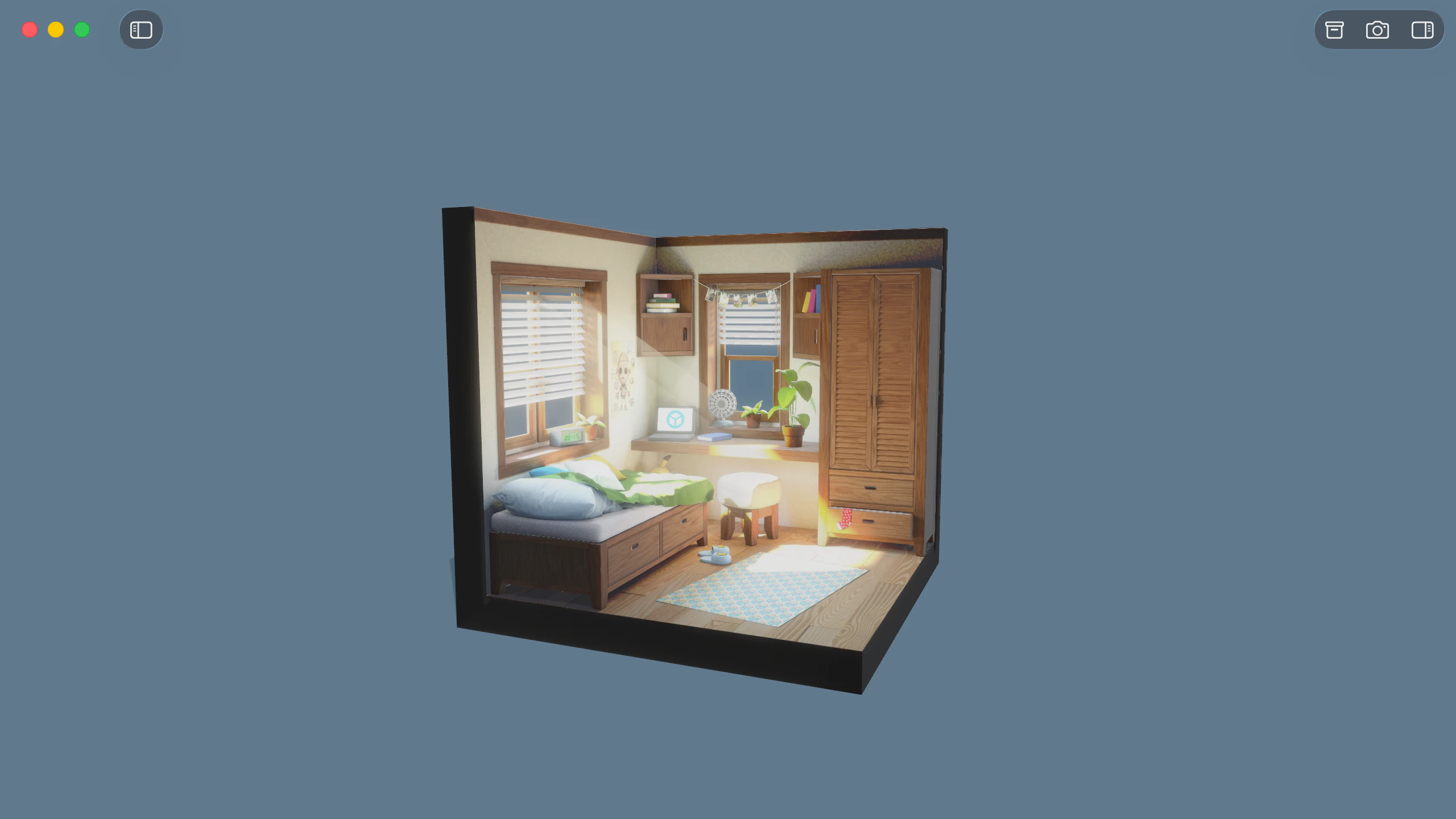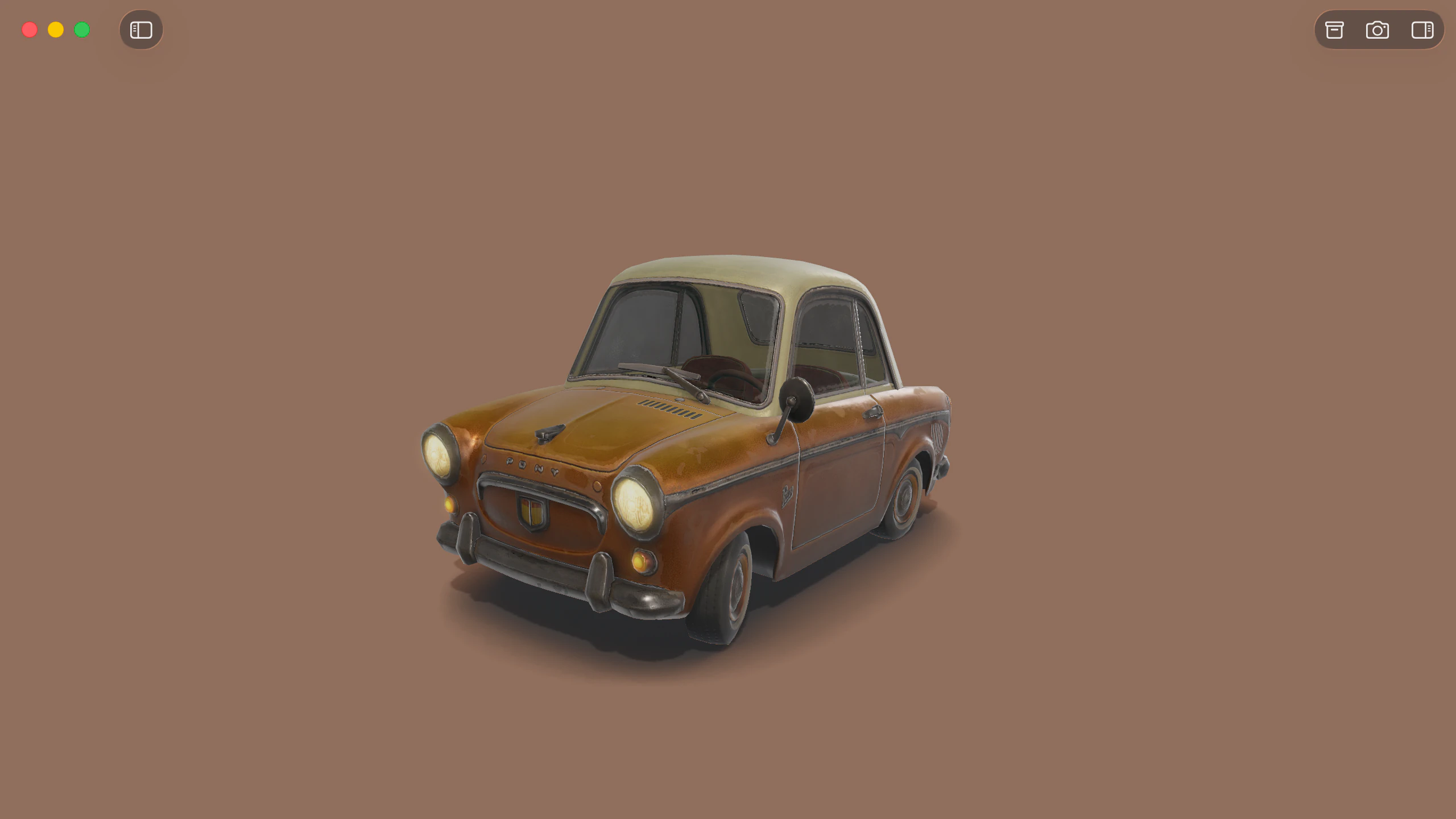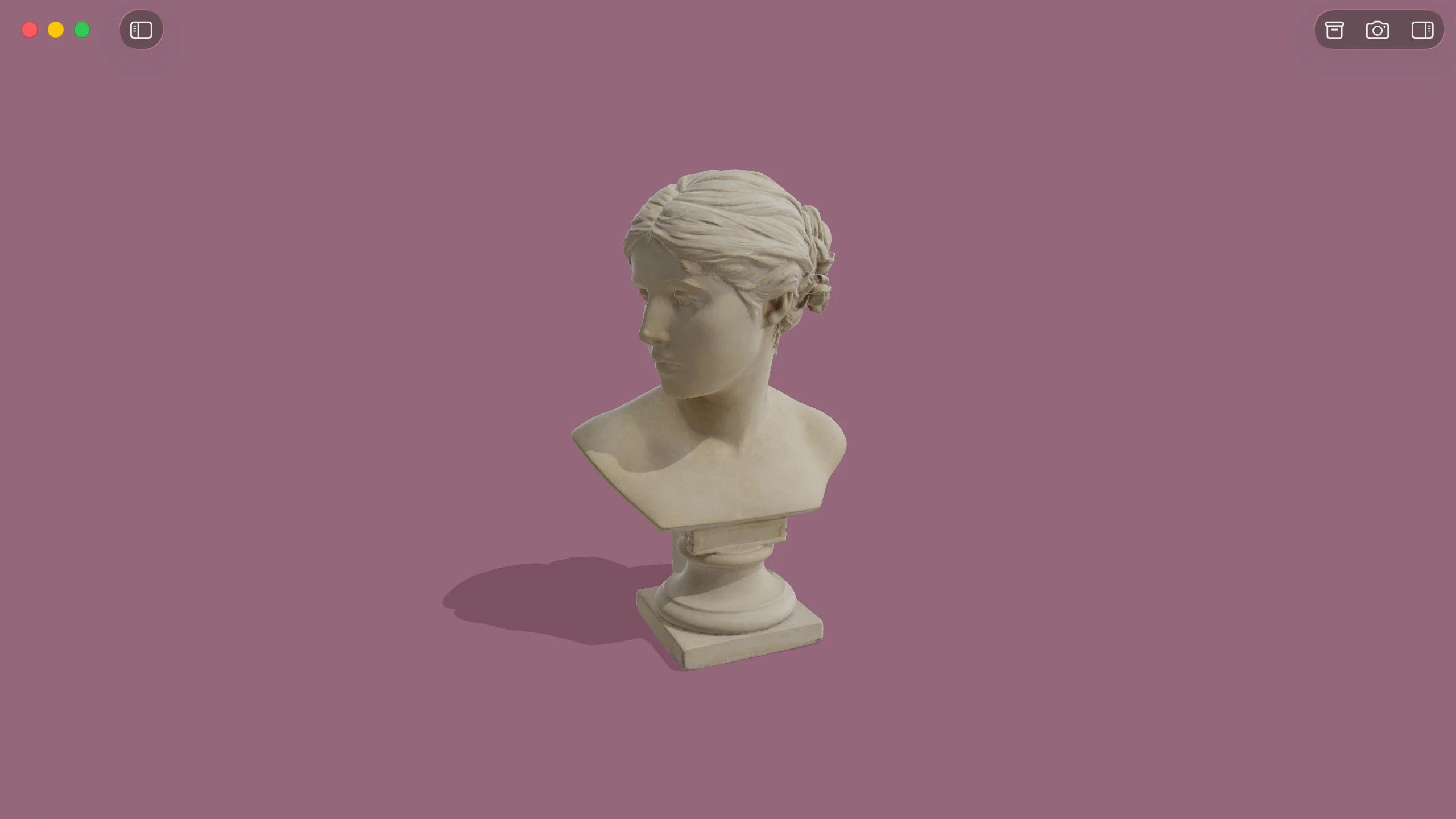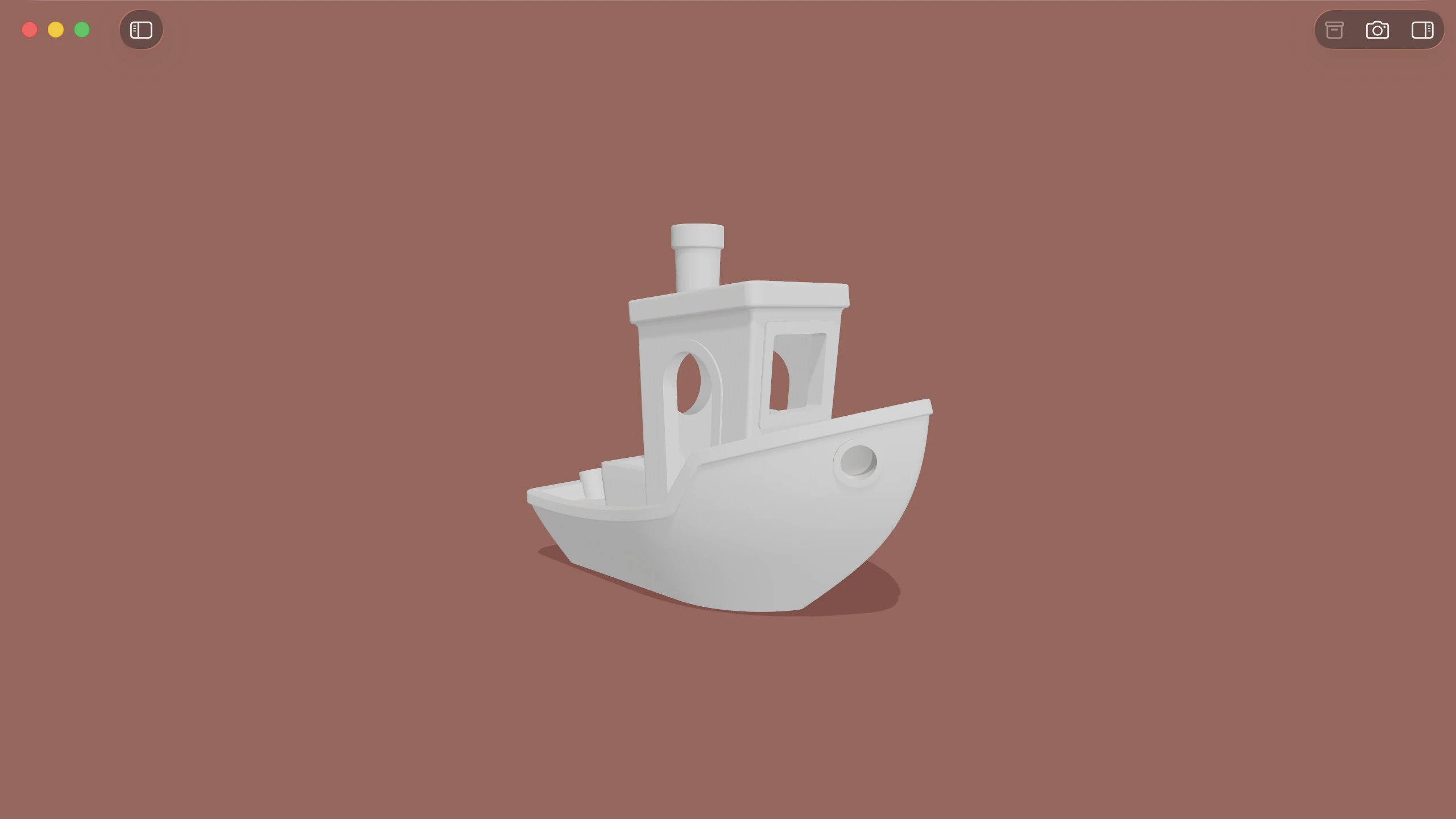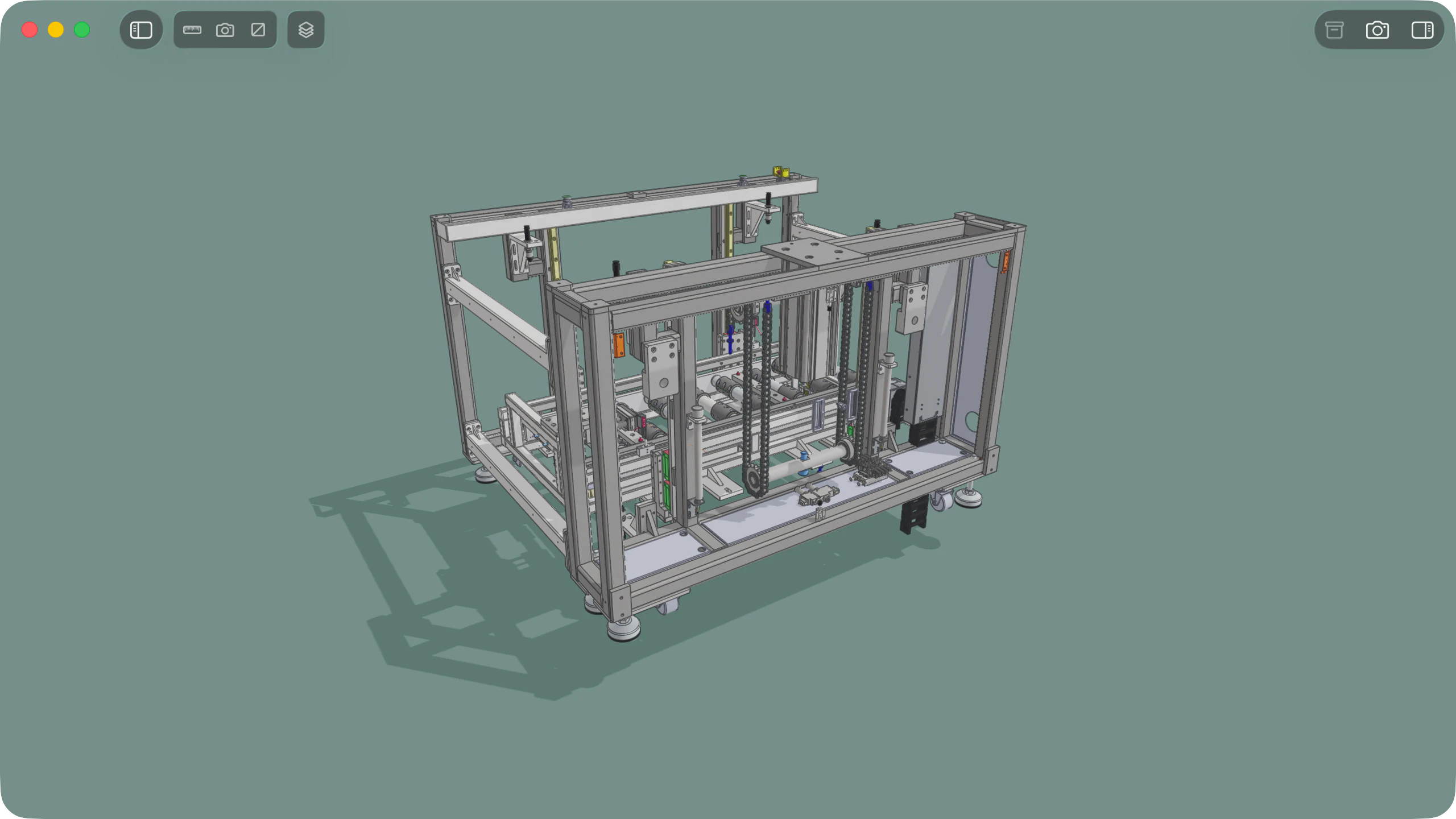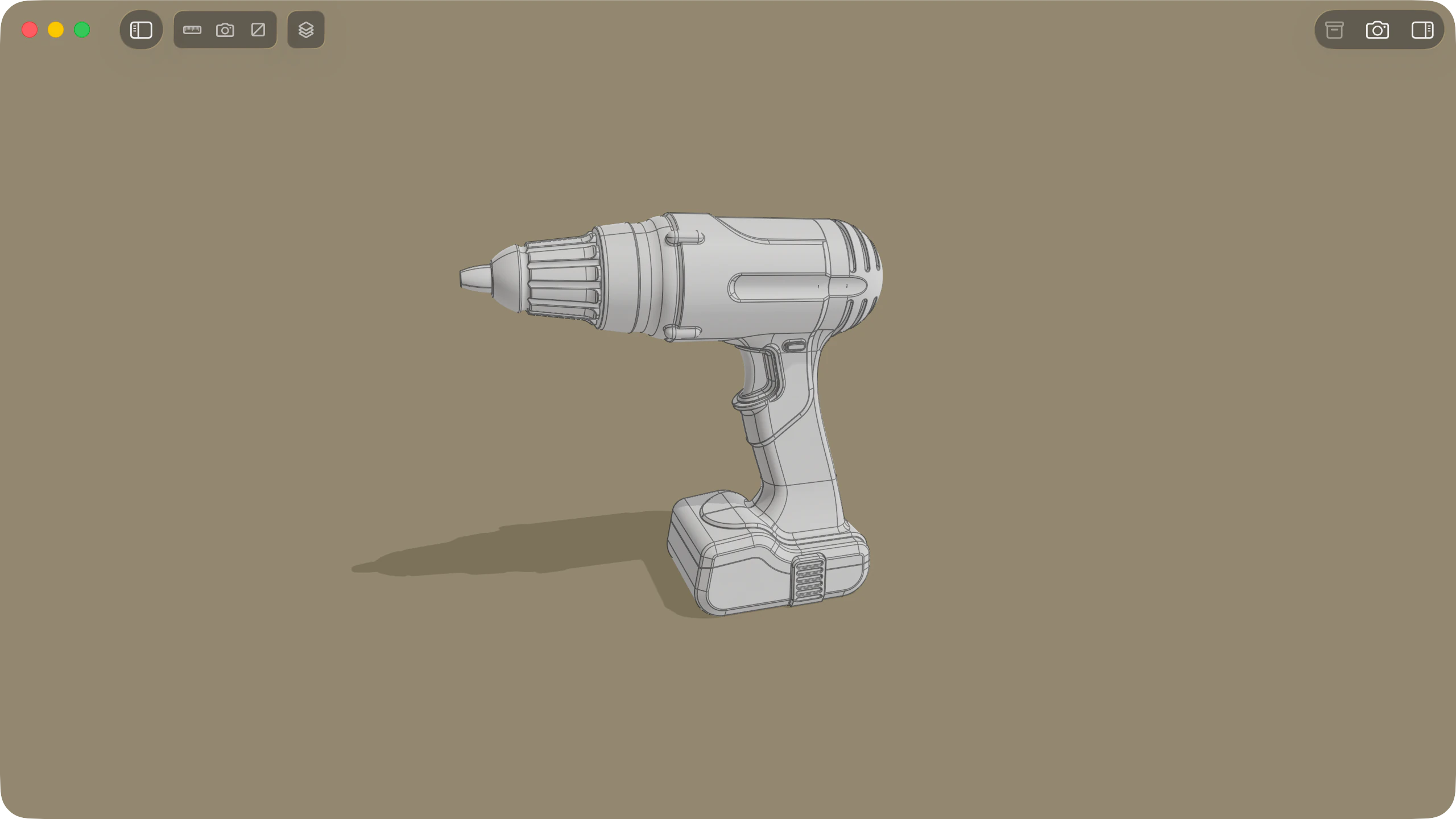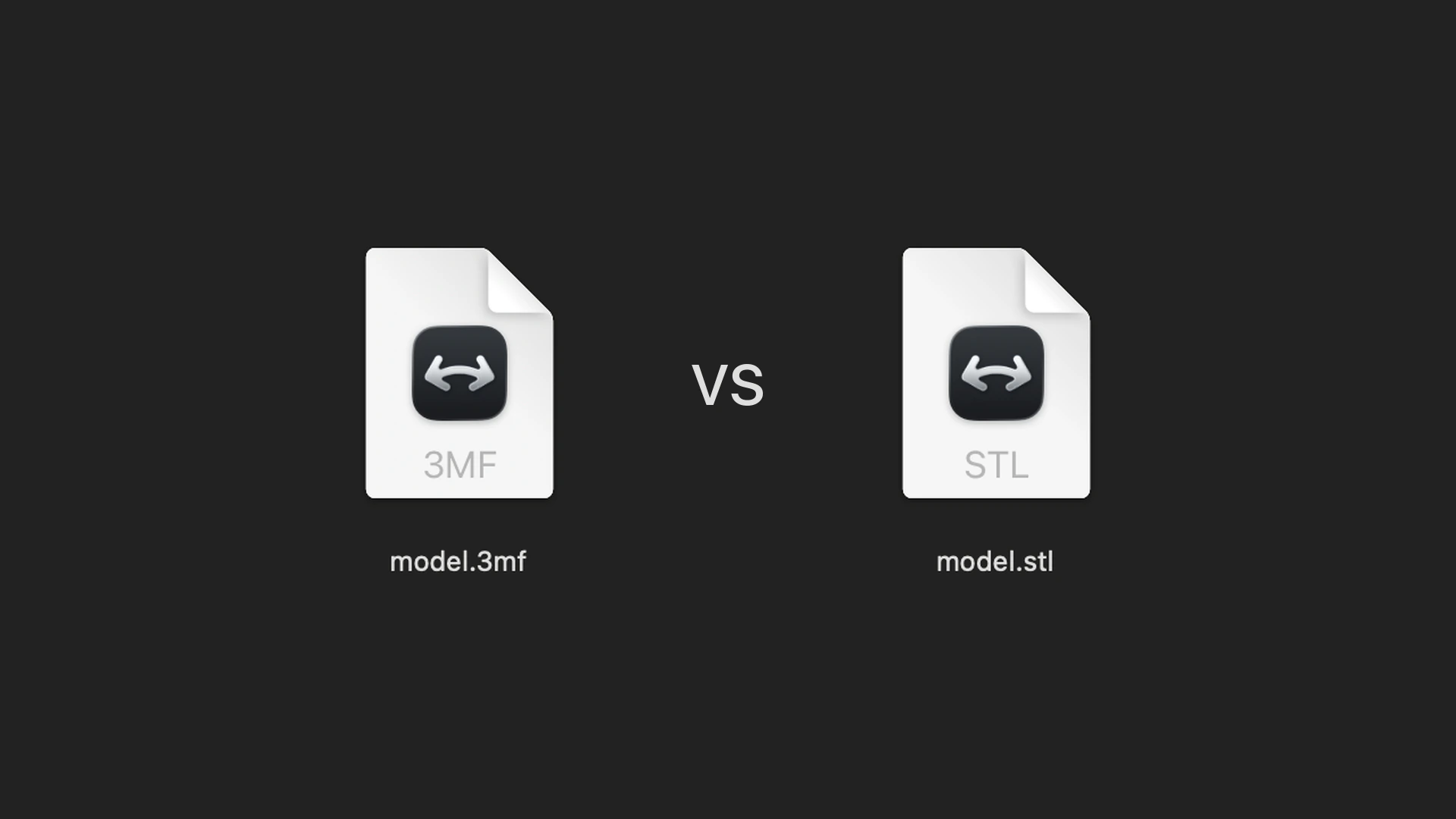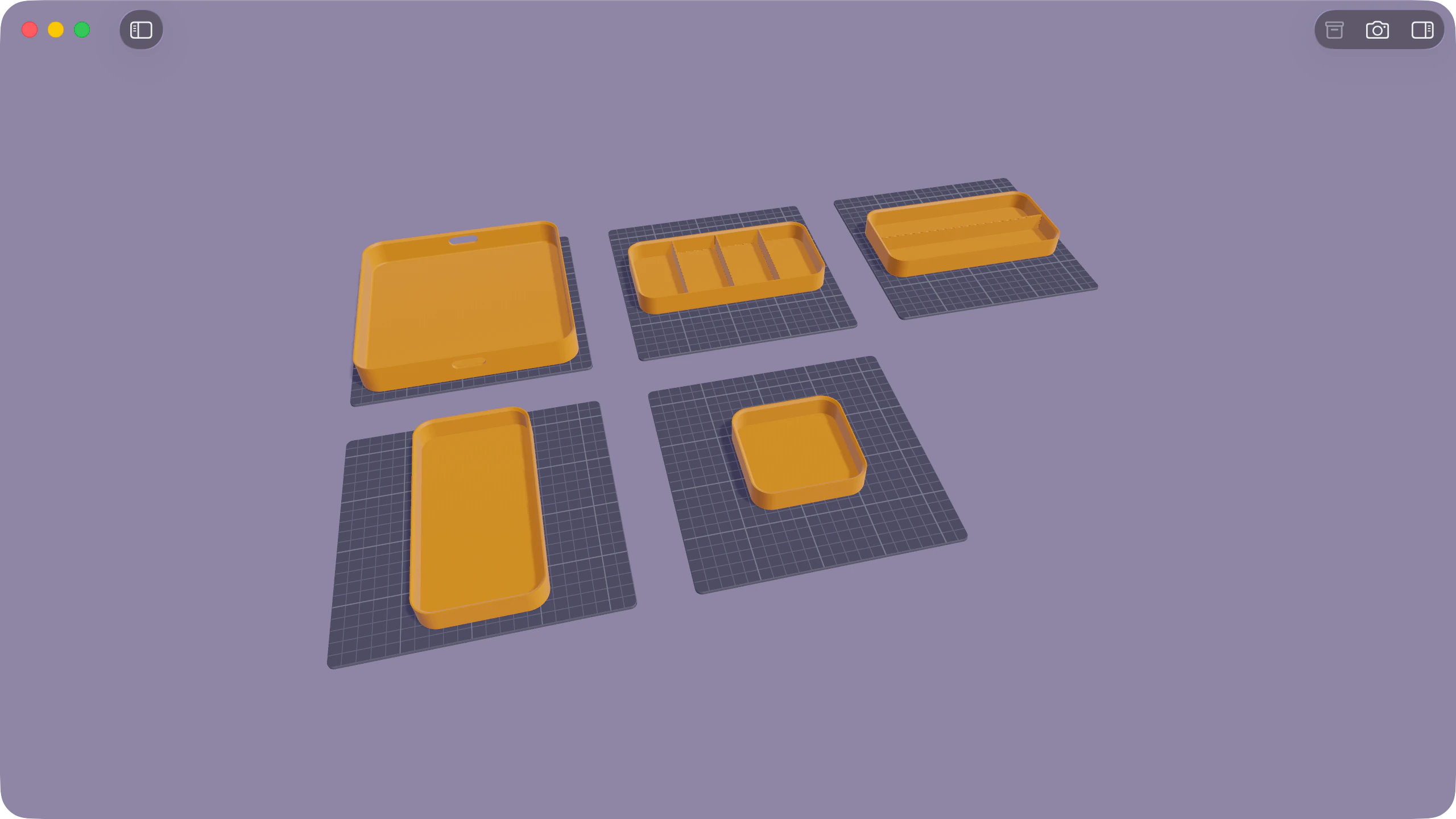
3MF (3D Manufacturing Format) is a package-based 3D format developed by the 3MF Consortium for additive manufacturing, CAD interchange, and multi-part 3D workflows. Unlike STL, a .3mf file stores real units, colours, textures, surface properties, and multiple objects inside a single archive. Solidly opens, inspects, and previews 3MF files natively on macOS, including both standard 3MF packages and multi-plate Bambu Studio and Orca Slicer project files.
At a glance
| Capability | Support in Solidly |
|---|---|
| Files supported | Standard .3mf files, plus Bambu Studio and Orca Slicer multi-plate projects |
| Colours and materials | Slicer filament colours, 3MF base materials, vertex colour gradients, and textures |
| Layout and scale | Build plate view, one-click Assembled view, real-unit grid, and exact 3D dimensions |
| Finder Quick Look | Interactive Space bar 3D preview |
| Editing and saving | View-only (does not edit or convert 3MF files) |
Bambu Studio and Orca Slicer projects
Bambu Studio and Orca Slicer save complete project files as .3mf, storing build plate layouts and filament assignments alongside the 3D geometry. Solidly reads these project files directly so they open with their slicer layout intact.
- Multi-plate layouts and filament colours: Projects open on their build plates with their assigned filament colours, filament types (such as PLA or PETG), and object names intact.
- One-click Assembled view: When a multi-part model has been split across plates for printing, clicking Assembled in the toolbar puts every part back together in its original design position.
Colours, materials, and print dimensions
Because 3MF files store their units and material definitions, Solidly shows the model at its true print scale alongside its physical properties.
- Exact dimensions and volume: The viewport displays the overall width, height, and depth around the model or selected part on a real-unit millimetre or inch grid, while the Info tab reports enclosed volume and surface area.
- 3MF materials and live testing: Solidly renders 3MF base materials, colour gradients, textures, and metallic or translucent finishes. In the Materials tab, you can adjust any filament or material colour live to test a look without altering the file.
Quick Look previews in the Finder
Select any .3mf file in the Finder and press Space to orbit, pan, and zoom a live 3D preview without opening the app.
Availability
Every feature on this page is included in Solidly's 30-day free trial with no payment details required. Solidly Standard is a one-time purchase that keeps full functionality permanently. See pricing.
Solidly requires an Apple silicon Mac running macOS 26 or later.
Limitations
- View-only: Solidly does not edit geometry, save changes, or convert 3MF files to STL.
- No slicing or G-code: Print settings, layer heights, and toolpaths are not read or generated.
- Slicer-specific data: Bambu Studio multi-colour brush painting displays in the object's base filament colour, and PrusaSlicer project configurations open as standard 3MF geometry.
- Unsupported 3MF extensions: Beam Lattice, Slice stacks, Volumetric data, Displacement, and Boolean Operations are listed in the Info tab, and only their base meshes are drawn.
Frequently asked questions
Does Solidly open Bambu Studio and Orca Slicer 3MF files?
Yes. Solidly opens Bambu Studio and Orca Slicer .3mf projects with their build plates, filament colours, and object names, plus a toolbar button to view split parts assembled together.
How do I open a 3MF file on a Mac?
Drag the .3mf file into Solidly or press Space on the file in the Finder for an instant 3D Quick Look preview.
Can Solidly edit or convert a 3MF file to STL?
No. Solidly is a read-only viewer for 3MF files and does not convert between formats. To export an STL from a 3MF file, open it in Bambu Studio, Orca Slicer, or PrusaSlicer and export the mesh as STL.
What is the difference between a 3MF file and an STL file?
An STL file stores only a triangle mesh with no units or colours. A 3MF file packages one or more meshes together with real units, filament or material colours, textures, build plates, and metadata. Read more in What Is a 3MF File, and How Is It Different from STL?.