A STEP file is a plain-text 3D CAD file formatted under the ISO 10303-21 standard. Unlike an STL file, which approximates a shape as flat triangles, a STEP file stores exact mathematical surfaces with its assembly hierarchy, part names, units, and colors. Files ending in .step and .stp use the same format and move solid models between CAD programs like SolidWorks, Autodesk Fusion, Inventor, Onshape, and FreeCAD.
What is inside a STEP file?
Because STEP uses ISO 10303-21 Clear Text Encoding, you can open any .step or .stp file in a text editor. Every file has two sections: a HEADER block recording provenance and a DATA block listing numbered entities.
ISO-10303-21;
HEADER;
FILE_DESCRIPTION(('Mounting Bracket'),'2;1');
FILE_NAME('bracket.step','2026-10-13T09:30:00',('Alex Rivera'),('Adversaria'),
  'Solidly CAD Writer','SolidWorks 2026','');
FILE_SCHEMA(('AUTOMOTIVE_DESIGN { 1 0 10303 214 1 1 1 1 }'));
ENDSEC;
DATA;
#10 = PRODUCT('BRACKET-01','Mounting Bracket','',(#11));
#20 = ( LENGTH_UNIT() NAMED_UNIT(*) SI_UNIT(.MILLI.,.METRE.) );
#30 = CARTESIAN_POINT('Origin',(0.0,0.0,0.0));
#31 = AXIS2_PLACEMENT_3D('',#30,#32,#33);
#34 = CYLINDRICAL_SURFACE('',#31,5.0);
ENDSEC;
END-ISO-10303-21;
The HEADER block contains three statements:
FILE_DESCRIPTION: The model description and schema level.FILE_NAME: The filename, timestamp, author, organization, exporter, and originating CAD system.FILE_SCHEMA: The STEP Application Protocol used, such asAUTOMOTIVE_DESIGN(AP214) or AP242.
Under DATA;, numbered # lines reference one another to build boundary-representation (B-rep) solids from points, axes, planes, cylinders, NURBS surfaces, shells, colors, and assembly placements.
Is there a difference between STEP and STP files?
No. .step and .stp are two extensions for the same ISO 10303-21 format. The three-letter .stp extension comes from older systems with 8.3 filename limits, while .step uses the full acronym. Renaming one to the other does not change how software reads it.
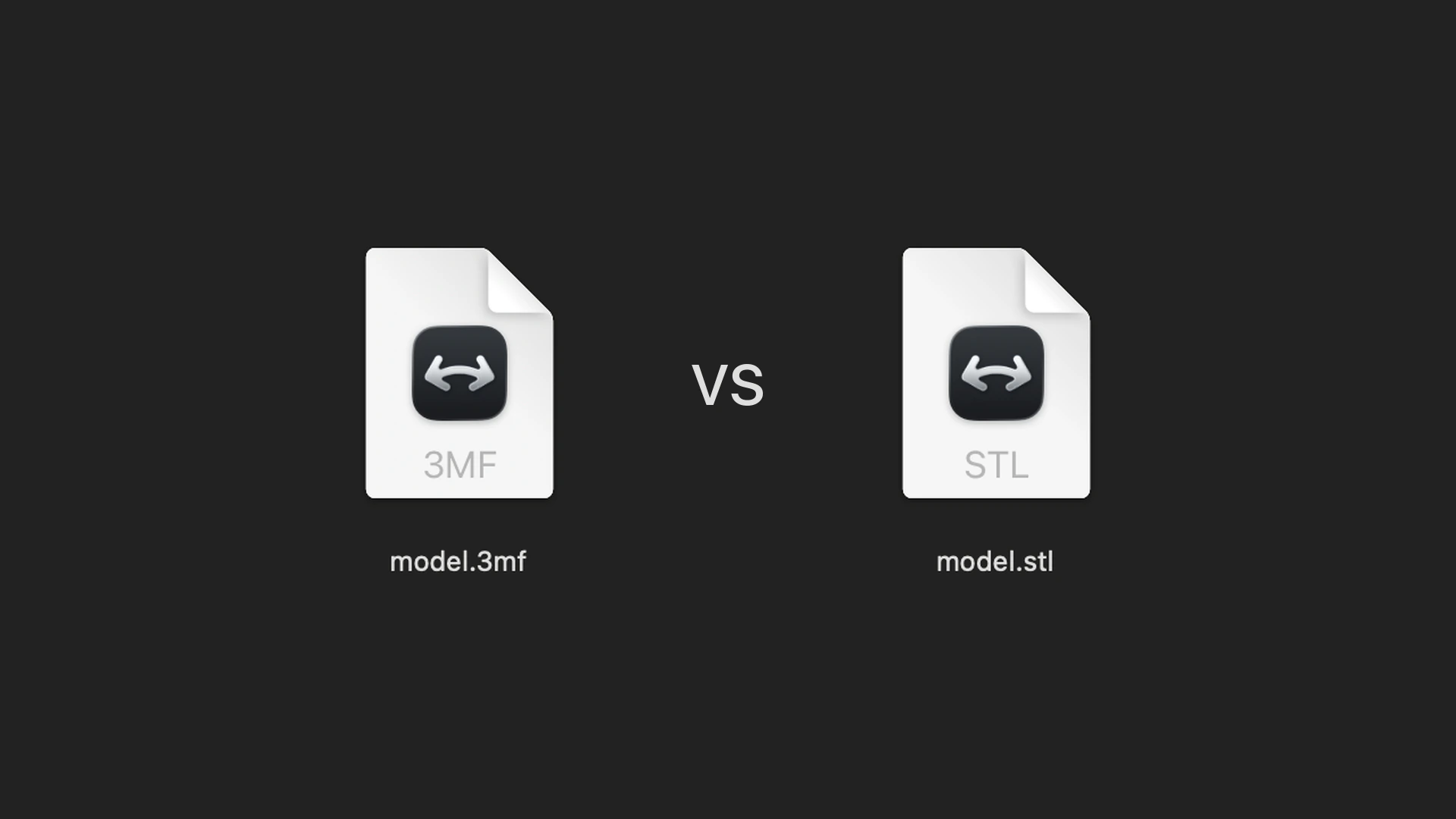
How is a STEP file different from an STL?
STEP and STL store 3D geometry in different ways:
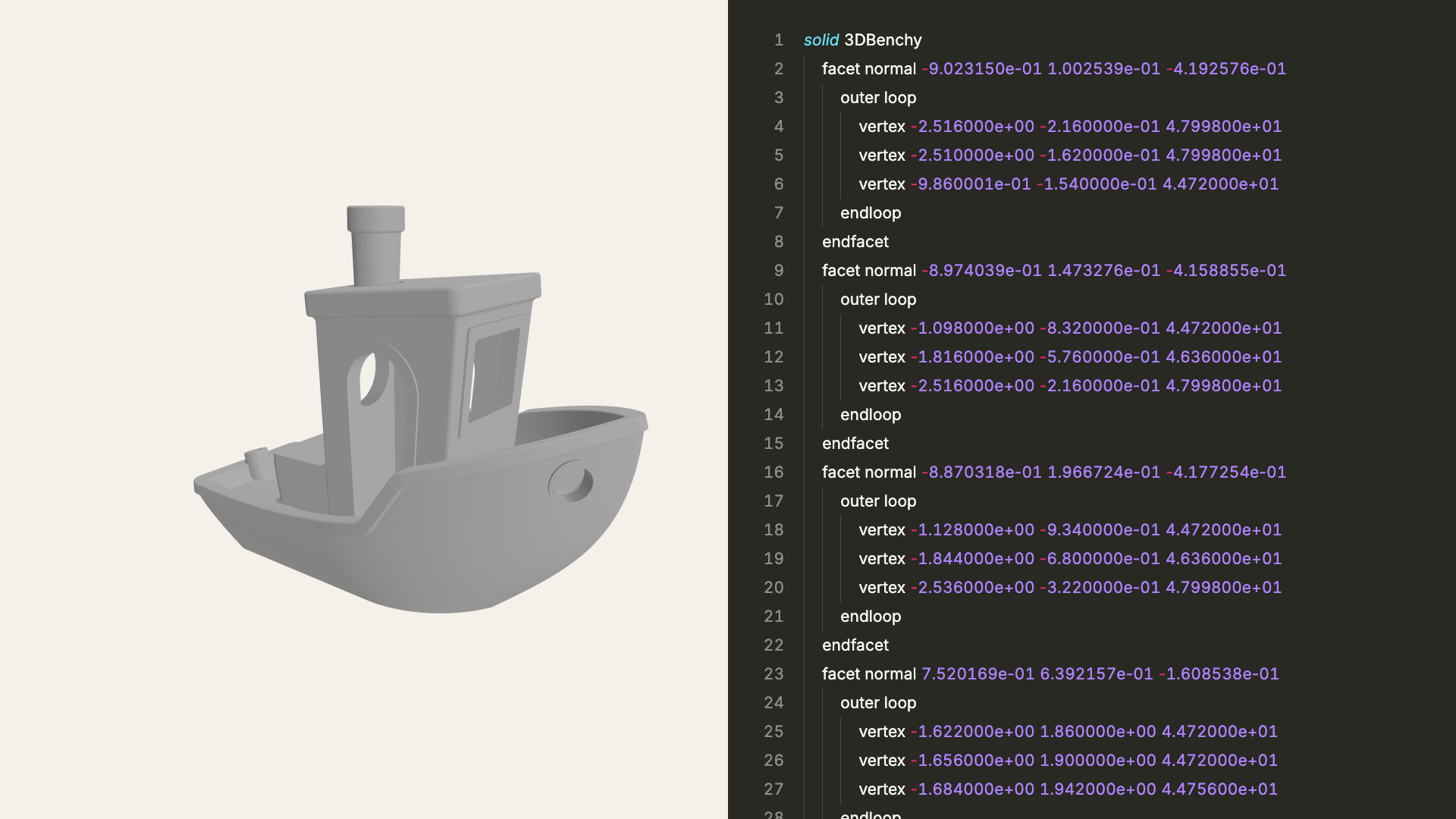
- Exact surfaces vs. flat triangles: STEP stores mathematical curves and surfaces using B-rep and NURBS. A 10 mm hole is stored as a cylinder with a 5.0 mm radius, allowing exact diameter and clearance measurements. STL replaces curved faces with flat triangles, discarding the true radius.
- Recorded units: STEP declares millimeters or inches in the file. STL stores bare numbers without units, so an inch-based STL opened in a millimeter slicer arrives 25.4 times too small.
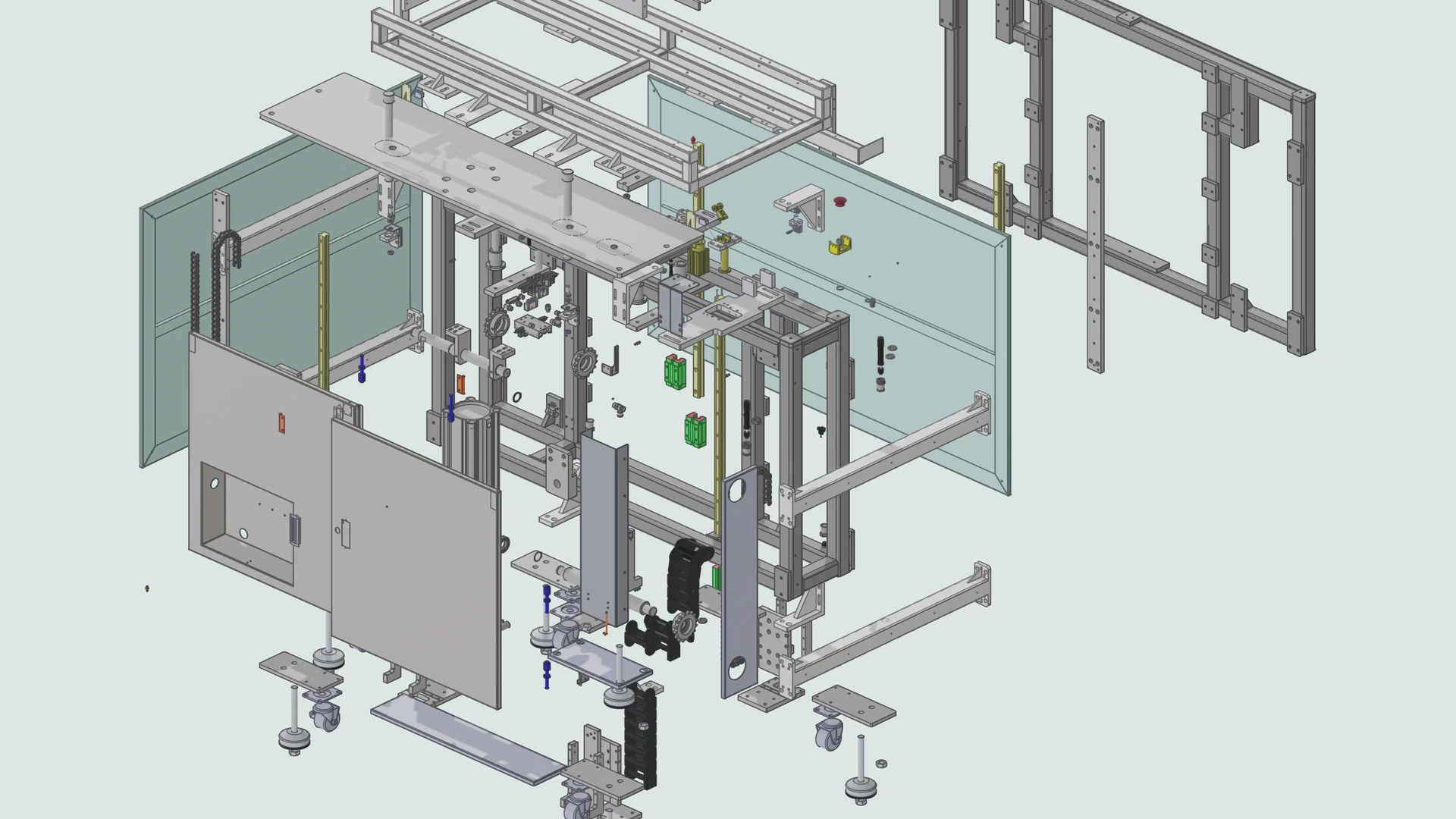
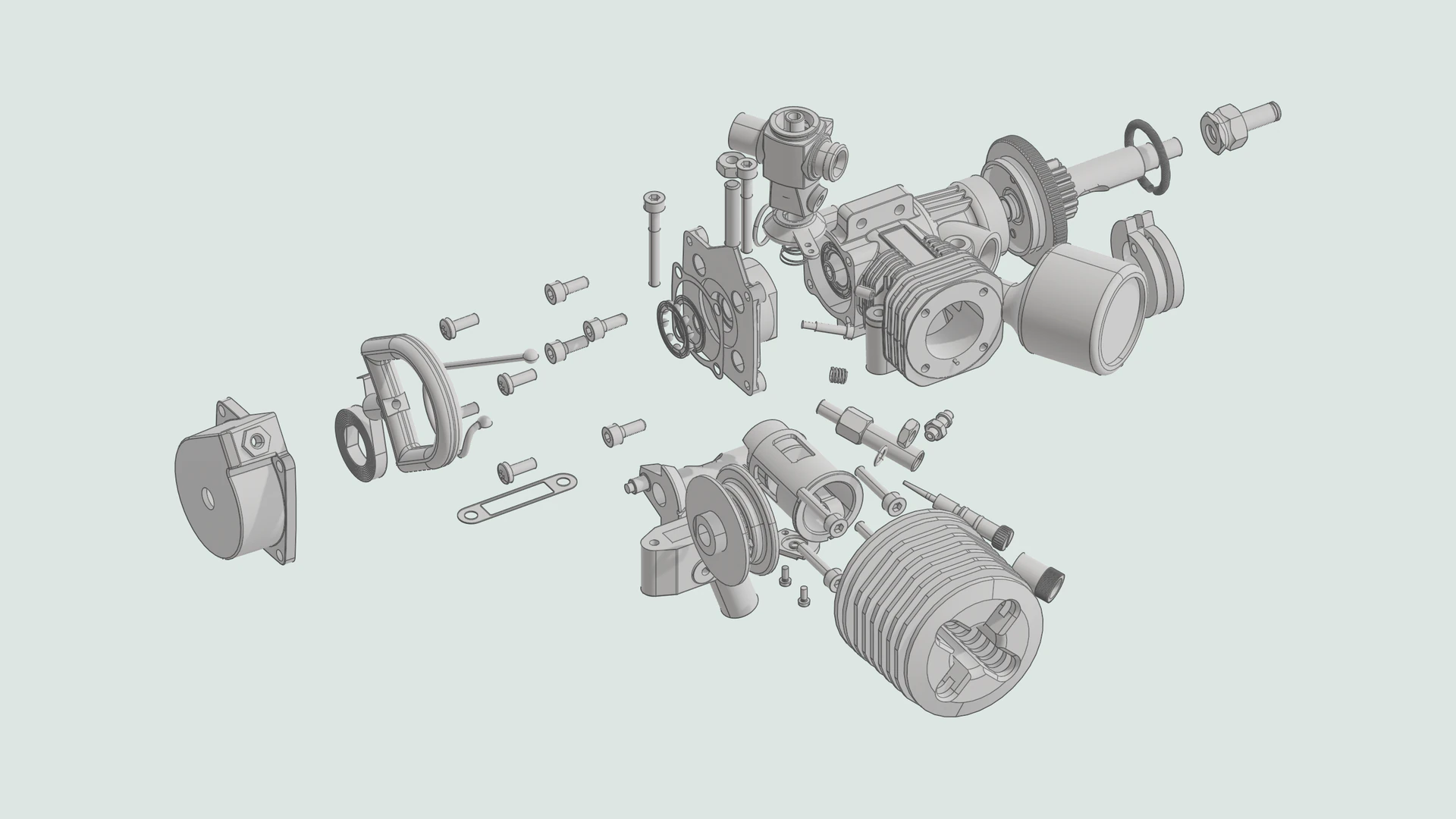
- Assemblies and part names: STEP preserves the assembly tree, part names, and instanced hardware. STL merges everything into one unnamed mesh.
- Colors: STEP stores per-part and per-face colors, while standard STL files store geometry only.
- Editability and file size: CAD tools like FreeCAD, Fusion, and SolidWorks resize holes and fillets directly on a STEP solid. Editing an STL's topology requires a mesh modeler like Blender. For curved parts, STEP files are also smaller than fine STL meshes.
Should you download the STEP or the STL to 3D print?
If both formats are available on sites like Printables or MakerWorld, the choice comes down to what you plan to do:
- Download the STEP file if you want to make changes: If you need to tweak dimensions, adjust tolerances, or remix the design, a STEP file opens directly in CAD software like FreeCAD or Fusion for easy editing.
- Download the STL or 3MF file to print immediately: If you just want to print the part as-is, an STL or 3MF loads into any slicer instantly without needing CAD surface conversion.
How is STEP different from IGES?
IGES (.iges and .igs, Initial Graphics Exchange Specification) is STEP's 1980 predecessor, last updated in 1996. IGES was built around wireframe curves and trimmed surfaces rather than watertight solids. Exporters write IGES parts as unlinked surfaces, which appear cracked and volumeless unless the viewer joins their edges. STEP (ISO 10303) stores watertight solids, assemblies, and colors natively, making it the better choice when your CAD tool supports both.
Frequently asked questions
What does STEP stand for?
STEP stands for Standard for the Exchange of Product model data, the informal name for ISO 10303. The text format used by .step and .stp files is ISO 10303-21.
What are AP203, AP214, and AP242?
Application Protocols (APs) define which features a STEP file supports: AP203 is the older mechanical standard, AP214 added colors and layers for automotive design, and AP242 merges both into the modern standard with 3D tolerances (PMI).
How do you open a STEP file on a Mac?
macOS cannot open STEP files in Preview. View and measure them in Solidly, edit them in FreeCAD, Fusion, or Onshape, or slice them in Bambu Studio and PrusaSlicer. See How to Open a STEP File on a Mac.