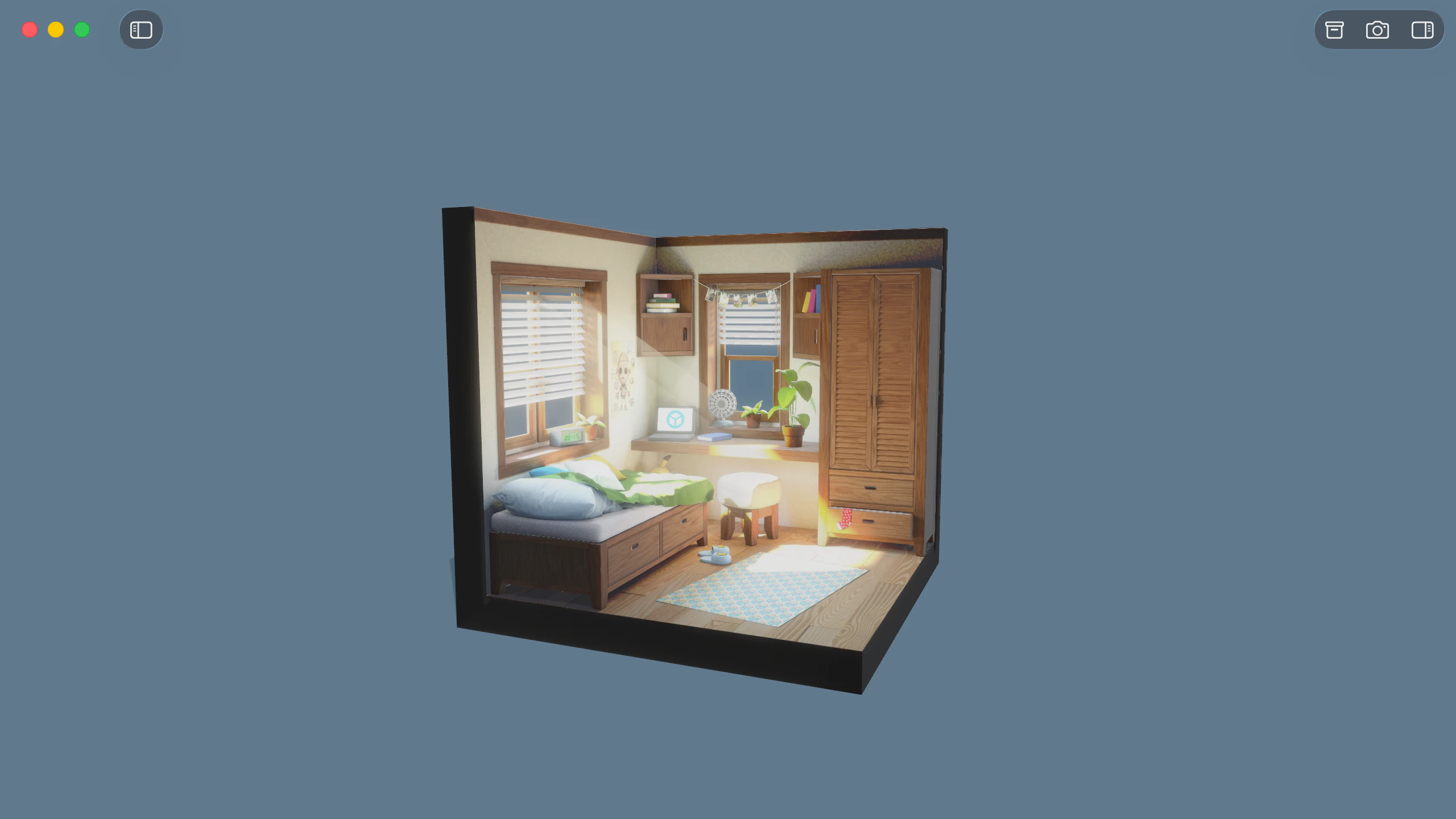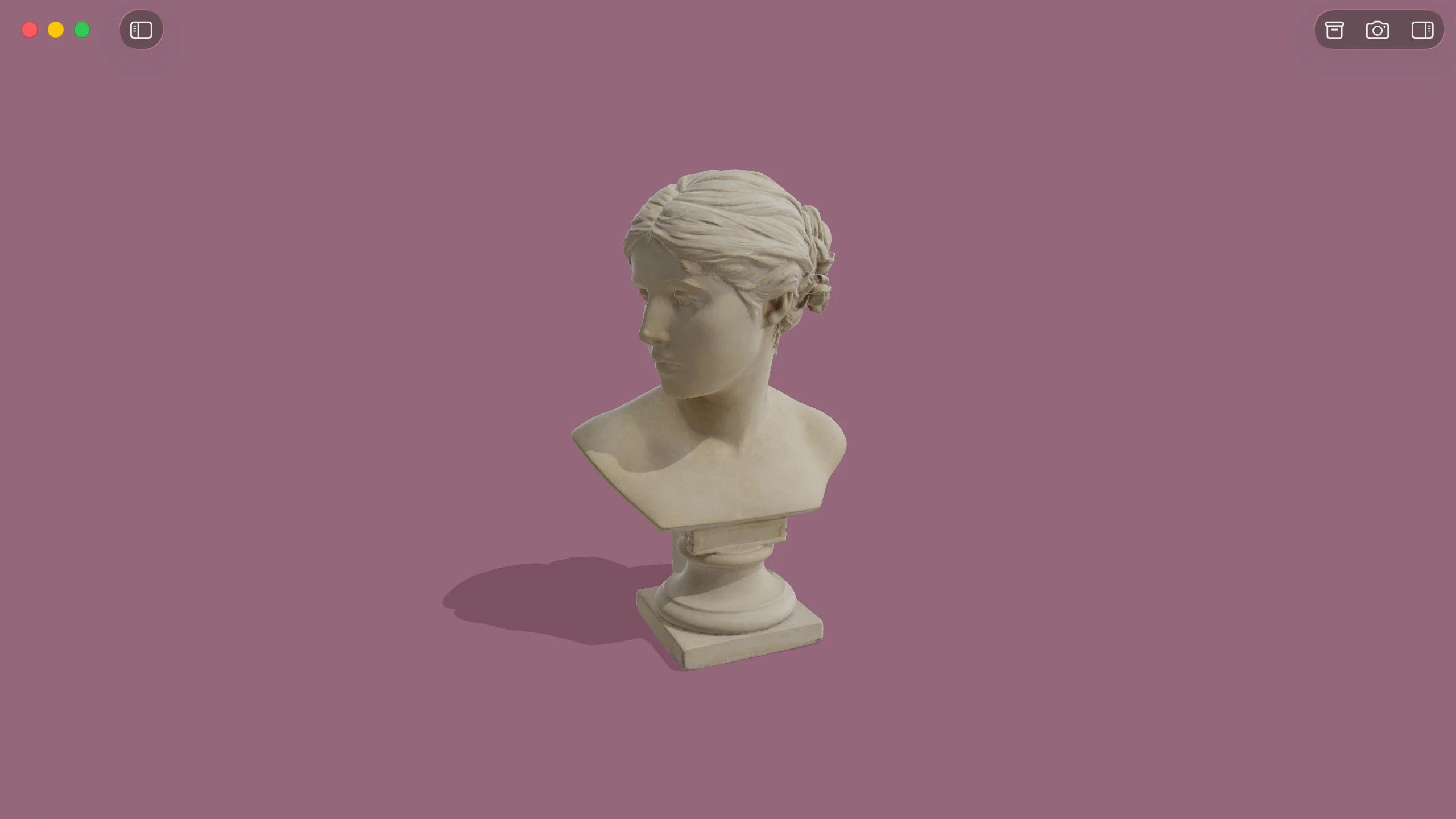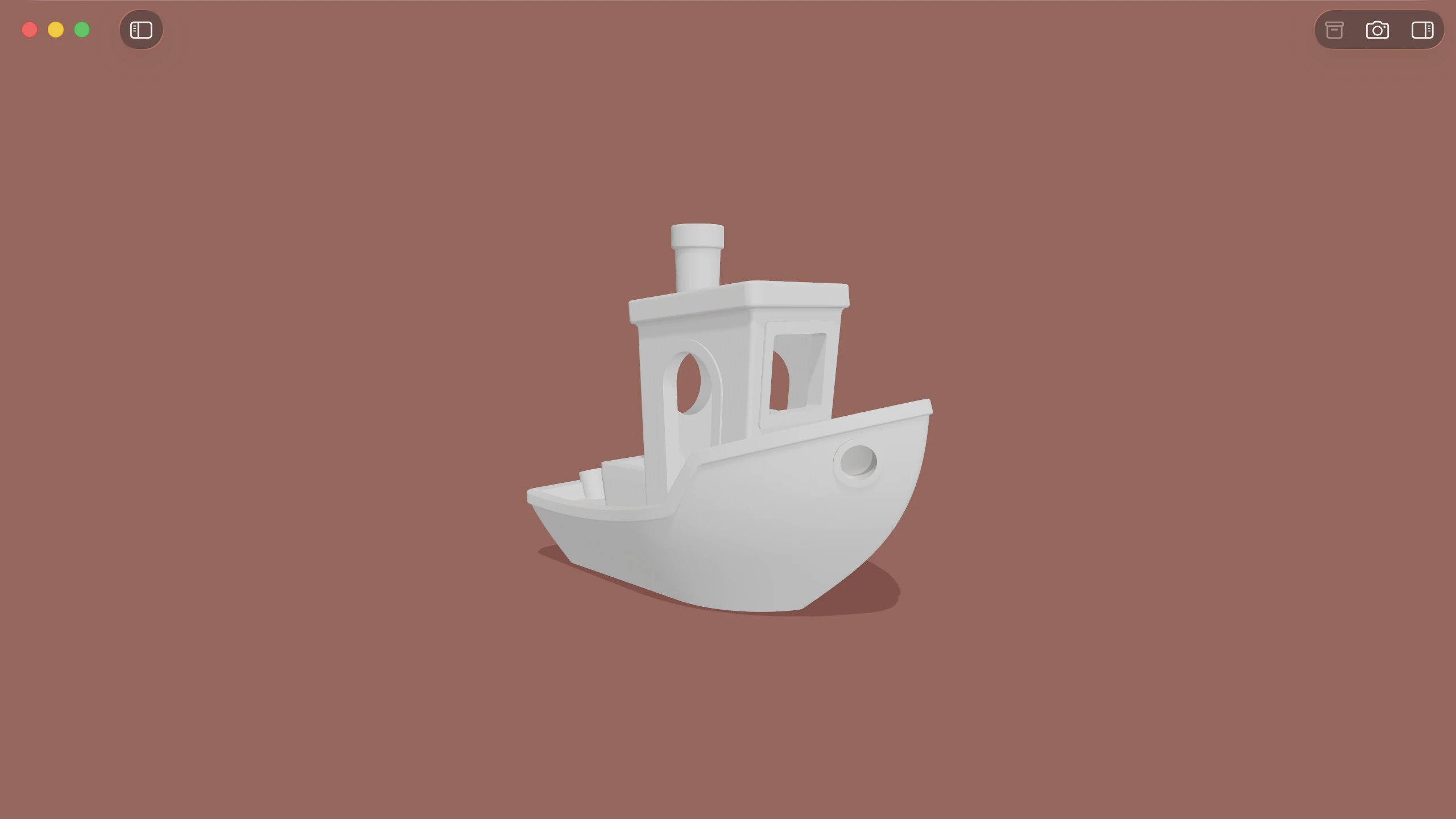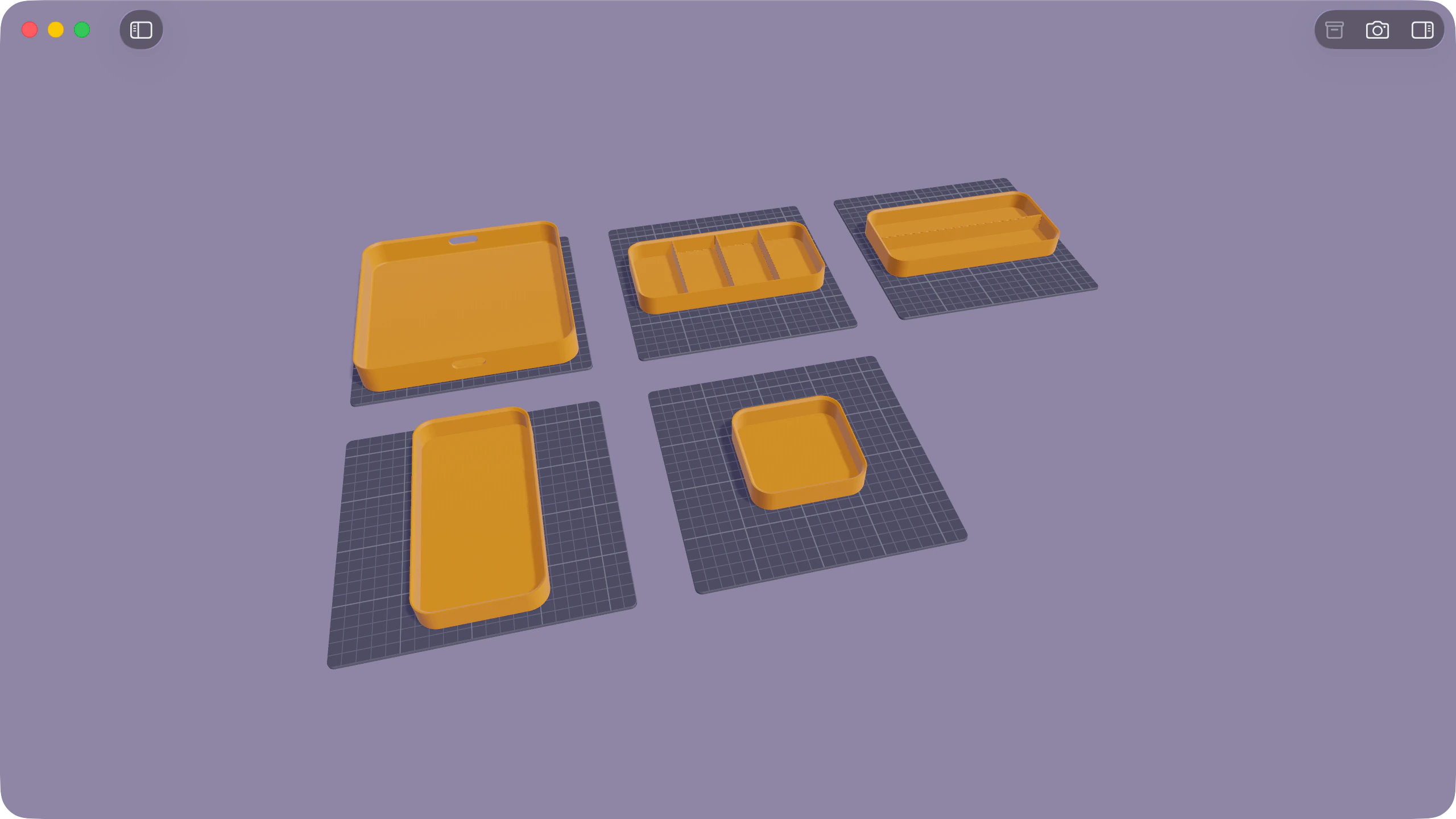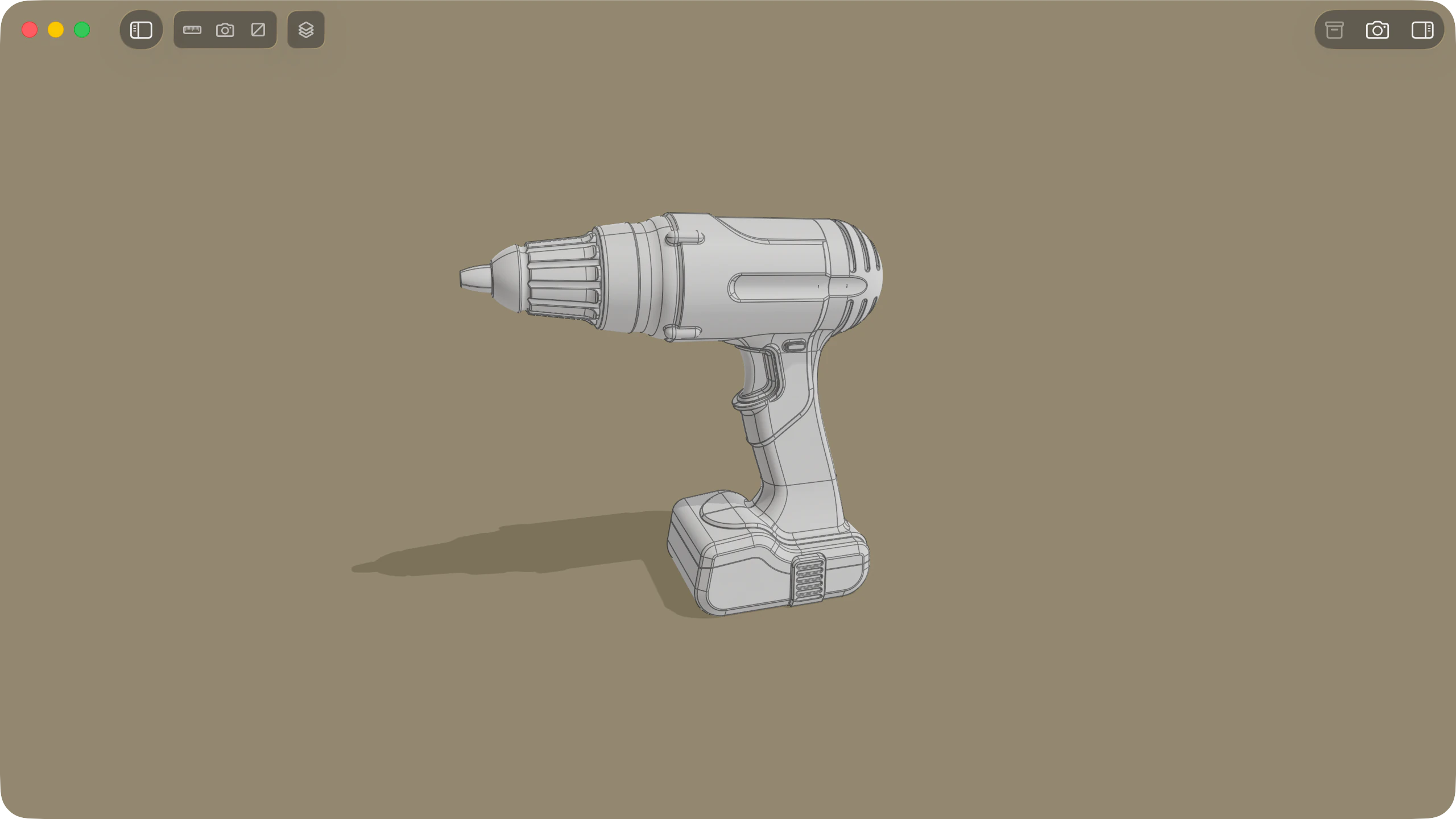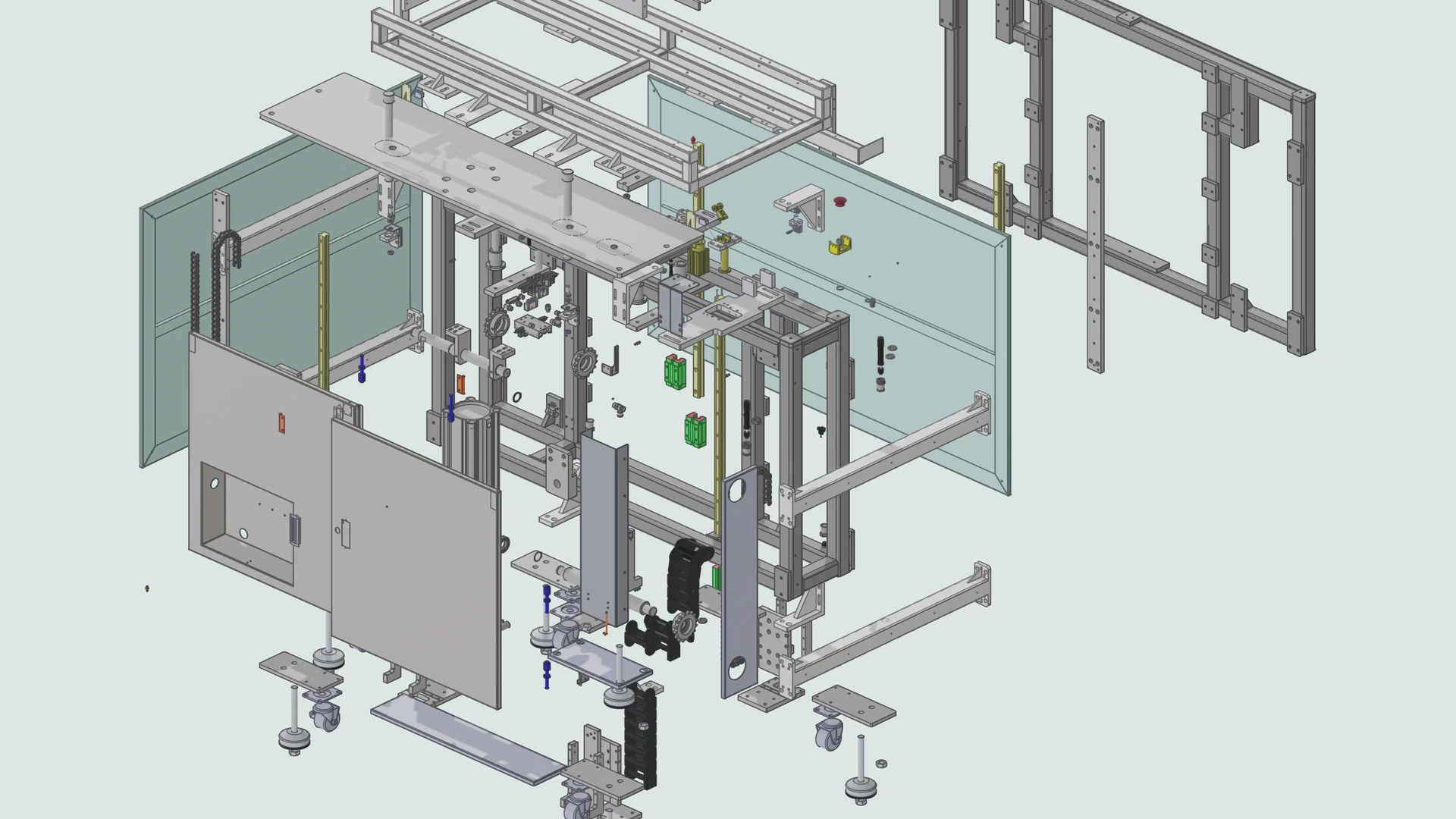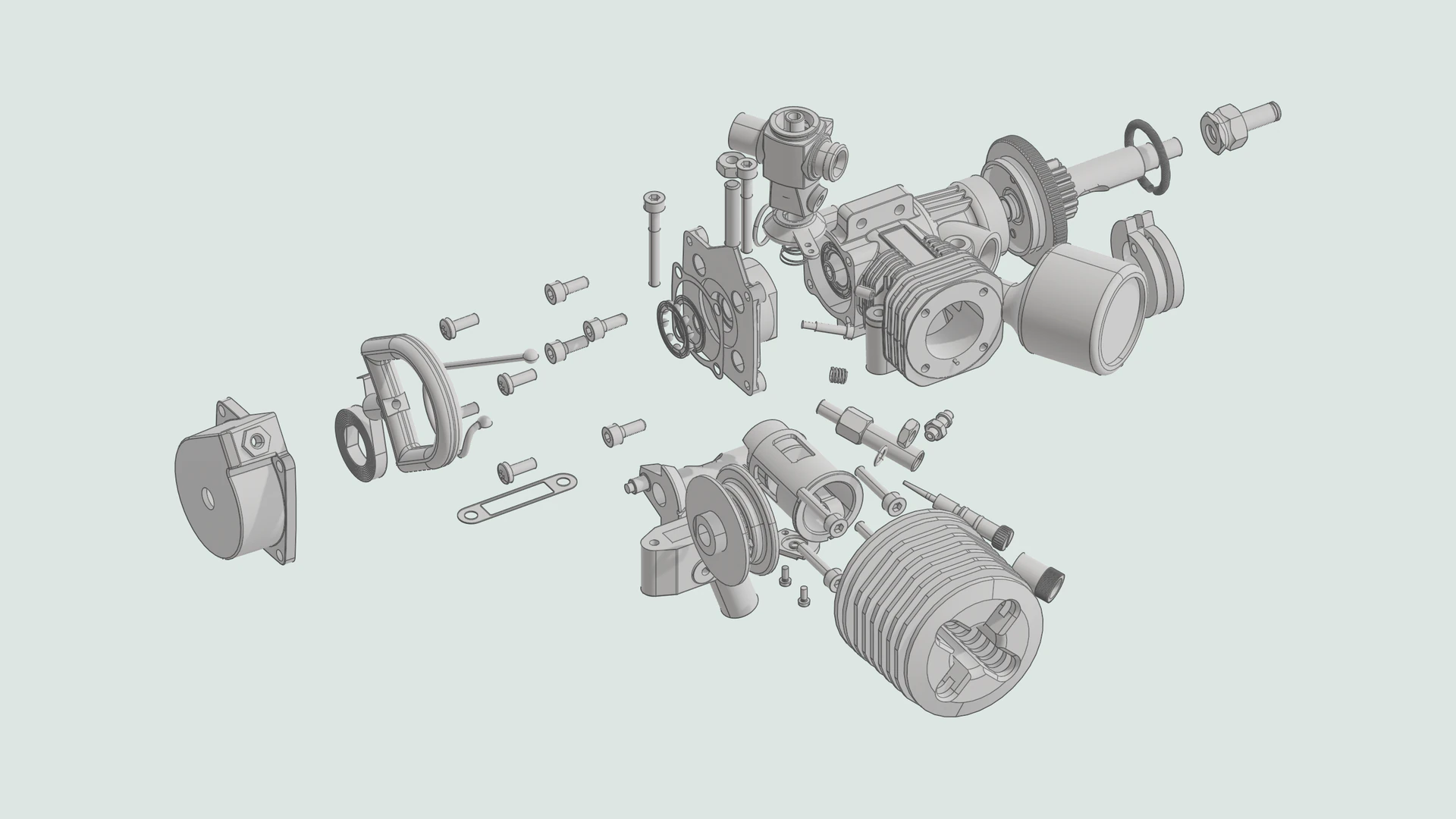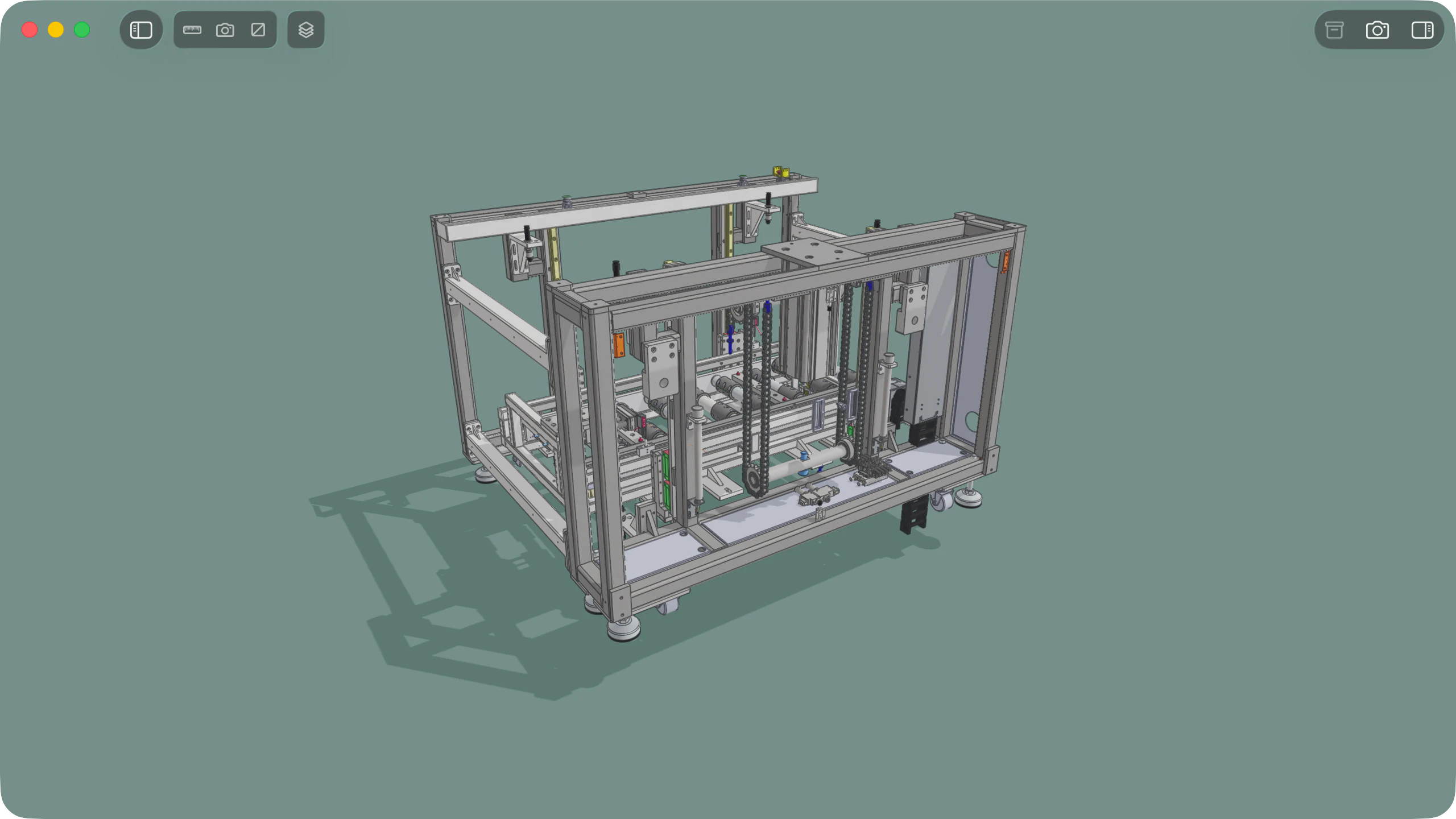
STEP (.step and .stp, ISO 10303) is the standard neutral format for exchanging 3D CAD models, mechanical assemblies, and electronic enclosures across engineering and design workflows. A STEP file preserves the assembly hierarchy, part names, colours, and real-world units of the original CAD design. Solidly opens, inspects, and measures STEP files natively on macOS, with full support for assembly trees, CAD measurements, section views, and exploded views.
At a glance
| Capability | Support in Solidly |
|---|---|
| File extensions | .step and .stp (AP203, AP214, and AP242) |
| CAD display | Full Assembly tree, part colours, crisp CAD edge lines, orthographic camera, and 4 surface Complexity levels |
| Measurements | CAD ruler (diameters, distances, angles, wall thickness) in mm or inches, plus 3D overall dimensions |
| Inspection tools | Interactive cross-section cutting plane and blocking-aware exploded views |
| Finder Quick Look | Interactive Space bar 3D preview |
| Editing and saving | View-only (does not edit or convert STEP files) |
CAD measurements and real units
Inspect hole diameters, edge lengths, clearances, and overall part dimensions directly in millimetres or inches.
- Hover and click ruler (
M): Hover over any feature to see an edge's length, a hole's diameter, or a flat face's area. Click to anchor the readout, or click two features to measure the distance, angle, hole centre distance, or minimum wall thickness between them. - Millimetres, inches, and copy: Switch any readout between millimetres and inches, expand a label to inspect ΔX, ΔY, and ΔZ offsets, and click any number to copy it.
- 3D overall dimensions and volume: Real-world width, height, and depth lines are drawn around the model or selected part on a scaled millimetre or inch grid, with total volume and surface area reported in the Info tab.
Exploded views and the assembly tree
Explore how multi-part assemblies fit together using the sidebar tree or the interactive exploded view slider.
- Interactive exploded view: Drag the toolbar slider to pull the assembly apart in stages. Solidly calculates how parts block one another so exterior fasteners and covers slide clear before internal components separate.
- Assembly tree and CAD display: Show or hide individual parts and sub-assemblies in the Assembly tree, toggle crisp CAD edge lines or neutral grey shading, switch between orthographic and perspective views, and adjust surface Complexity from Low to Very High.
- International part names: STEP files exported from Chinese, Japanese, Korean, or Cyrillic Windows CAD systems automatically decode so part names never appear garbled.
Section views and cutaway measurements
Slice any part or assembly open to inspect internal bores, channels, and clearances, then measure directly on the cross-section.
- Click to cut, drag to sweep: Click any flat face to align a cutting plane to it, or click a hole or shaft to cut straight through its axis. Drag the arrow handle to move the cut through the model.
- Measure on the cut: Cut faces render with drafted hatch lines, and every cross-section edge, bore, and surface can be picked with the measuring ruler or captured in Photo Mode at up to 8K resolution.
Availability
Every feature on this page is included in Solidly's 30-day free trial with no payment details required. Solidly Standard is a one-time purchase that keeps full functionality permanently. See pricing.
Solidly requires an Apple silicon Mac running macOS 26 or later.
Limitations
- View-only: Solidly does not edit geometry, modify assemblies, or save STEP files.
- No format conversion: Solidly does not convert STEP files to STL, OBJ, glTF, or IGES.
- Quick Look thumbnails: Quick Look opens interactive 3D previews with the Space bar; static Finder icon thumbnails are not generated yet.
Frequently asked questions
Is there a difference between STEP and STP files?
No. .step and .stp are two file extensions for the exact same ISO 10303-21 CAD format. Solidly opens both identically. Read more in What Is a STEP File, and How Is It Different from STL?.
Can I open a STEP file on a Mac without CAD software?
Yes. macOS cannot open STEP files in Preview or Quick Look on its own. Solidly opens .step and .stp files locally on your Mac with the full assembly tree, exact measurements, section views, and exploded views. For a comparison of Mac options, see How to Open a STEP File on a Mac.
Does Solidly show STEP measurements in millimetres or inches?
Both. The ground grid automatically matches the units the file was authored in, and you can switch the overall 3D dimensions and any ruler measurement between millimetres and inches with a single click.
Can Solidly convert a STEP file to STL?
No. Solidly does not convert between 3D formats. If you are 3D printing a STEP file, modern slicers such as Bambu Studio, Orca Slicer, and PrusaSlicer import .step files directly without needing an STL conversion.
Can Solidly open SolidWorks, Fusion, or Inventor files?
Solidly does not open proprietary CAD formats like .sldprt, .ipt, or .f3d. Export the model as a STEP (.step, .stp) or IGES (.iges, .igs) file to open it in Solidly.