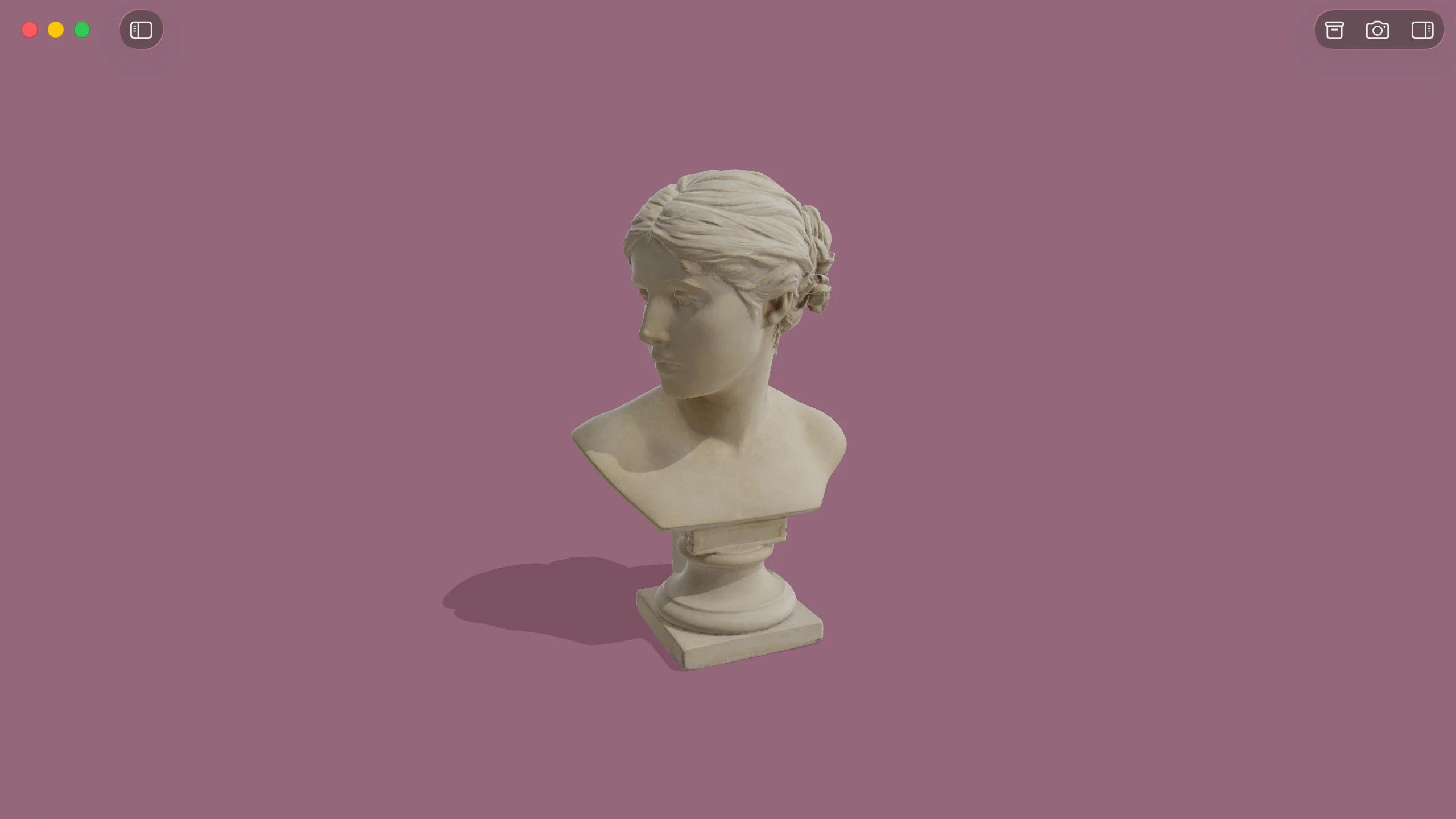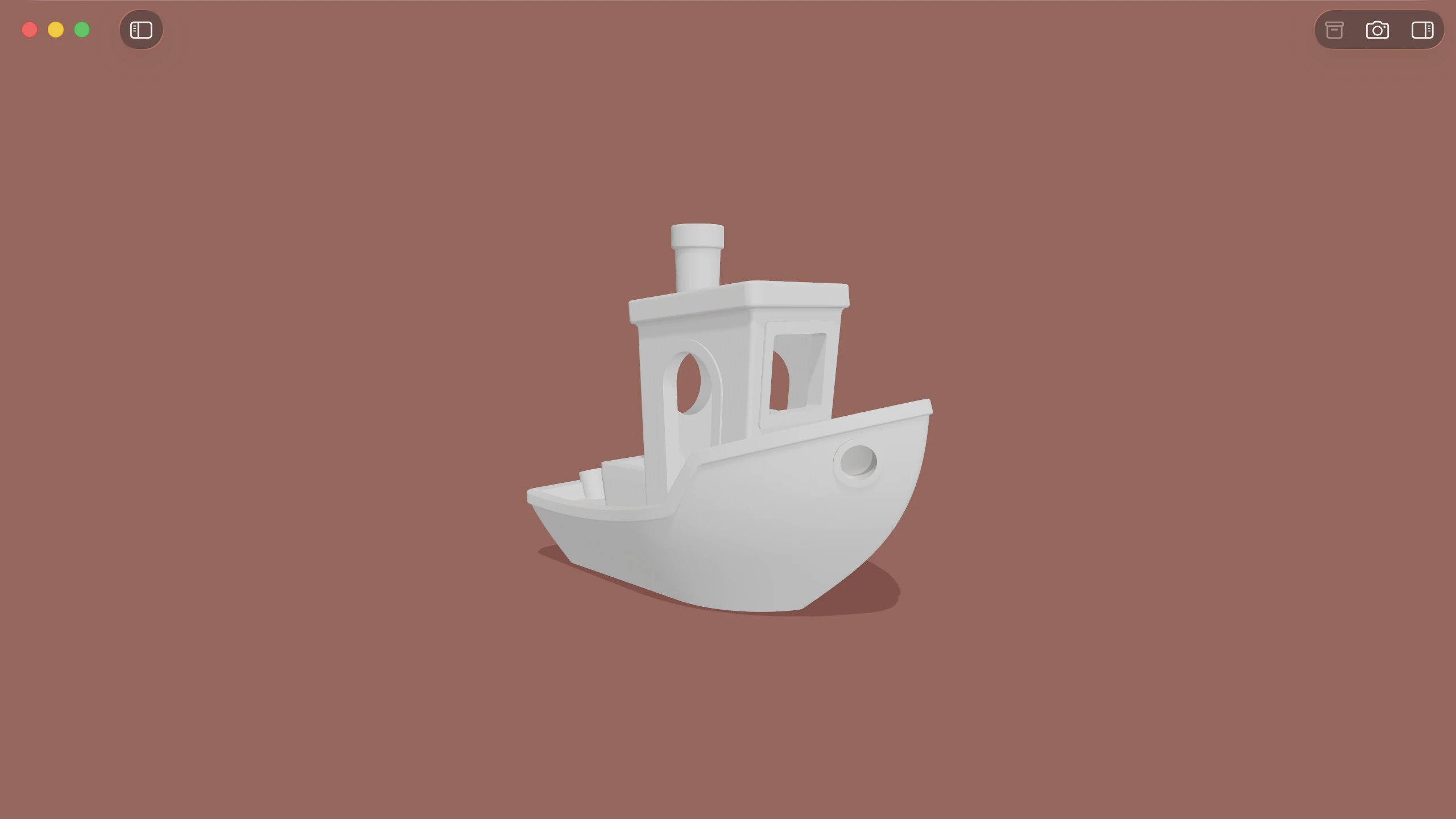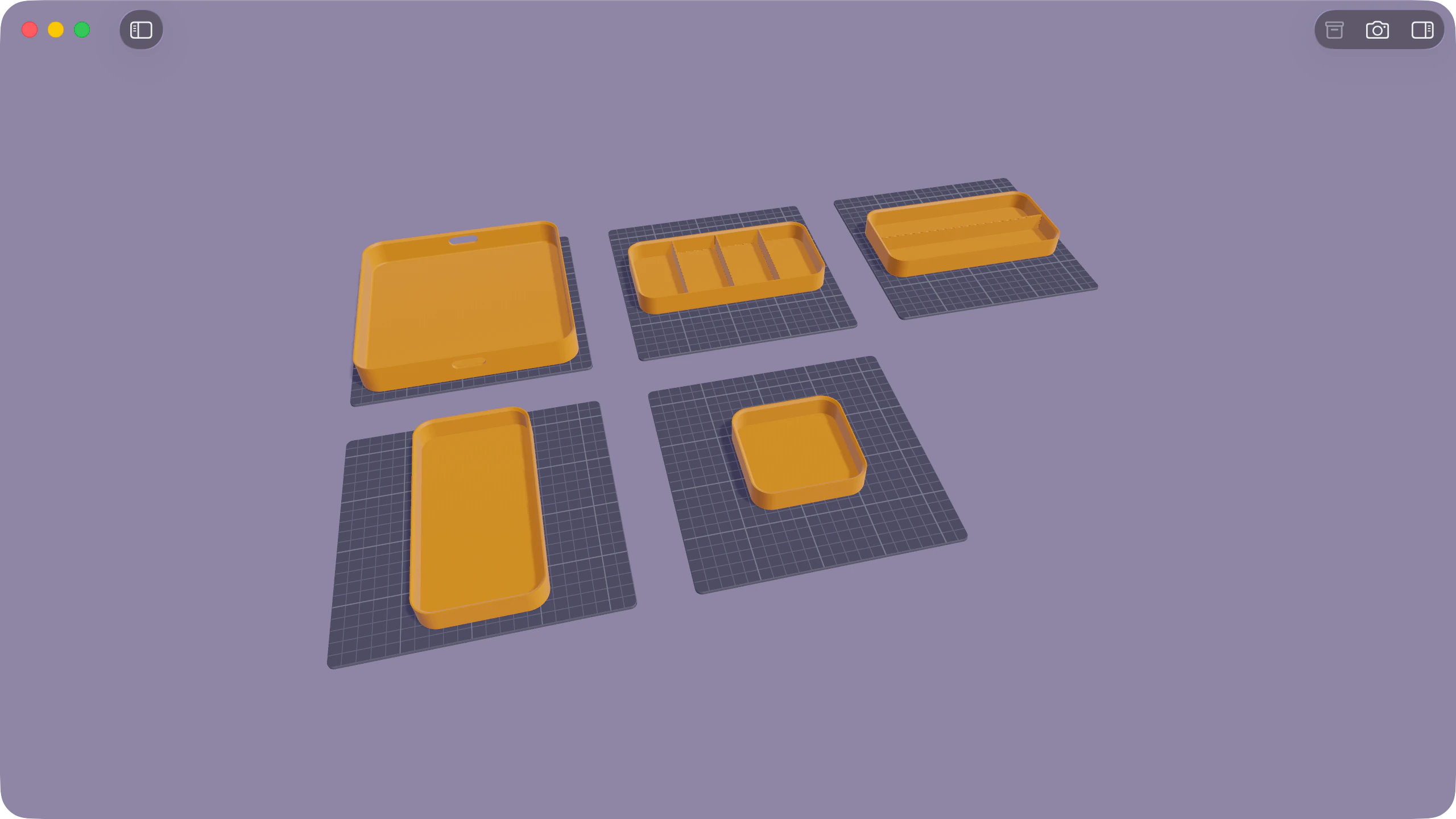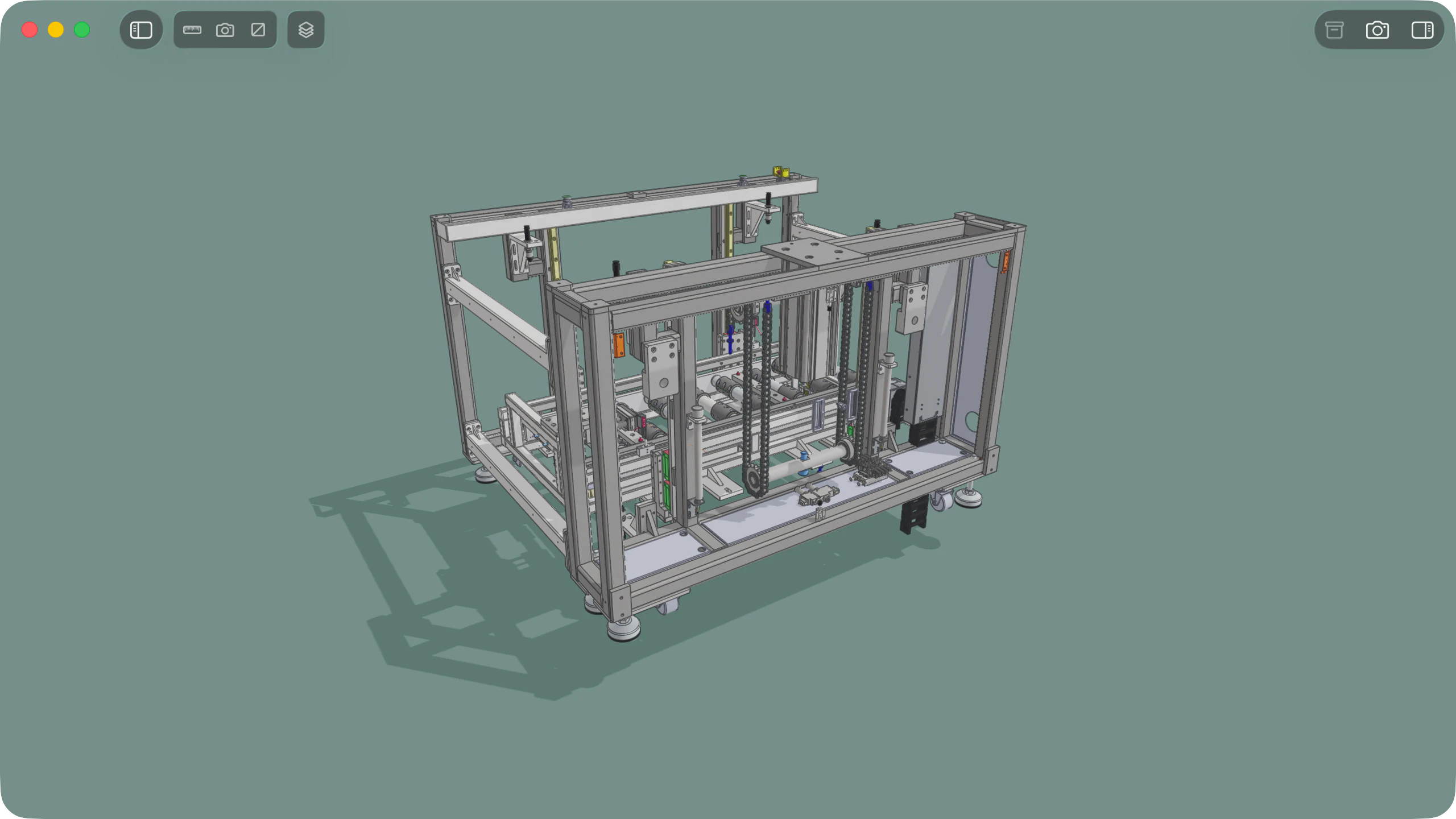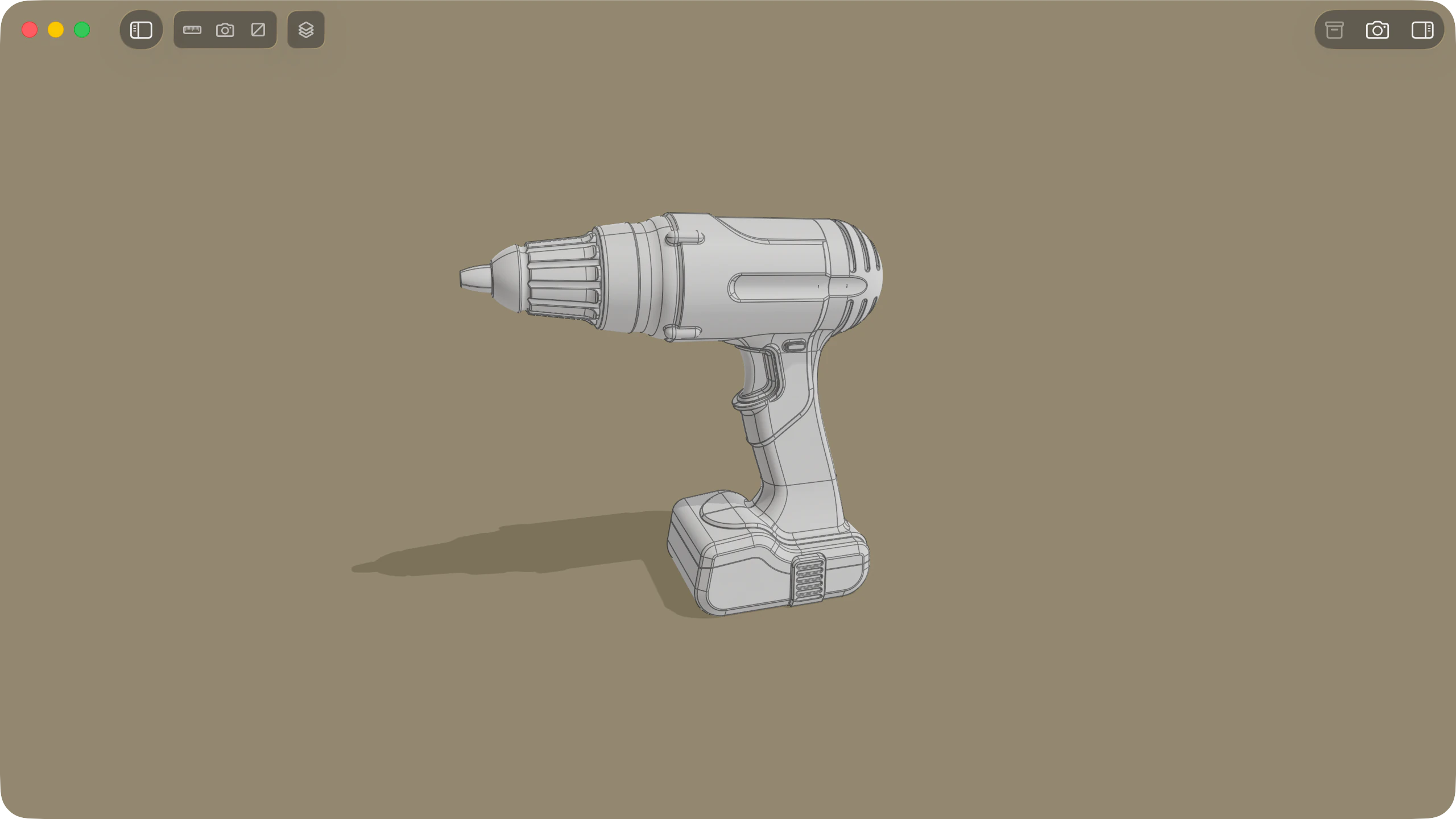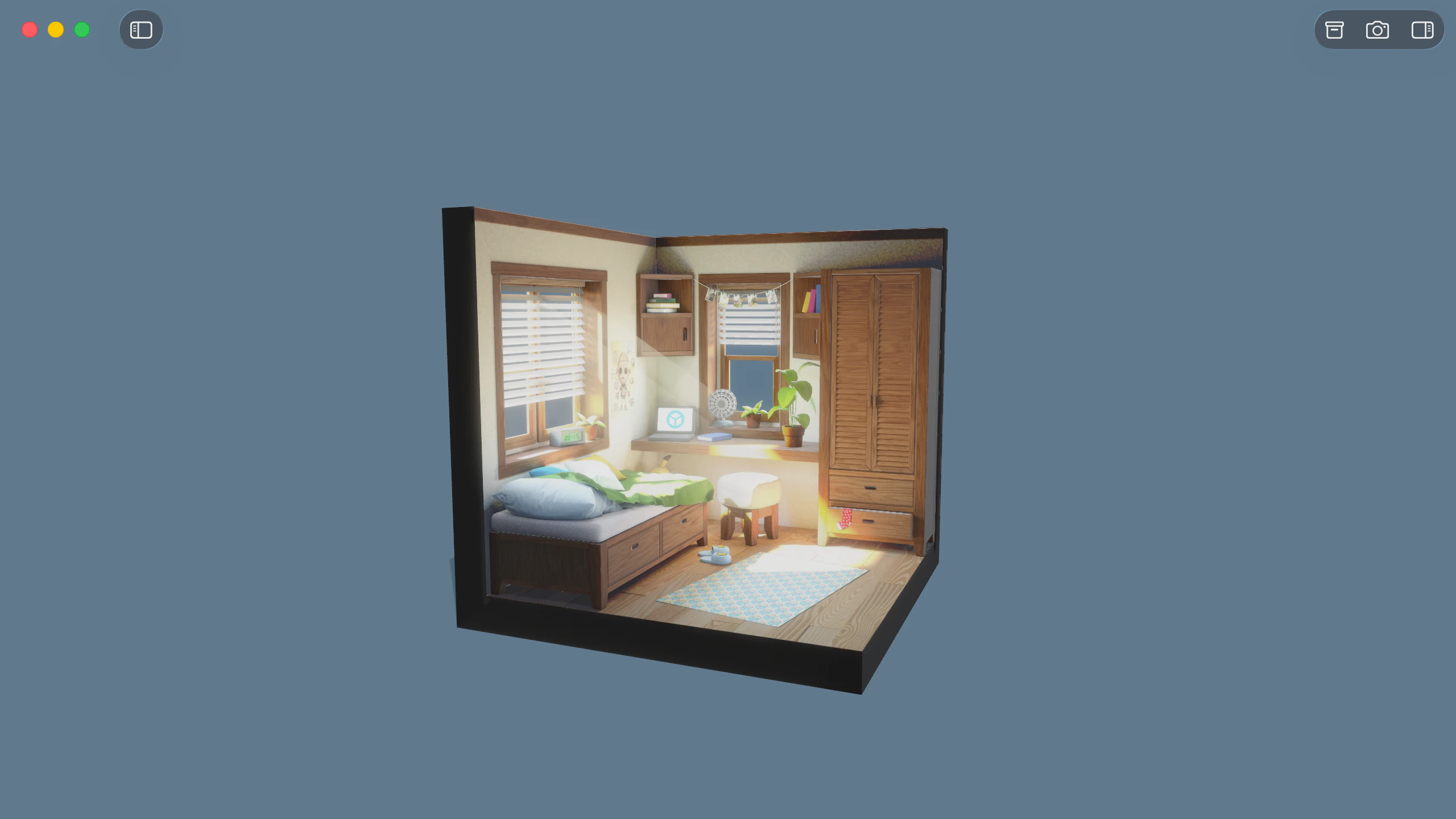
Solidly provides native macOS inspection for Universal Scene Description files across .usd, .usda, .usdc, and .usdz archives. Beyond rendering flat geometry, Solidly evaluates the fully composed stage, exposing the underlying layer stacks, variant sets, payload structures, and procedural MaterialX shading networks.
Stage configuration and display purposes
Solidly's Info tab surfaces top-level variant sets defined on the default prim, allowing immediate switching between asset configurations without resetting camera orientation. Display purposes for proxy, render, and guide can be toggled independently to verify level-of-detail meshes and collision bounds.
Solidly also reads authored stage cameras, coordinate up-axes, linear units, time codes, and colour management spaces. Individual prim variants can be selected directly within the Node tab, and payloads can be loaded or unloaded across the hierarchy tree. All interactive stage adjustments occur on an isolated session layer, leaving source files on disk unmodified.
Viewing a stageMaterialX shading and UsdLux lighting
Solidly's renderer executes MaterialX shading networks natively, evaluating procedural graphs, custom texture nodes, and physically based surface definitions. Through the Render Context control in the Render tab, the viewport can switch instantly to fall back on UsdPreviewSurface definitions, verifying how the asset appears in applications without MaterialX support.
Solidly's lighting pipeline evaluates the full UsdLux specification, rendering distant, sphere, rect, disk, cylinder, and mesh lights. Dome lights automatically register as selectable image-based lighting environments in the Render tab. Solidly respects light linking rules, shadow attenuation, photometric properties such as colour temperature and exposure, and IES profile shaping.
Catmull-Clark subdivision surfaces
USD mesh schemas define geometry as Catmull-Clark subdivision surfaces by default. Solidly subdivides these meshes across four refinement levels (Low, Medium, High, and Very High), configured per stage in the Info tab or globally in Settings.
To maintain real-time viewport performance on large scenes, Solidly calculates an active geometry budget scaled to unified system memory. When refinement would exceed memory thresholds, subdivision scales back adaptively, with both authored and evaluated polygon counts reported in the Info tab.
SubdivisionSkeletal deformation, instancing, and spatial audio
Solidly evaluates time-sampled transformations and attributes across the authored stage time range, driving skeletal deformations through UsdSkel bindings. Point instancers and native instance prims render with individual transform placements, and UsdVol particle fields display view-dependent Gaussian splat volumes.
For stages containing audio definitions via UsdMediaSpatialAudio, playback syncs sound sources to animation time codes. Audio emitters are placed in 3D space relative to the camera, accurately tracking orientation, scrubbing, and variable playback speeds.
Layer hierarchy and composition inspection
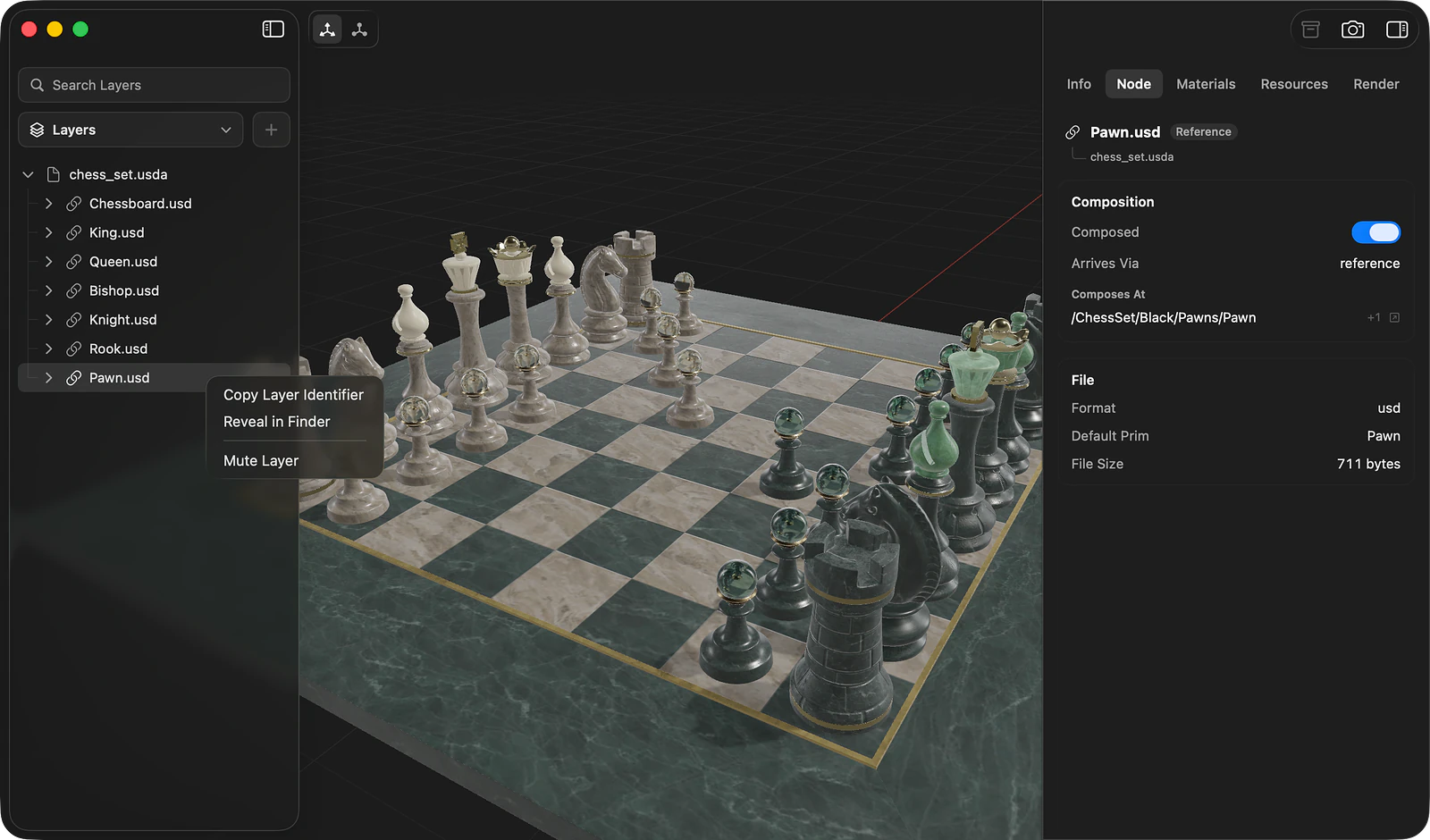
Solidly's Layers view in the sidebar maps the full composition tree in order of strength, tracing sublayers, references, and payloads beneath their parent layers. Selecting any layer details its file path, authored opinions, and the composition arcs through which it entered the stage.
Layers can be muted interactively to isolate individual contributions without editing files. When opening project directories, Solidly automatically groups interdependent USD files into nested trees in the Models list, allowing root assemblies to be opened alongside individual component layers.
Layers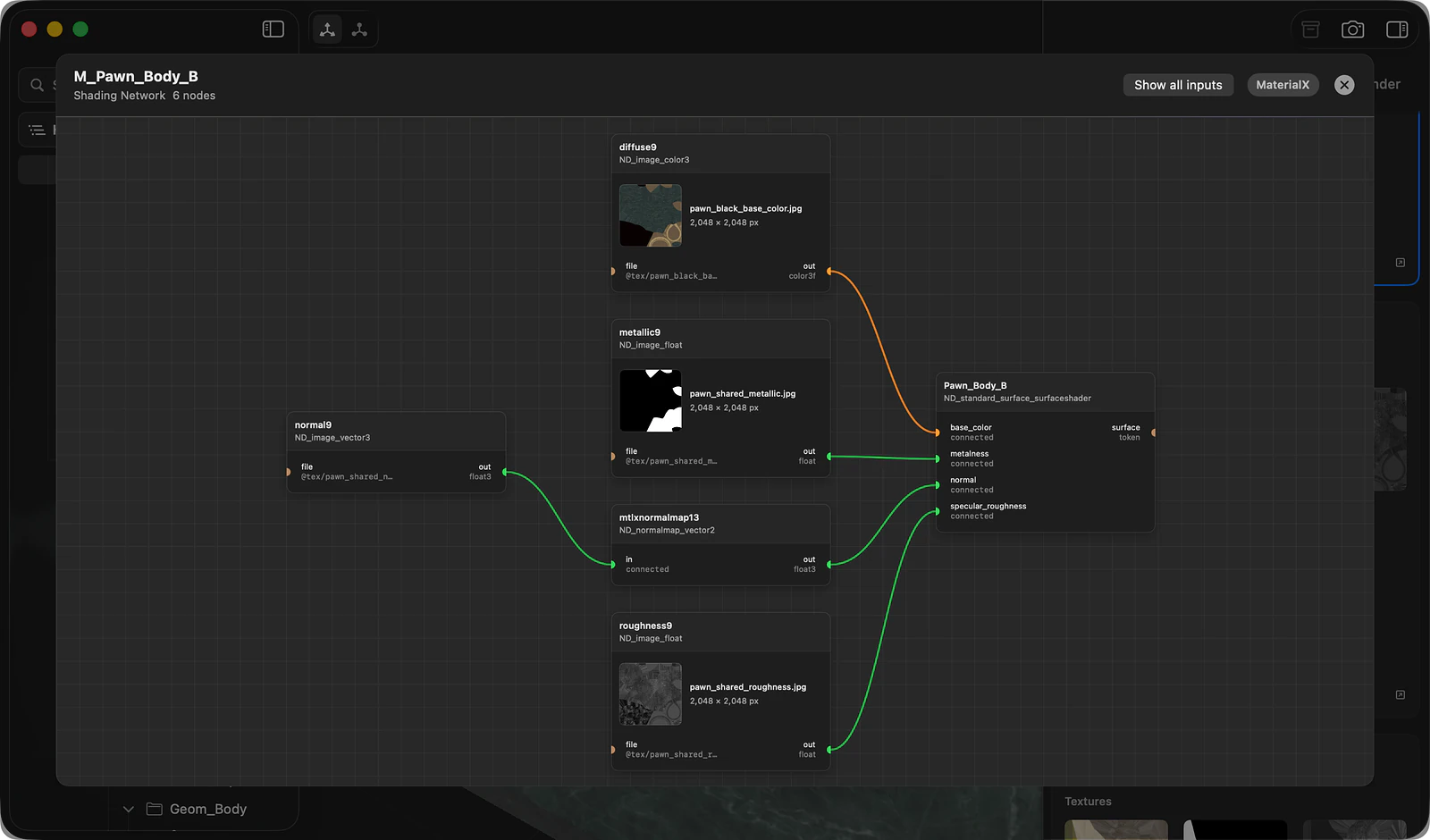
Prim inspection and shading graphs
Selecting a prim in the stage hierarchy populates the Node tab with its schema definition and properties. Solidly's inspector reports topology metadata, primvars, subdivision rules, material assignments across GeomSubset partitions, and the complete layer stack resolving each attribute.
Solidly's Shading Network panel renders resolved MaterialX graphs visually, complete with inline image previews for texture inputs. In the Materials tab, Solidly catalogs all referenced image assets and UDIM tilesets, highlighting discrepancies in colour space assignments, wrapping modes, or UV channel mappings.
PrimsAvailability
Every feature on this page is included in Solidly's 30-day free trial with no payment details required. Solidly Standard is a one-time purchase that keeps full functionality permanently. See pricing.
Solidly requires an Apple silicon Mac running macOS 26 or later.
Limitations
- Solidly is a read-only USD viewer and inspector; it does not edit or save changes to USD files.
- Interactive adjustments—including variant selections, payload toggles, and layer muting—apply only to the current session.
- Solidly does not convert foreign 3D formats into USDZ, nor does it export USD stages to other formats.
- Standalone
.mtlxdocuments cannot be opened independently, though MaterialX graphs embedded within USD stages render in full. - Referenced Alembic (
.abc) point caches are not supported. - Diagnostic visualizers and channel isolation tools require switching the Render Context to
UsdPreviewSurfacewhen inspecting MaterialX-shaded assets.
Frequently asked questions
What is the difference between USD, USDA, USDC, and USDZ?
Universal Scene Description uses multiple file extensions for different pipeline stages. .usda contains plain-text ASCII instructions, .usdc stores optimized binary data, and .usd can store either format. .usdz is an uncompressed zip package containing a composed stage alongside its referenced textures and audio. Solidly opens and evaluates all four formats.
How do I open a USDZ file on a Mac?
Open Solidly and select File ▸ Open, or drag the file directly into the application window. While macOS provides basic viewing in Preview, Solidly exposes the complete stage composition, including layer stacks, variants, display purposes, and MaterialX shading.
What does Solidly show in a USD file that Preview cannot?
macOS Preview renders only the basic flattened geometry of a USDZ file. Solidly exposes the entire stage composition, including the full layer hierarchy, interactive variant sets, payload controls, display purposes, and visual MaterialX shading networks. Solidly also supports Catmull-Clark subdivision refinement, spatial audio playback, and high-resolution rendering through Photo Mode.
Can Solidly edit or convert USD files?
Solidly focuses on inspection and evaluation rather than authoring. Variant selections, payload toggles, and layer muting occur on a non-destructive session layer and do not alter the files on disk. Converting assets to USDZ requires specialized packaging tools such as Apple's Reality Converter.
Is Solidly's USDZ viewer free?
Solidly includes an unrestricted 30-day trial with no credit card required. Continued use after the trial requires purchasing a permanent Solidly Standard license.