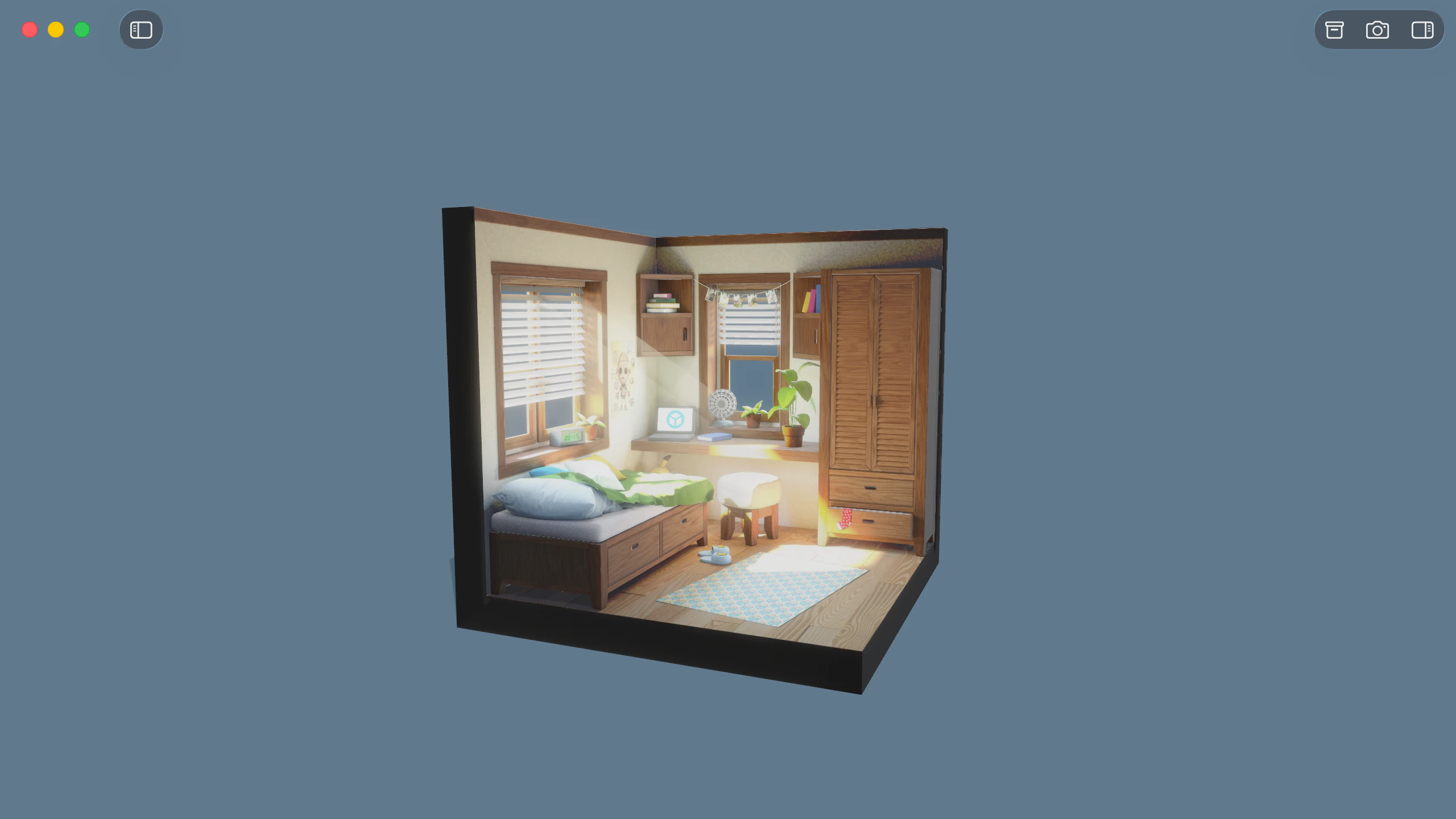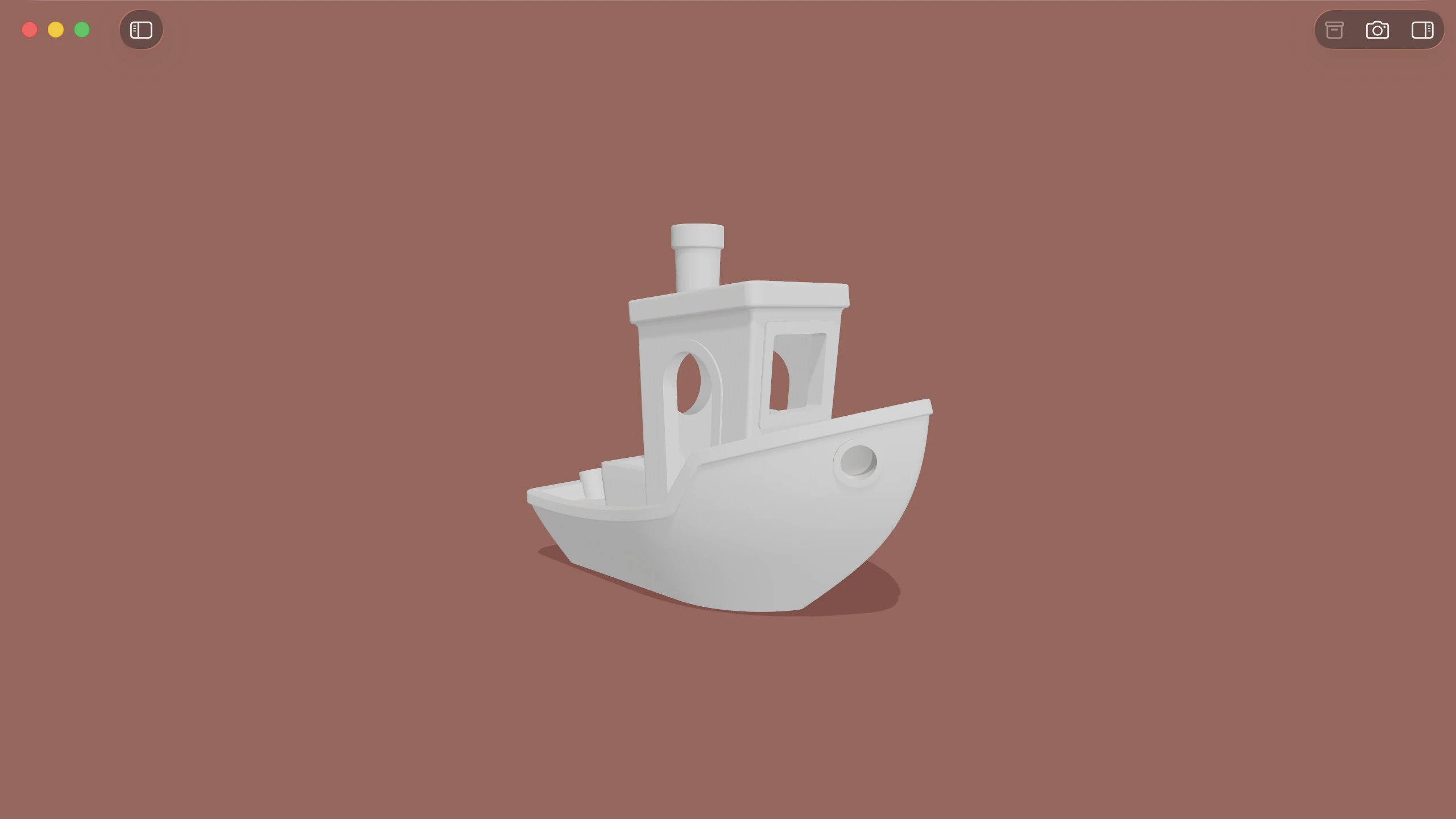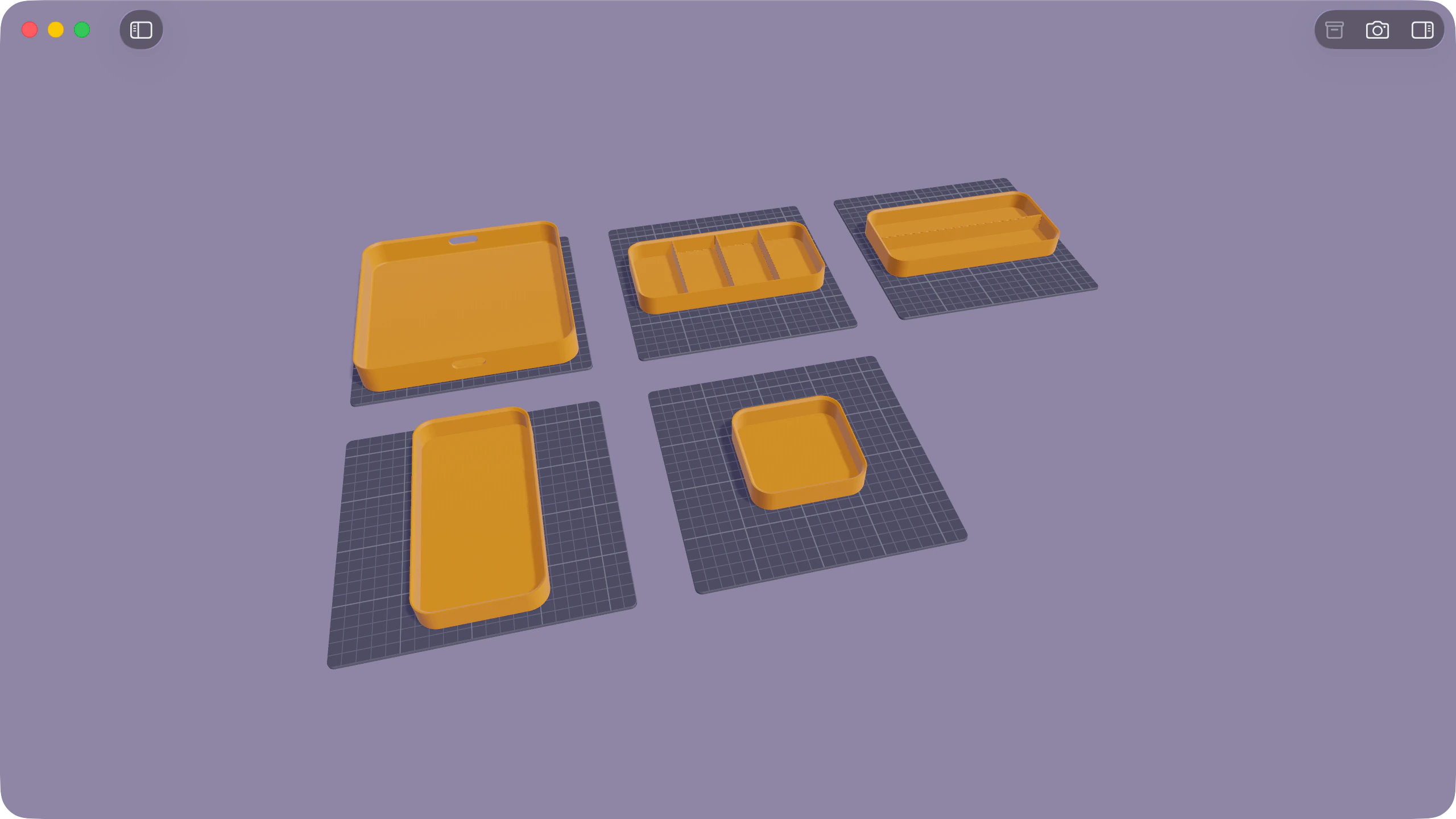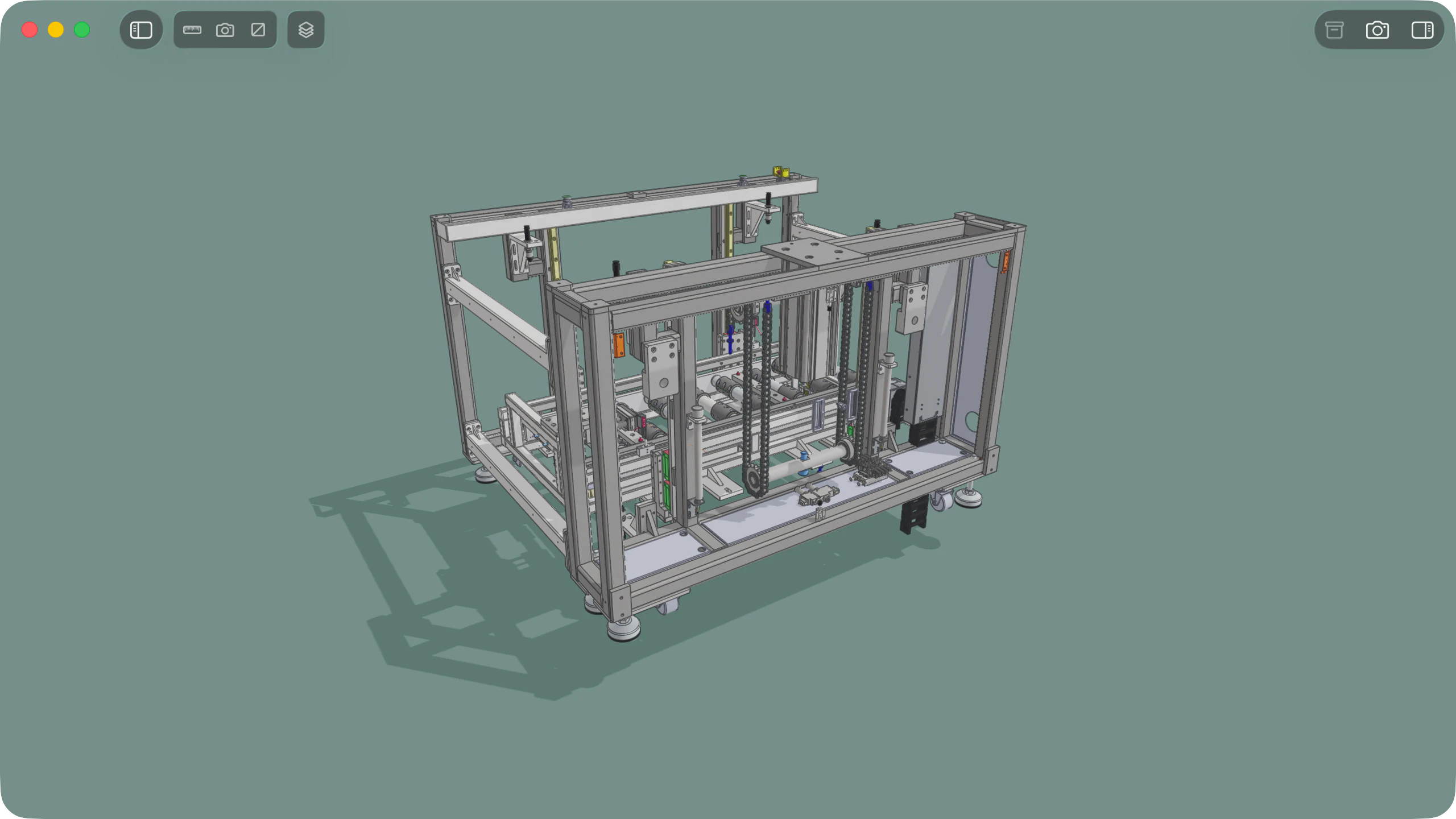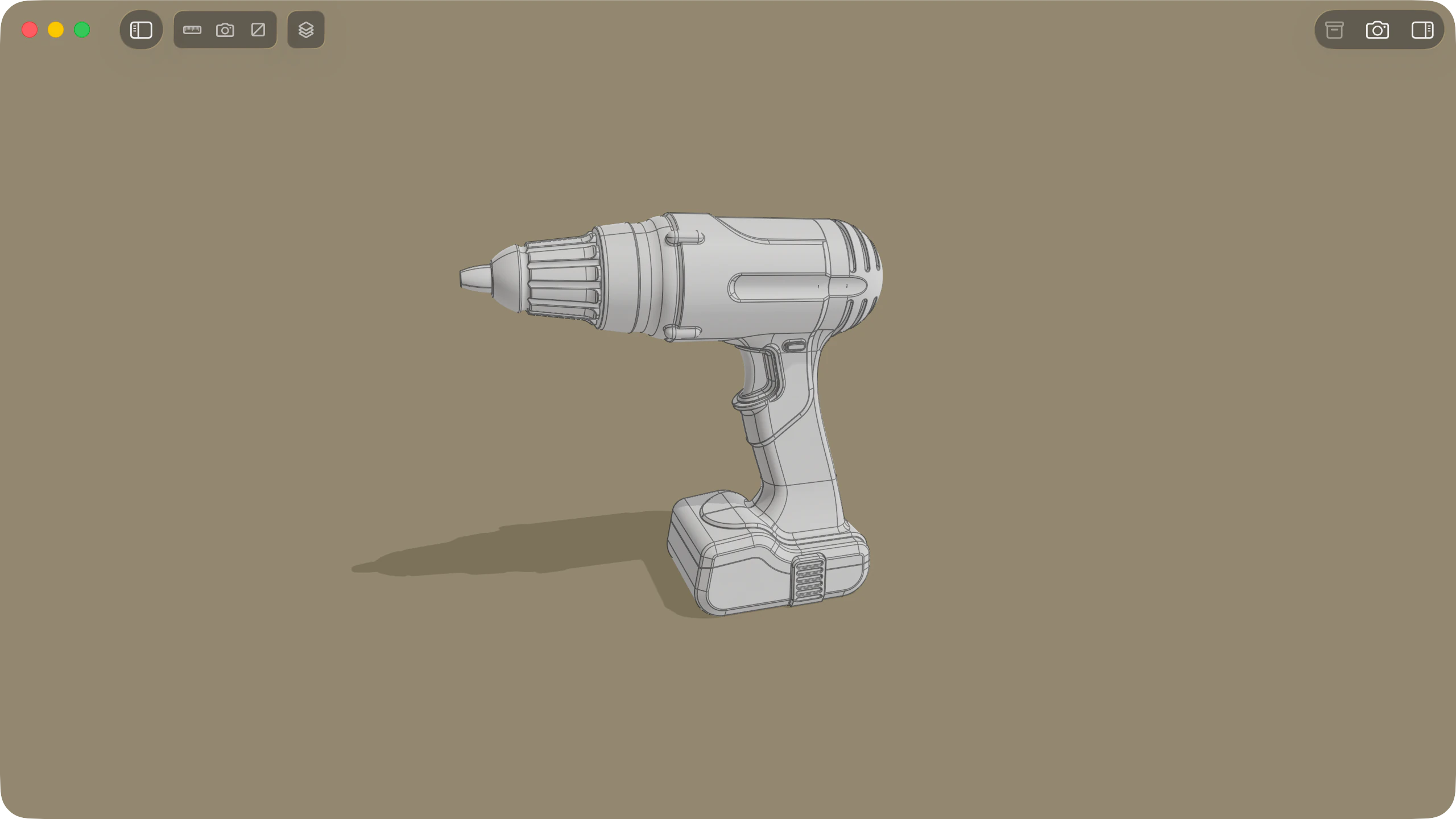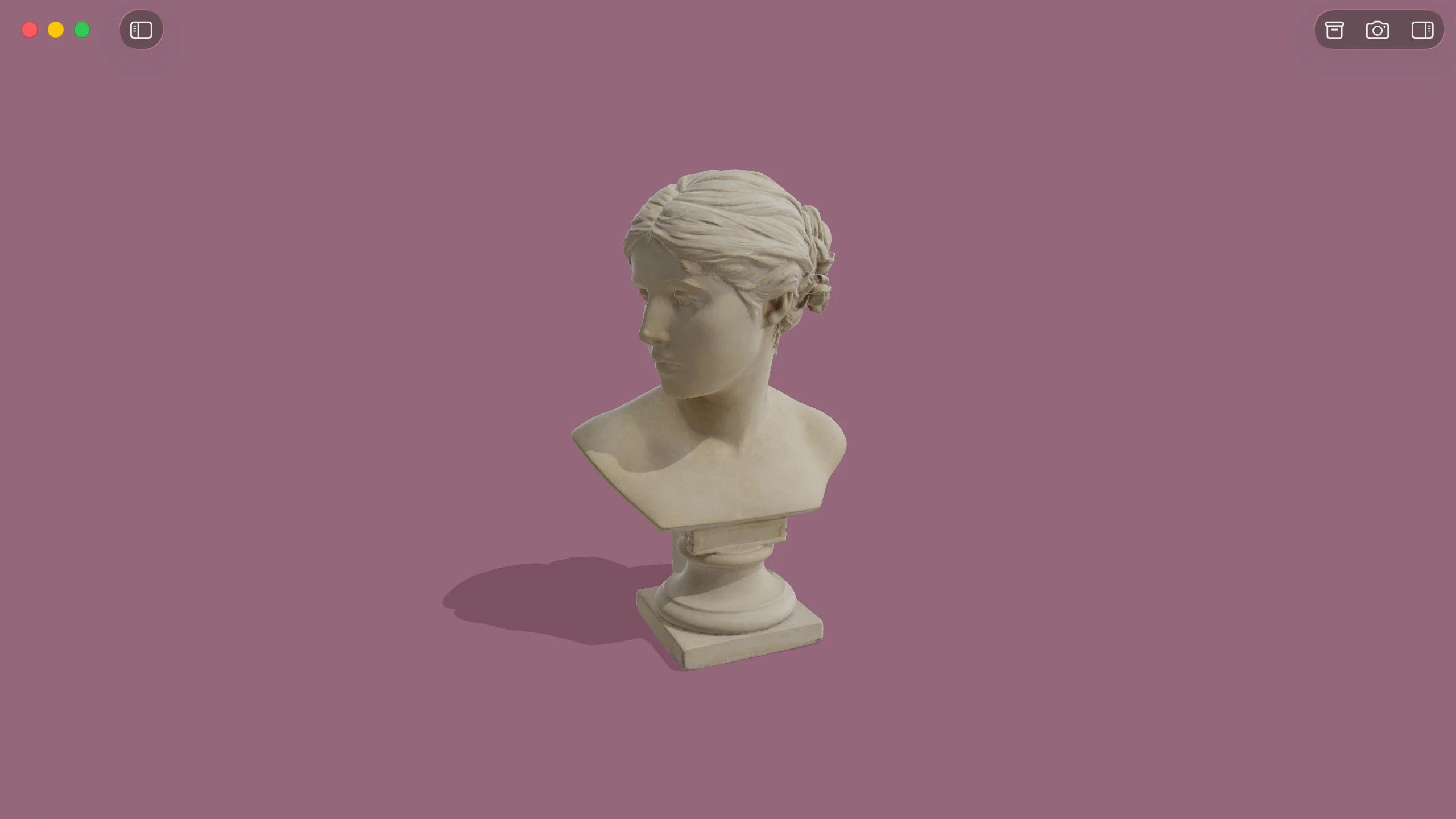
Solidly opens binary and ASCII PLY files natively on macOS, rendering surface meshes, line drawings, dense point clouds, and 3D Gaussian splats directly on Apple silicon without conversion.
Meshes, point clouds, and line drawings
Solidly displays surface meshes with smooth or flat shading, per-face or per-vertex colours, surface normals, and textures. Line elements render as crisp wire geometry alongside surfaces.
Point clouds open directly in the viewport, displaying in full colour or as greyscale intensity scans. In the Info tab, interactive density controls adjust how many points are drawn across the scene.
Supported formatsLarge scan meshes and point clouds
Solidly opens dense scan meshes and point clouds containing millions of points, keeping viewport navigation smooth while orbiting, panning, and zooming.
To keep large models within system limits, Solidly sets an import memory ceiling scaled to your Mac's unified memory. This ceiling can be tuned in Settings ▸ Advanced ▸ Model Importing. In the Render tab, the Statistics section reports the active frame rate, primitive count, and GPU memory usage.
Import memory limit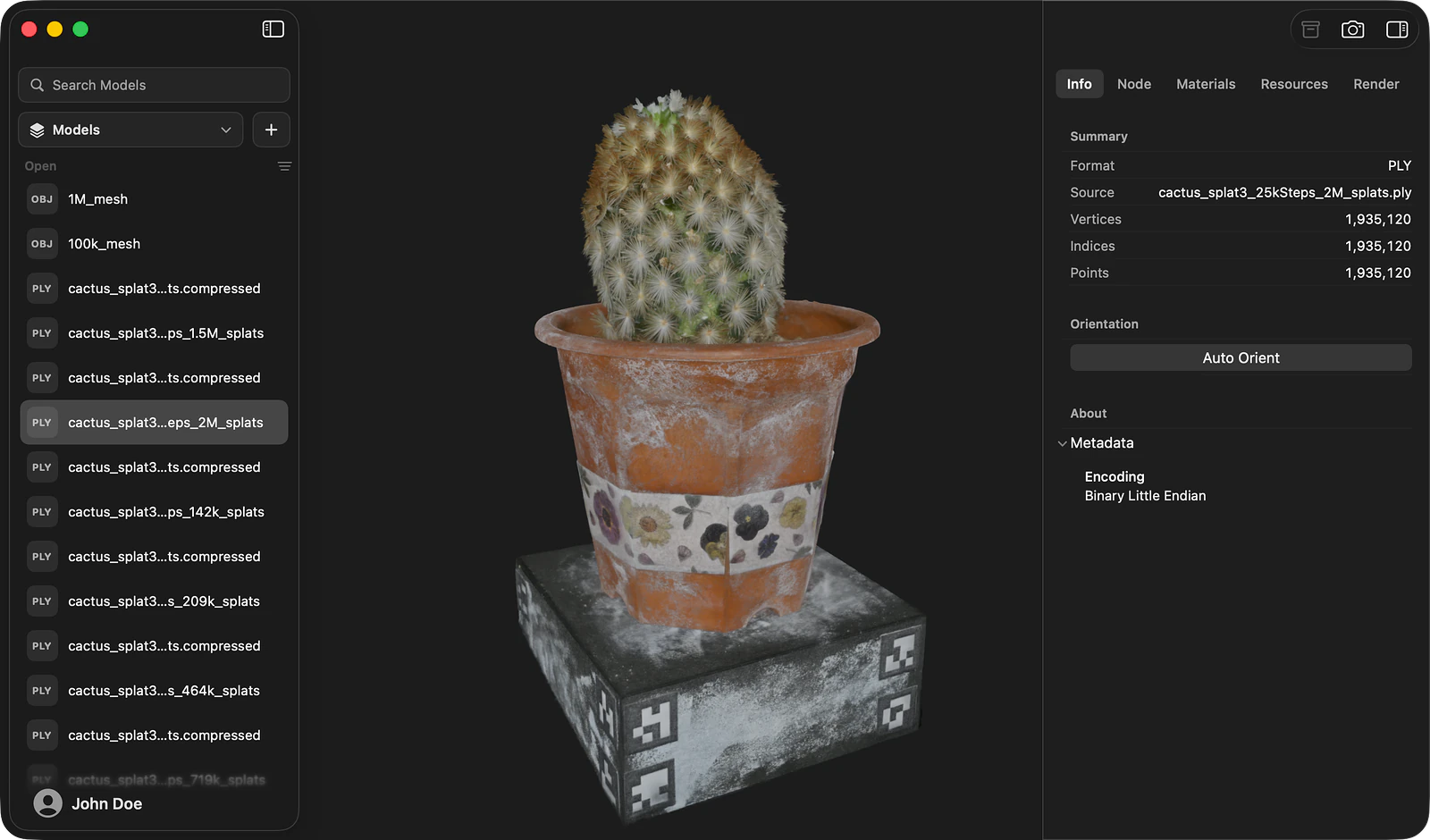
3D Gaussian splatting
Solidly renders 3D Gaussian splat scenes stored in PLY format, drawing each splat with its position, orientation, scale, opacity, and colour.
Scenes containing millions of splats navigate smoothly at full frame rates, maintaining crisp detail when moving in close.
Document inspection and visualizers
Solidly's Info tab summarises core file details, including vertex counts, element totals, ASCII or binary encoding, and header comments.
In the Resources tab, Solidly details the structure of the model, including element types, properties, and bounding box dimensions.
The Render tab provides real-time diagnostic visualizers to inspect vertex colours, surface normals, wireframes, and face orientation.
The Info tabAvailability
Every feature on this page is included in Solidly's 30-day free trial with no payment details required. Solidly Standard is a one-time purchase that keeps full functionality permanently. See pricing.
Solidly requires an Apple silicon Mac running macOS 26 or later.
Limitations
- Solidly saves PLY models exclusively to PLY and does not perform conversions to foreign formats such as STL, OBJ, or USDZ.
- Solidly evaluates the base colour coefficients of 3D Gaussian splats; higher-order spherical harmonic coefficients are not evaluated, and view-dependent colour shifts are omitted.
- Gaussian splat files formatted as
.splator.spz, as well as proprietary compressed web formats, are not supported. - PLY models lack scene graphs or material hierarchies; Solidly is a viewer and inspector for PLY datasets, and point cloud editing, cleaning, or meshing are not supported.
- Maximum loadable model size and point counts are governed by installed unified memory and the active import ceiling.
Frequently asked questions
What is a PLY file?
A PLY file stores 3D data as ordered lists of elements, such as vertices, polygonal faces, or edges, accompanied by property fields. The format supports both human-readable ASCII and compact binary encodings. Common applications include 3D laser scanning, photogrammetry, scientific modelling, and 3D Gaussian splatting. Solidly opens and evaluates PLY files natively on macOS.
How do I open a PLY file on a Mac?
Open Solidly and select File ▸ Open, or drag the file directly into the application window. Once installed, pressing Space on a PLY file in the Finder opens an interactive 3D Quick Look preview. Solidly identifies whether the file contains surface geometry, a point cloud, or a Gaussian splat dataset and configures viewport rendering automatically.
Can Solidly display 3D Gaussian splats?
Yes. Solidly renders 3D Gaussian splat datasets saved in PLY format, displaying splat position, orientation, scale, opacity, and colour. Solidly also displays Gaussian splats embedded within USD stages.
Can Solidly open large point clouds?
Yes. Solidly opens dense laser scans and point clouds containing millions of points, displaying per-vertex colour attributes or mapping scalar intensity fields to greyscale values. Non-PLY point cloud containers such as LAS, E57, and PCD are not supported.
Is Solidly's PLY viewer free?
Solidly includes an unrestricted 30-day trial with no credit card required. Continued use after 30 days requires purchasing a permanent Solidly Standard license.