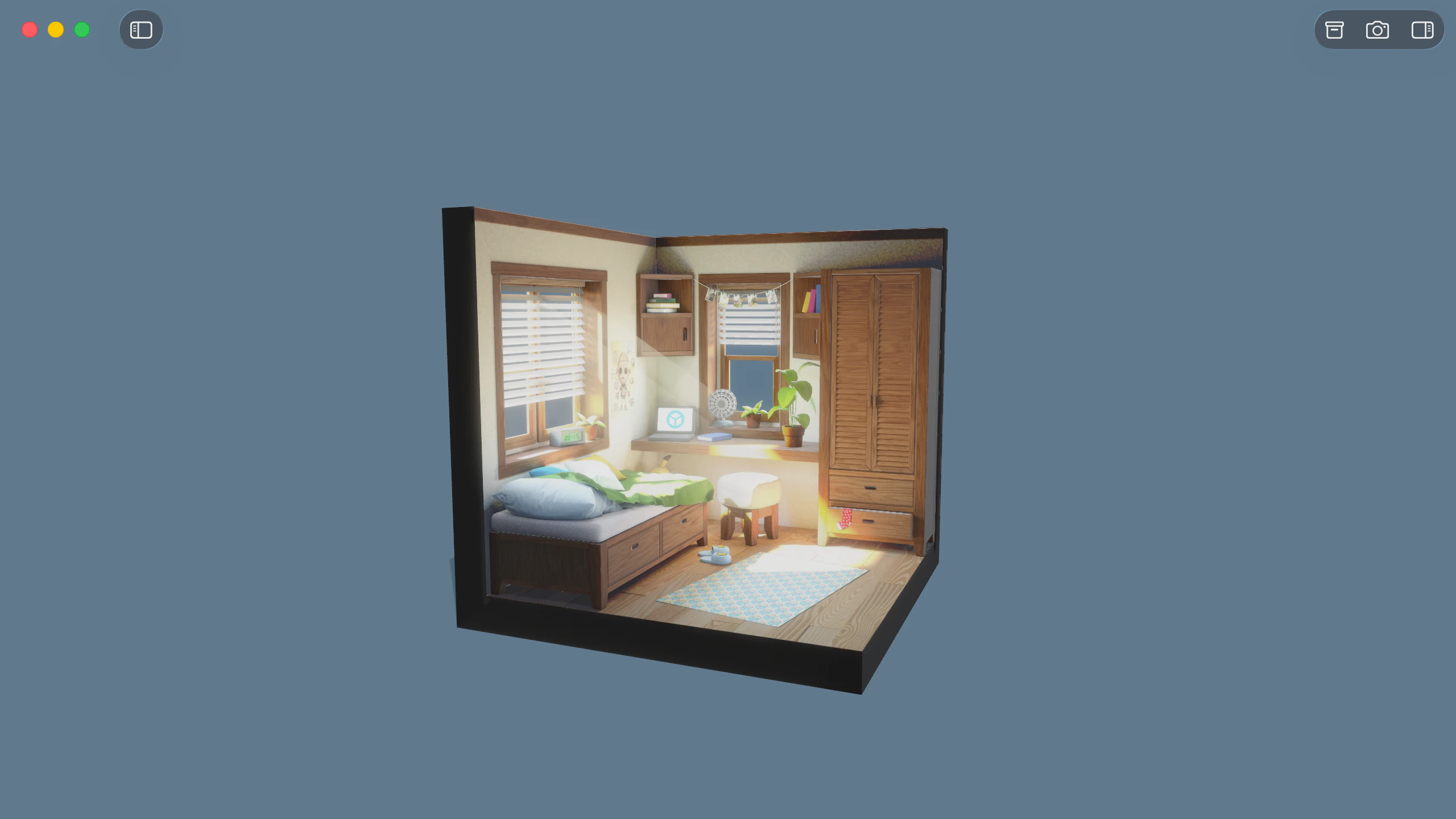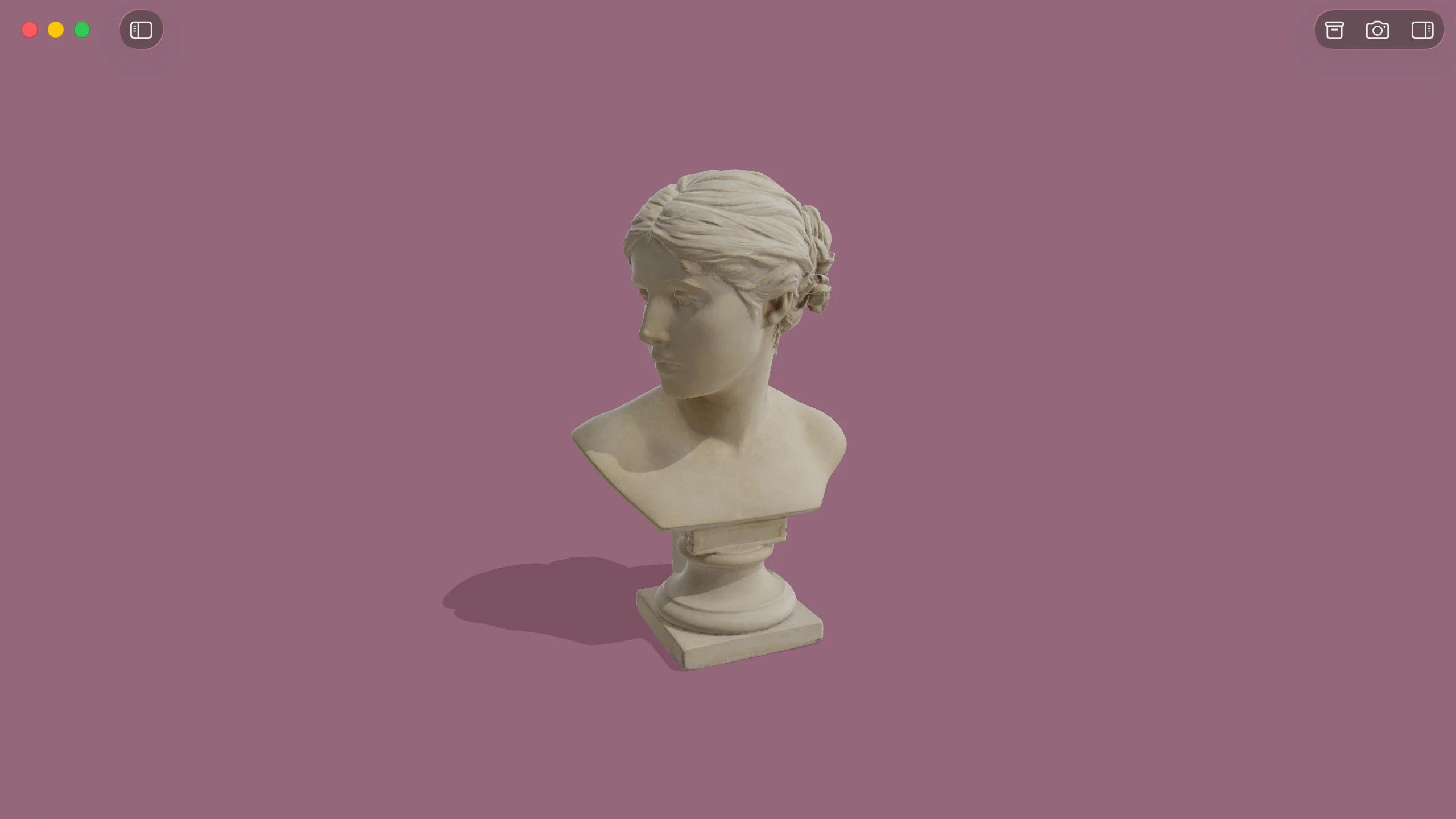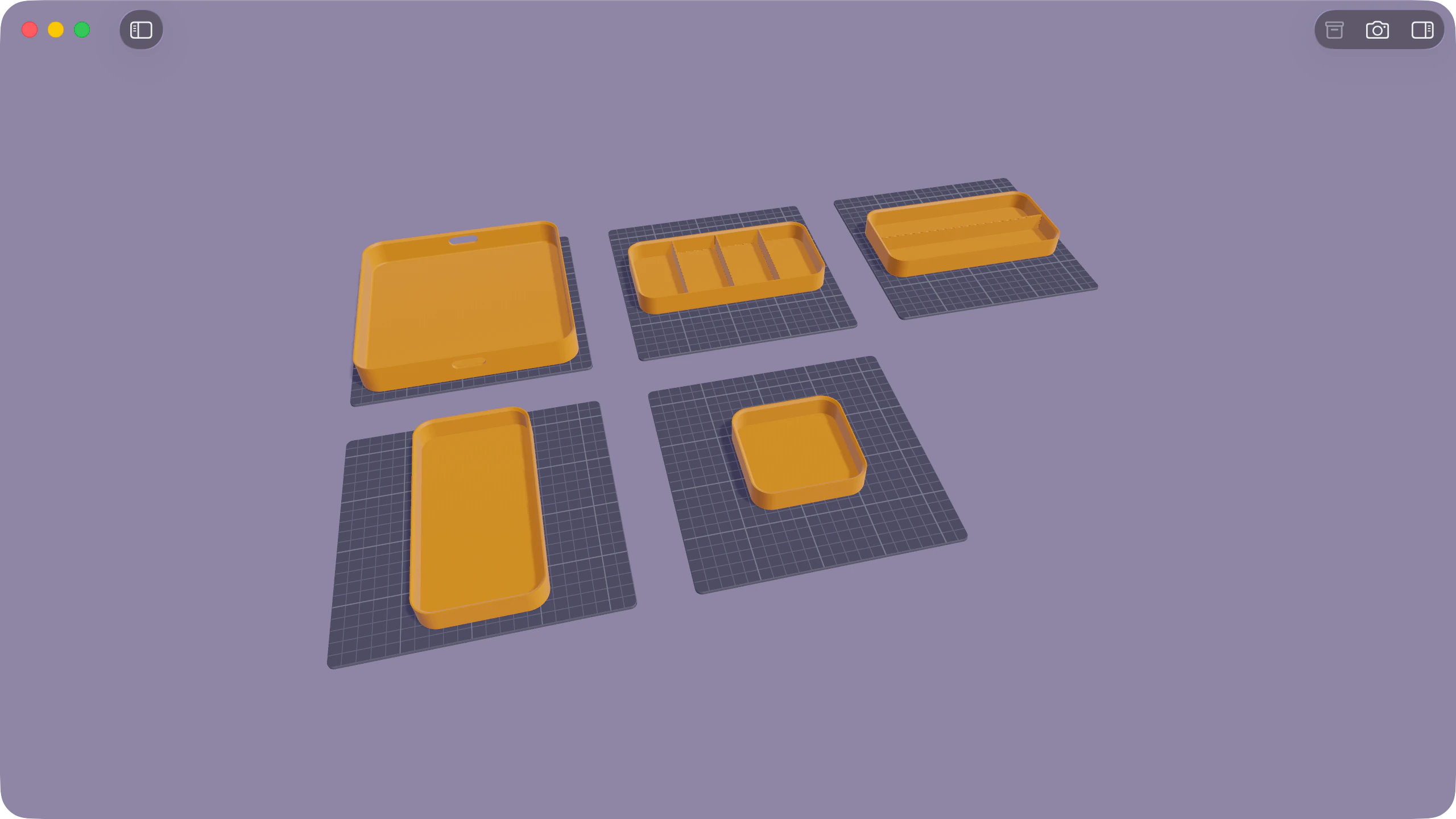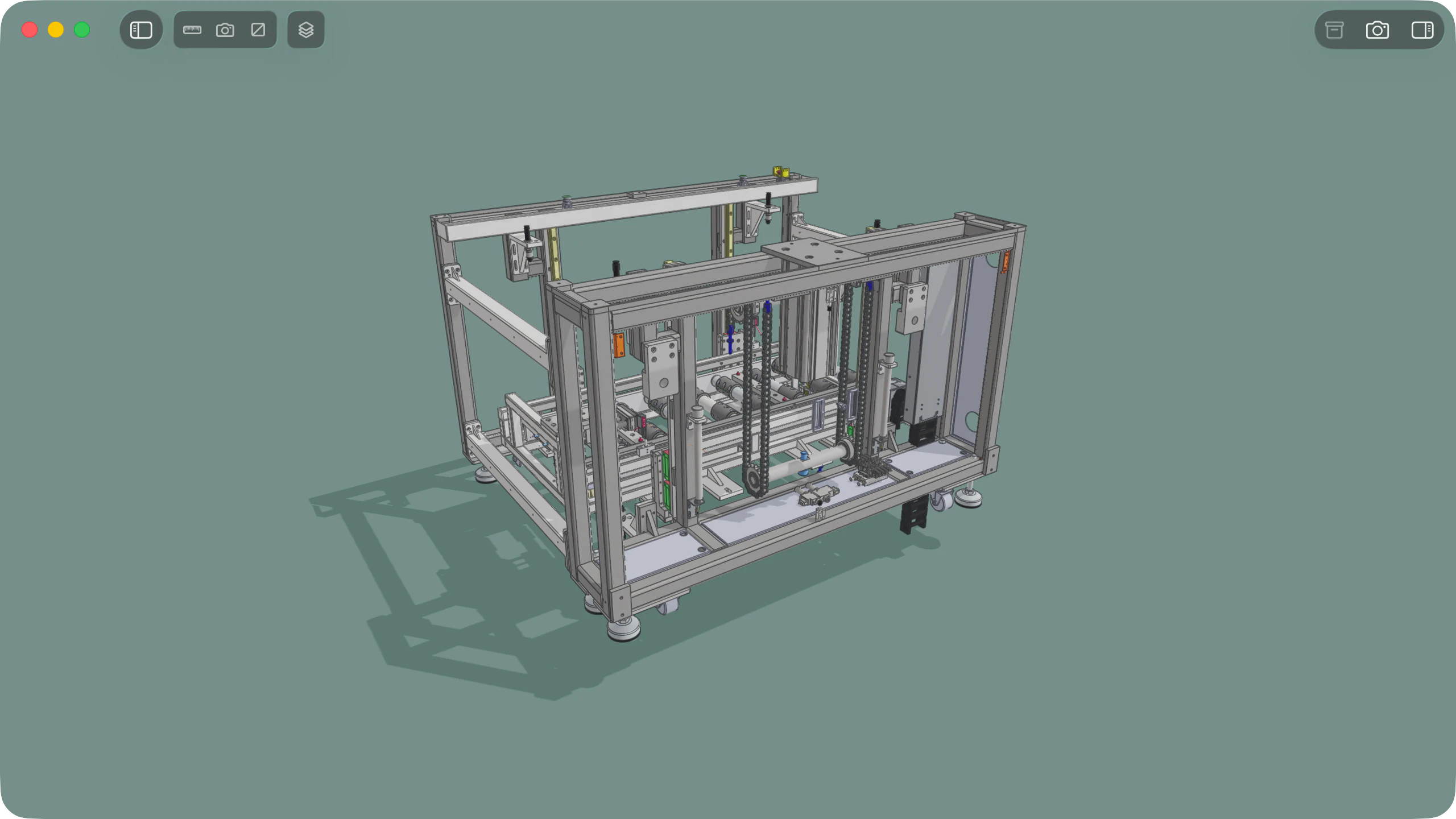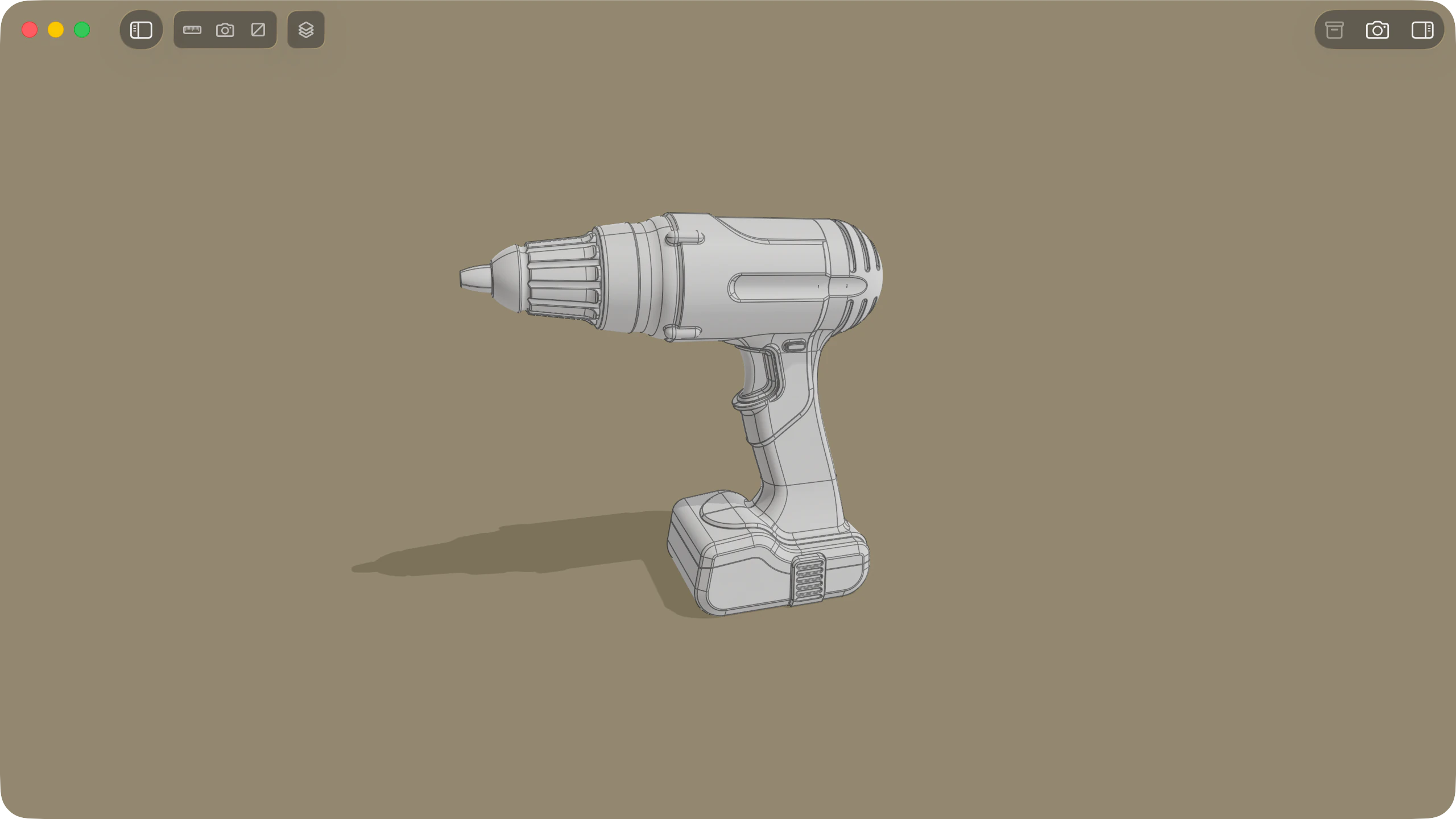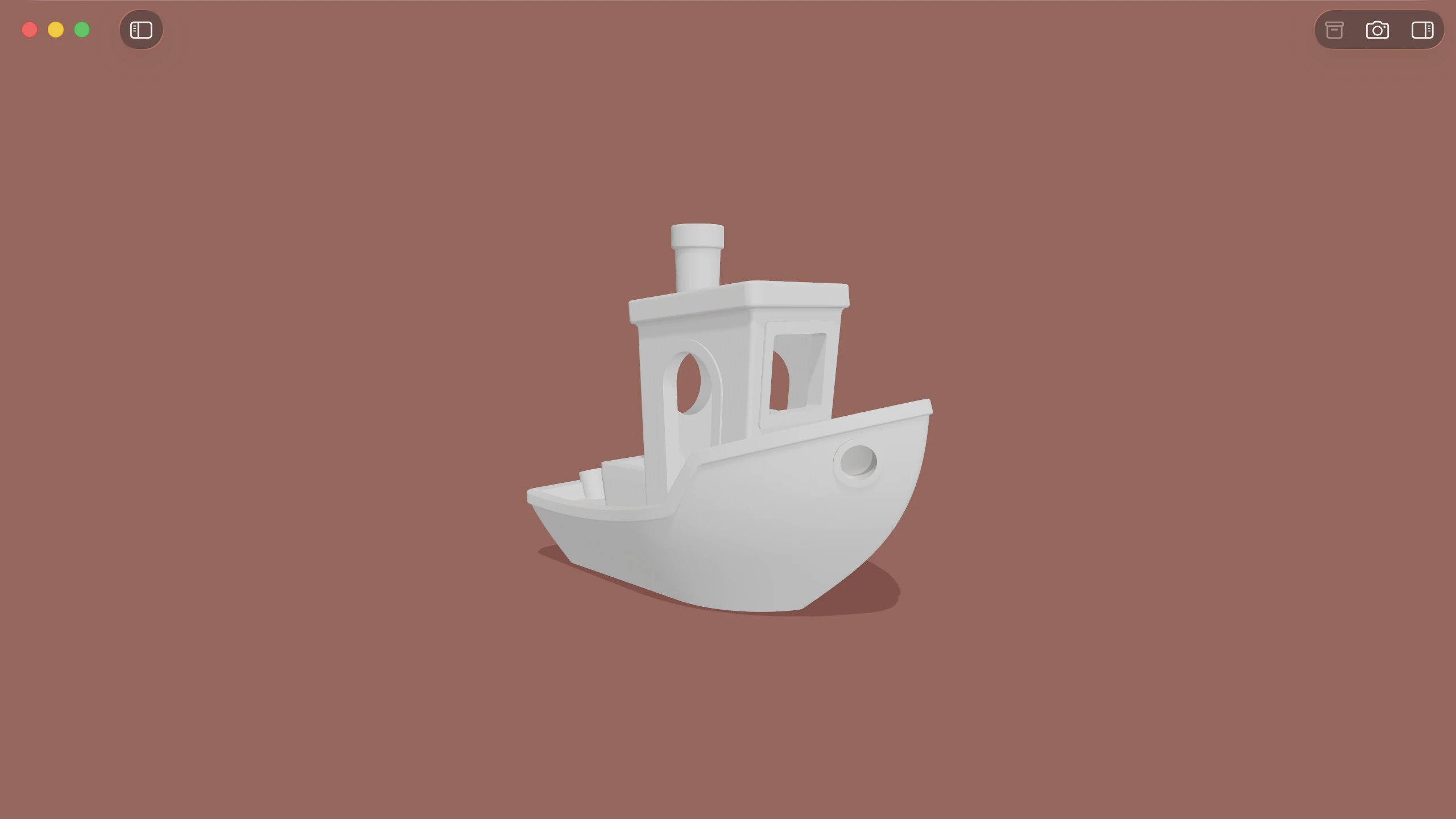
Solidly opens binary and ASCII STL files natively on macOS, rendering 3D printing models and dense scan meshes directly into a responsive viewport on Apple silicon.
Viewing 3D printing models and scans
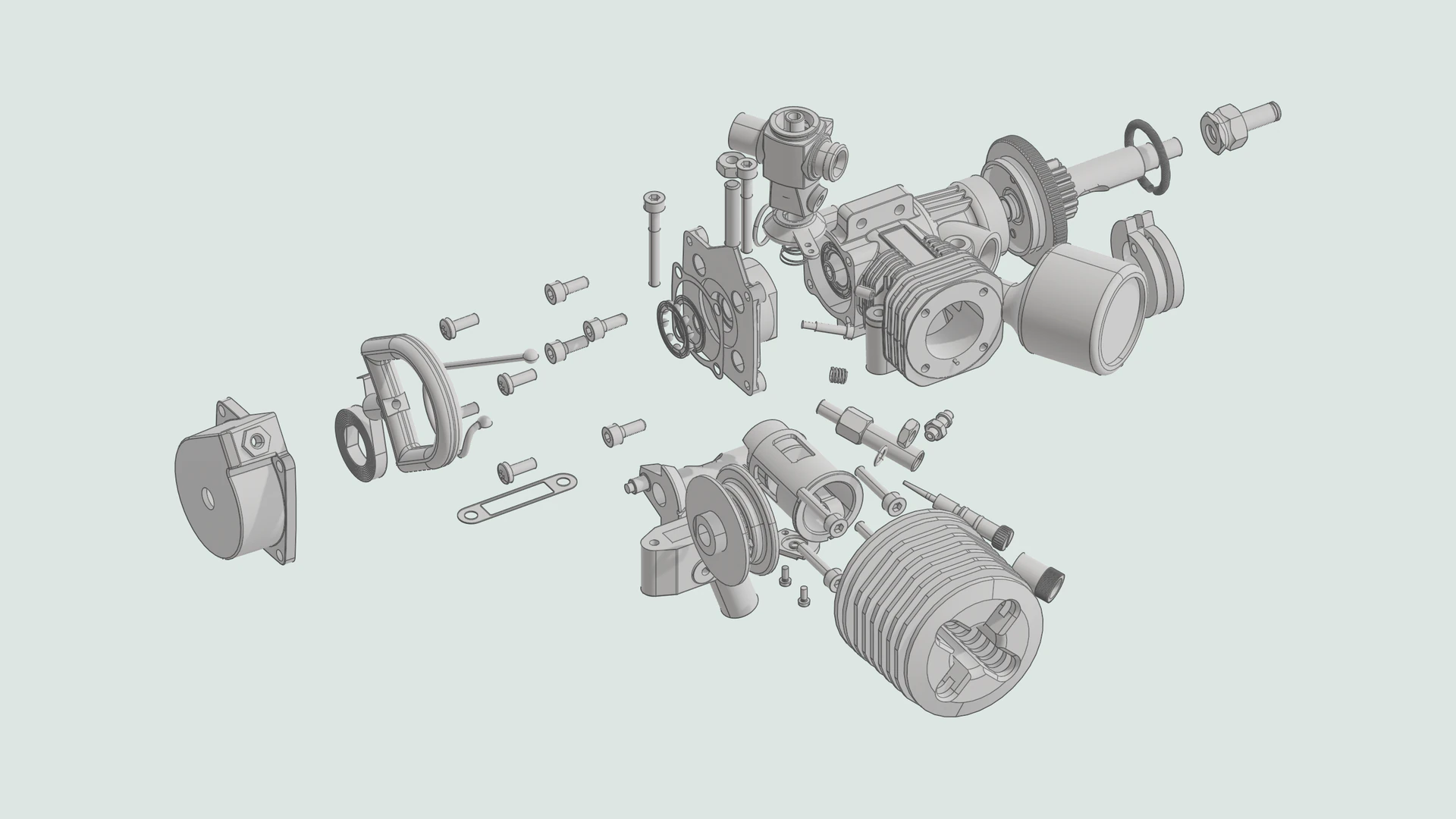
Solidly loads large binary and ASCII STL files smoothly, maintaining responsive frame rates across models containing millions of triangles.
Meshes render with clean surface shading that clearly defines geometry. When files include colour metadata authored in Materialise Magics or VisCAM conventions, Solidly displays the recorded per-facet or whole-part colours. Uncoloured models display with a neutral surface material under natural environment lighting.
Supported formatsQuick Look in the Finder
Pressing Space on any STL file in the Finder opens an interactive 3D preview powered by Solidly. The preview supports the same orbit, pan, and zoom gestures as the main window, with consistent lighting and rendering quality.
Solidly can override the default macOS previewer during setup or in Settings ▸ Advanced ▸ Quick Look to provide full interactive viewing.
Quick LookDimensions and mesh inspection
Solidly's Info tab summarises core mesh details, including vertex counts, total triangles drawn, and file format information. In the Resources tab, Solidly reports the exact bounding box dimensions along the X, Y, and Z axes.
The Render tab provides real-time diagnostic visualizers to overlay the triangle wireframe, inspect surface normals, and check face orientation.
VisualizersHigh-resolution rendering with Photo Mode
Photo Mode captures publication-ready still images of 3D models at resolutions up to 8K, with configurable camera angles, optical depth of field, lighting, and options to export against transparent, solid colour, or environment backgrounds.
Photo ModeAvailability
Every feature on this page is included in Solidly's 30-day free trial with no payment details required. Solidly Standard is a one-time purchase that keeps full functionality permanently. See pricing.
Solidly requires an Apple silicon Mac running macOS 26 or later.
Limitations
- Solidly is a dedicated viewer and inspector; it does not cut, scale, remesh, or edit STL geometry.
- Solidly does not repair non-manifold edges, fill holes, or reduce triangle counts.
- STL files do not store authored units of measurement; bounding box dimensions in the inspector reflect the export unit used by the authoring software, typically millimetres.
- Solidly saves STL files exclusively as STL and does not convert models to OBJ, 3MF, or other formats.
- Solidly does not slice models or generate toolpaths for 3D printers.
Frequently asked questions
What is an STL file?
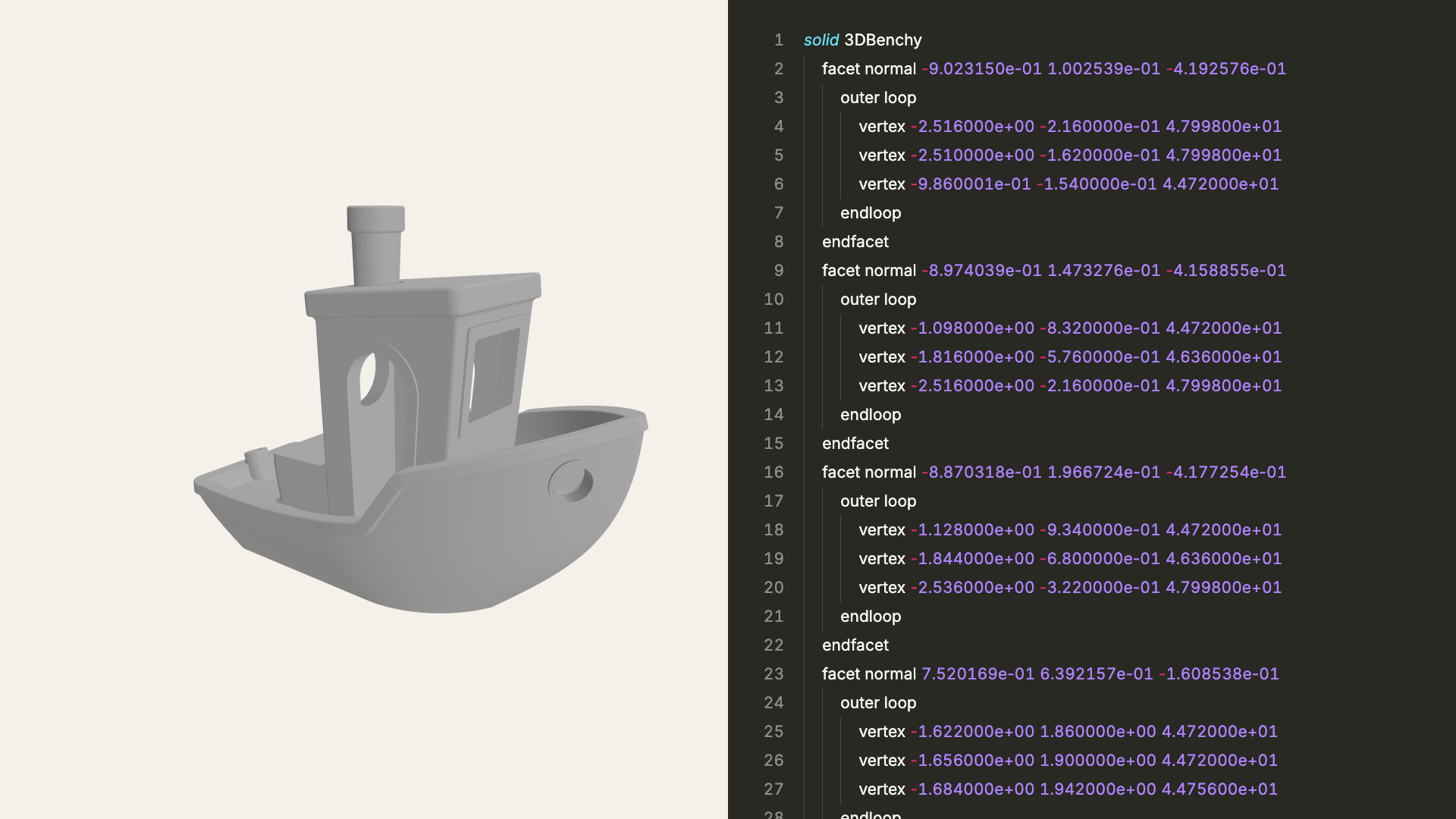
An STL file stores the surface of a 3D model as a collection of triangles, available in plain-text ASCII or compact binary format. It is widely used across 3D printing and CAD software. Solidly opens and evaluates both binary and ASCII STL files natively on macOS.
How do I open an STL file on a Mac?
Open Solidly and select File ▸ Open, or drag files and folders directly into the application window. Once installed, pressing Space on an STL file in the Finder opens an interactive 3D Quick Look preview.
Can Solidly show the dimensions of an STL model?
Yes. In the Resources tab, Solidly displays the bounding box dimensions of the model across the X, Y, and Z axes. The measurements correspond to the units authored during export, which are typically millimetres.
Can Solidly edit or repair STL files?
Solidly focuses on inspection and viewing rather than mesh editing. It does not modify mesh shapes, repair non-manifold geometry, or slice models for 3D printing. Editing or repairing an STL mesh requires dedicated CAD or mesh modeling software.
Is Solidly's STL viewer free?
Solidly includes an unrestricted 30-day trial with no credit card required. Continued use after 30 days requires purchasing a permanent Solidly Standard license.