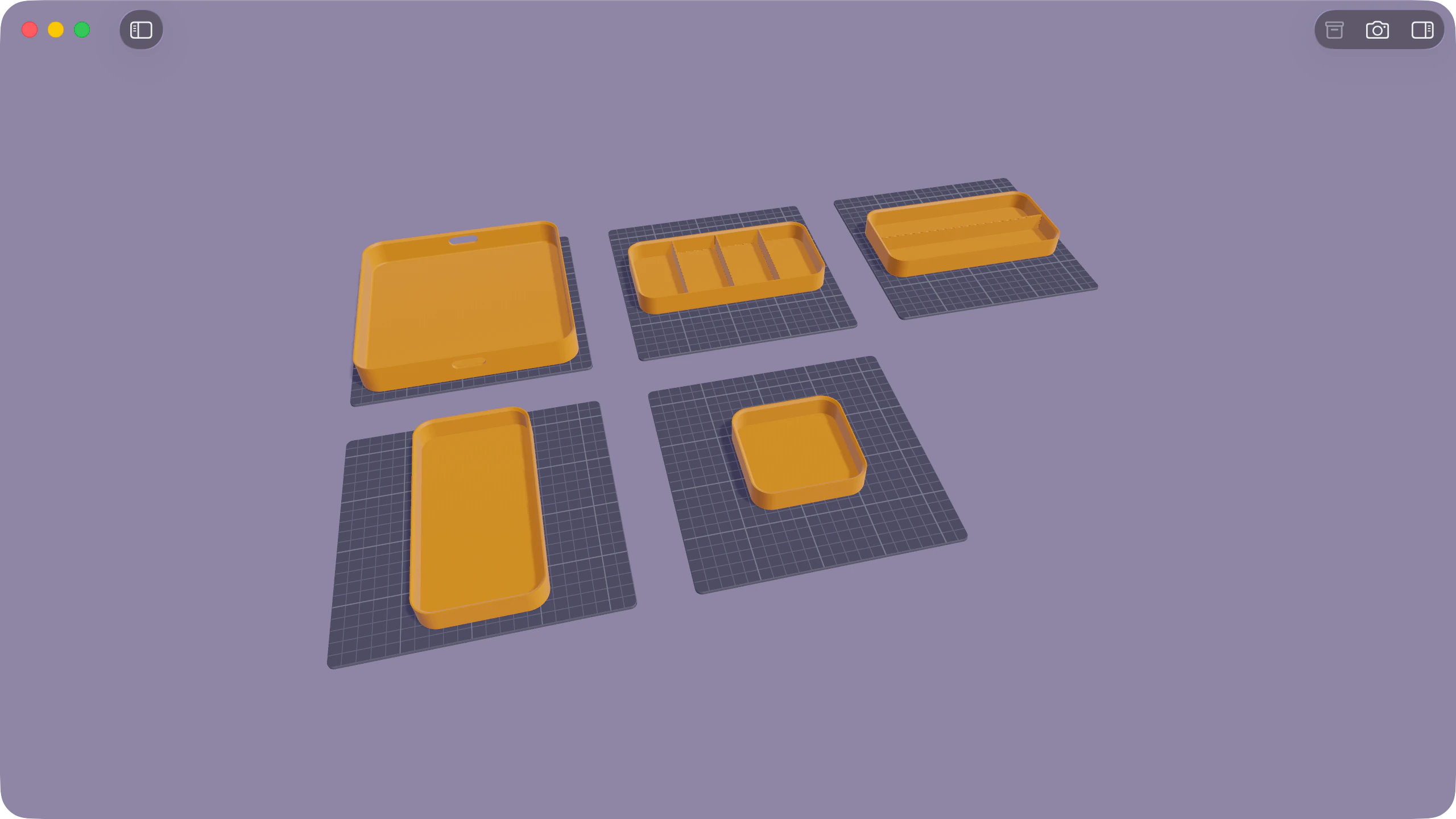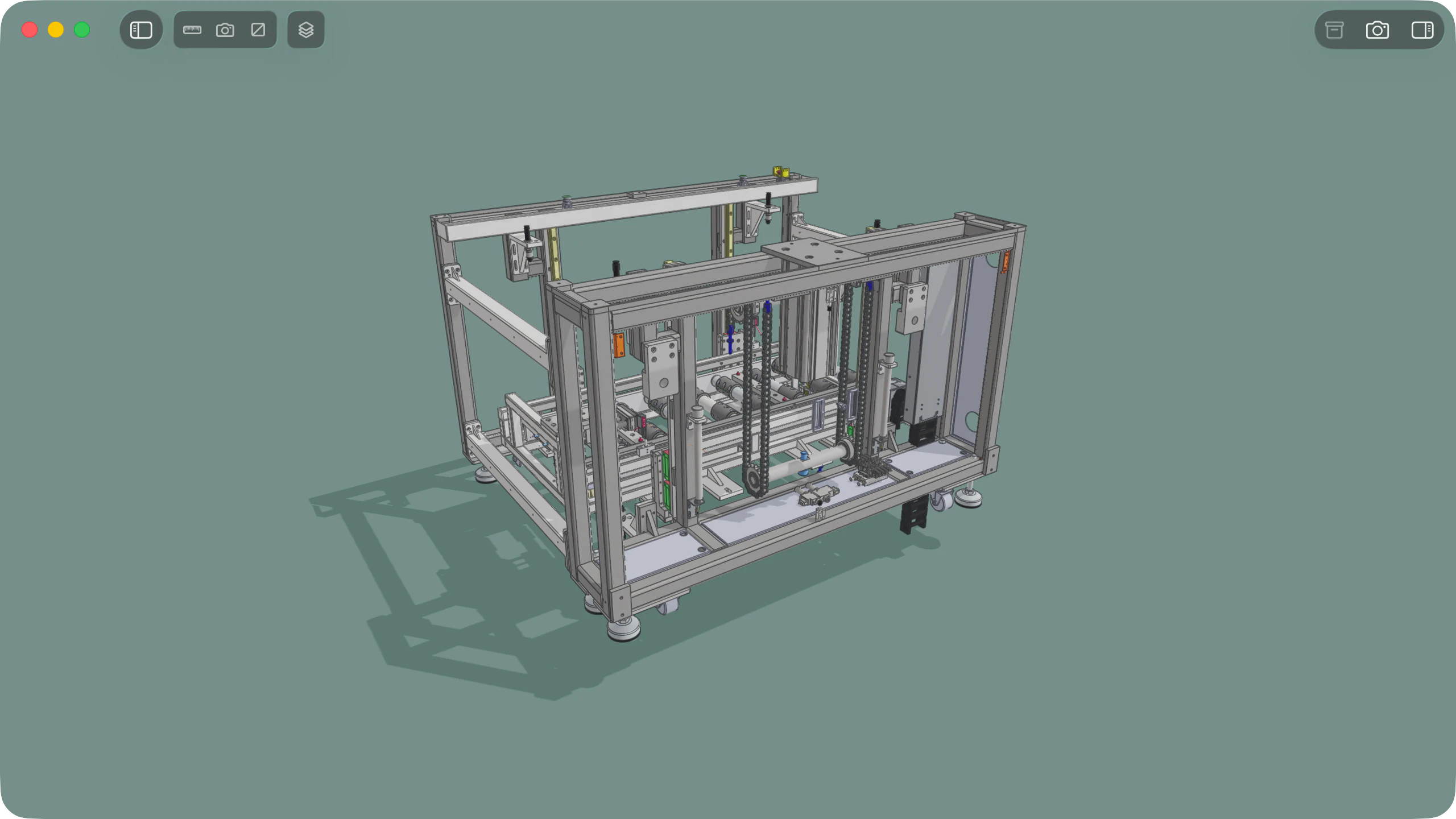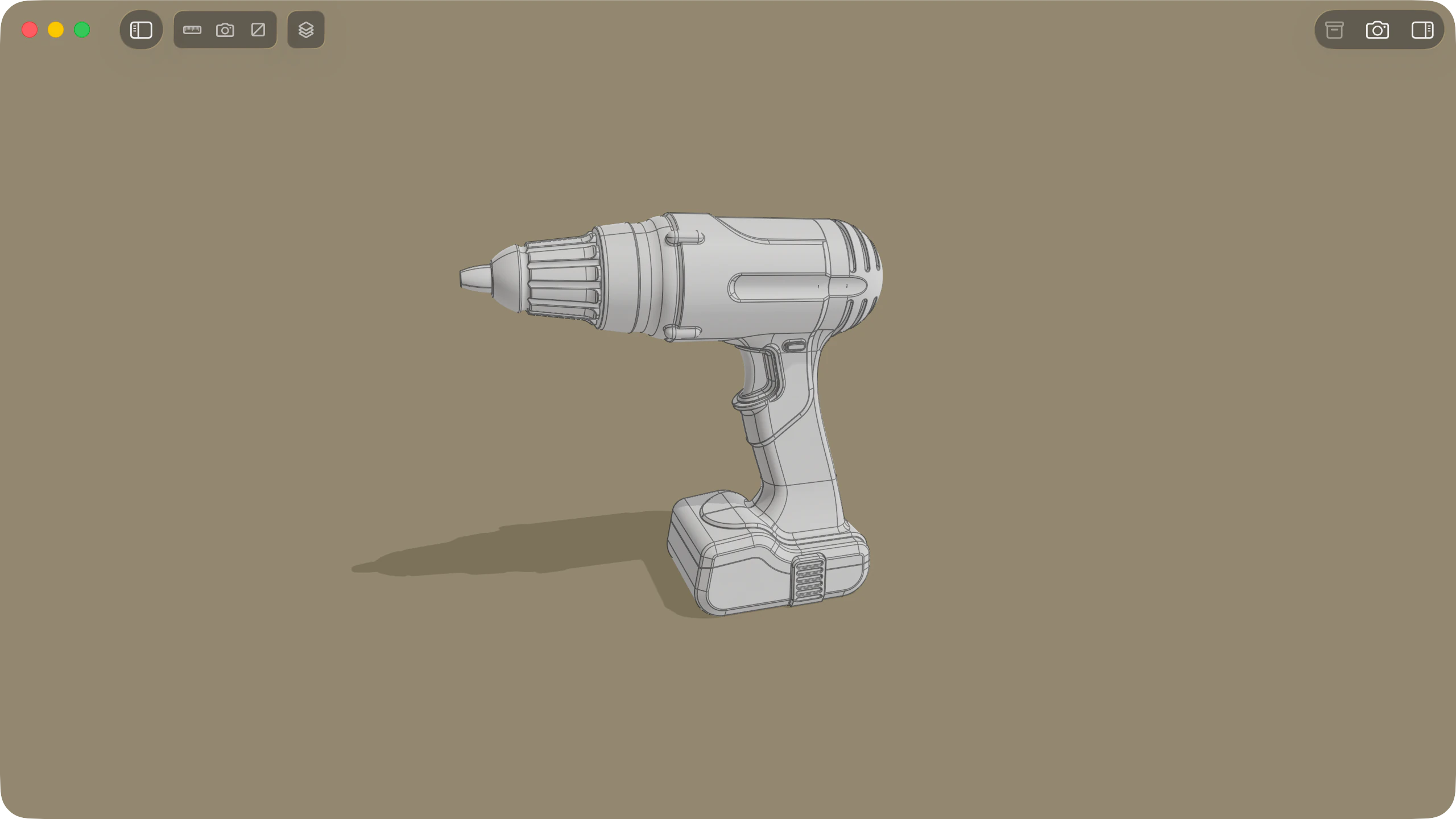
IGES (.iges and .igs, Initial Graphics Exchange Specification) is a neutral CAD format used across engineering, aerospace, mould-making, and surface-modelling workflows to exchange 3D parts, assemblies, and surface models. Solidly opens, inspects, and measures IGES files natively on macOS, with full support for multi-body assemblies, exploded views, CAD measurements, section views, and Finder Quick Look previews.
At a glance
| Capability | Support in Solidly |
|---|---|
| File extensions | .iges and .igs (up to IGES 5.3) |
| CAD display | Bodies and Assembly trees, part colours, crisp CAD edge lines, and orthographic camera |
| Measurements | CAD ruler (diameters, distances, angles, wall thickness) in mm or inches, plus 3D overall dimensions |
| Inspection tools | Interactive exploded views and cross-section cutting plane |
| Finder Quick Look | Interactive Space bar 3D preview |
| Editing and saving | View-only (does not edit or convert IGES files) |
Exploded views and the Bodies tree
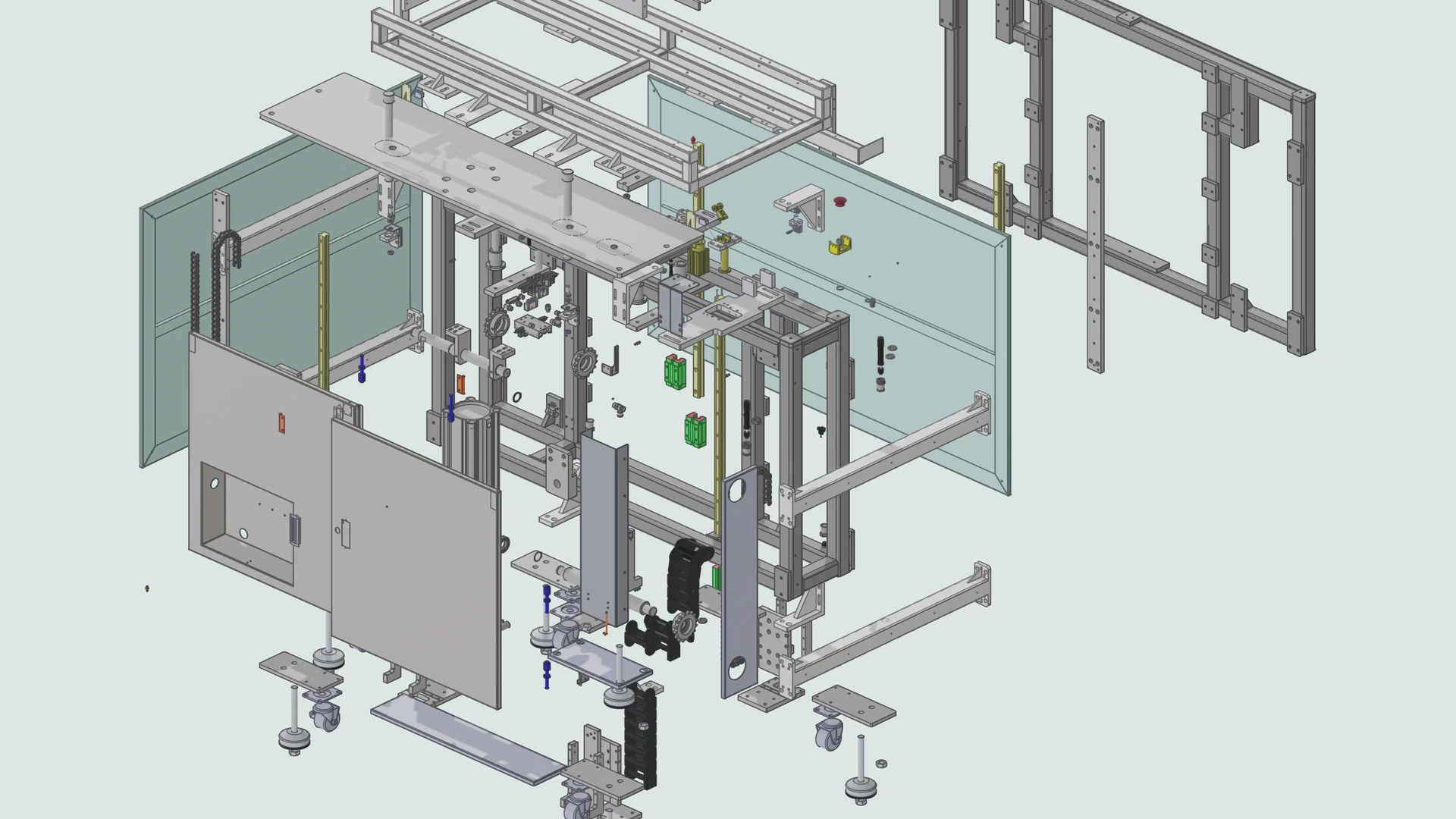
Explore how multi-part IGES models fit together using the interactive exploded view slider and the sidebar hierarchy.
- Interactive exploded view: Drag the toolbar slider to pull multi-body models apart in stages. Exterior fasteners, covers, and housings slide clear first so internal components are easy to inspect.
- Bodies and Assembly tree: Browse, select, and show or hide individual solid bodies, surface bodies, and standalone wireframe curves in the sidebar.
- CAD display controls: Toggle crisp CAD edge lines or neutral grey shading, switch between orthographic and perspective views, and adjust surface Complexity from Low to Very High.
Measurements in millimetres or inches
Inspect hole diameters, edge lengths, clearances, and overall part dimensions directly on the model.
- Hover and click ruler (
M): Hover to read an edge length, hole diameter, or flat face area. Click two features to measure perpendicular distances, angles, hole centre distances, or wall thickness. - Millimetres, inches, and 3D dimensions: Switch all figures between millimetres and inches, click any number to copy it, and view overall width, height, and depth dimensions on a scaled ground grid.
Section views and Finder Quick Look
Slice any part or assembly open to inspect internal features, or preview .iges and .igs files directly in the Finder.
- Interactive section cuts: Click any face, hole, or edge to place a cutting plane and drag the arrow handle to sweep through the part. Cut solids display drafted hatch lines and can be measured directly with the ruler.
- Finder Quick Look: Press Space on any
.igesor.igsfile in the Finder for an instant 3D preview without opening the app.
Availability
Every feature on this page is included in Solidly's 30-day free trial with no payment details required. Solidly Standard is a one-time purchase that keeps full functionality permanently. See pricing.
Solidly requires an Apple silicon Mac running macOS 26 or later.
Limitations
- View-only: Solidly does not edit surfaces, save changes, or convert IGES files to STEP or STL.
- Character encoding: Part names using characters outside Western European languages may display incorrectly in IGES files; automatic regional encoding detection is supported for STEP files only.
Frequently asked questions
Is there a difference between IGES and IGS files?
No. .iges and .igs are two file extensions for the same Initial Graphics Exchange Specification format. Solidly opens both identically.
How do I open an IGES or IGS file on a Mac?
Drag the .iges or .igs file into Solidly, or select it in the Finder and press Space for an interactive 3D Quick Look preview. See How to Open a STEP File on a Mac for a full comparison of Mac CAD viewers.
Does Solidly show IGES measurements in millimetres or inches?
Both. The ground grid automatically matches the units the file was authored in, and you can switch the overall 3D dimensions and any ruler measurement between millimetres and inches with a single click.
Should I use IGES or STEP?
Whenever you have a choice, use STEP (.step or .stp). STEP is a newer standard that stores watertight solids, assemblies, and part colours directly. Use IGES when working with legacy CAD/CAM systems or archives that only provide .iges or .igs files.
Can Solidly convert an IGES file to STEP or STL?
No. Solidly is a read-only viewer and does not convert between formats. Use a CAD program such as FreeCAD, Fusion, or SolidWorks to convert IGES files to STEP or STL.