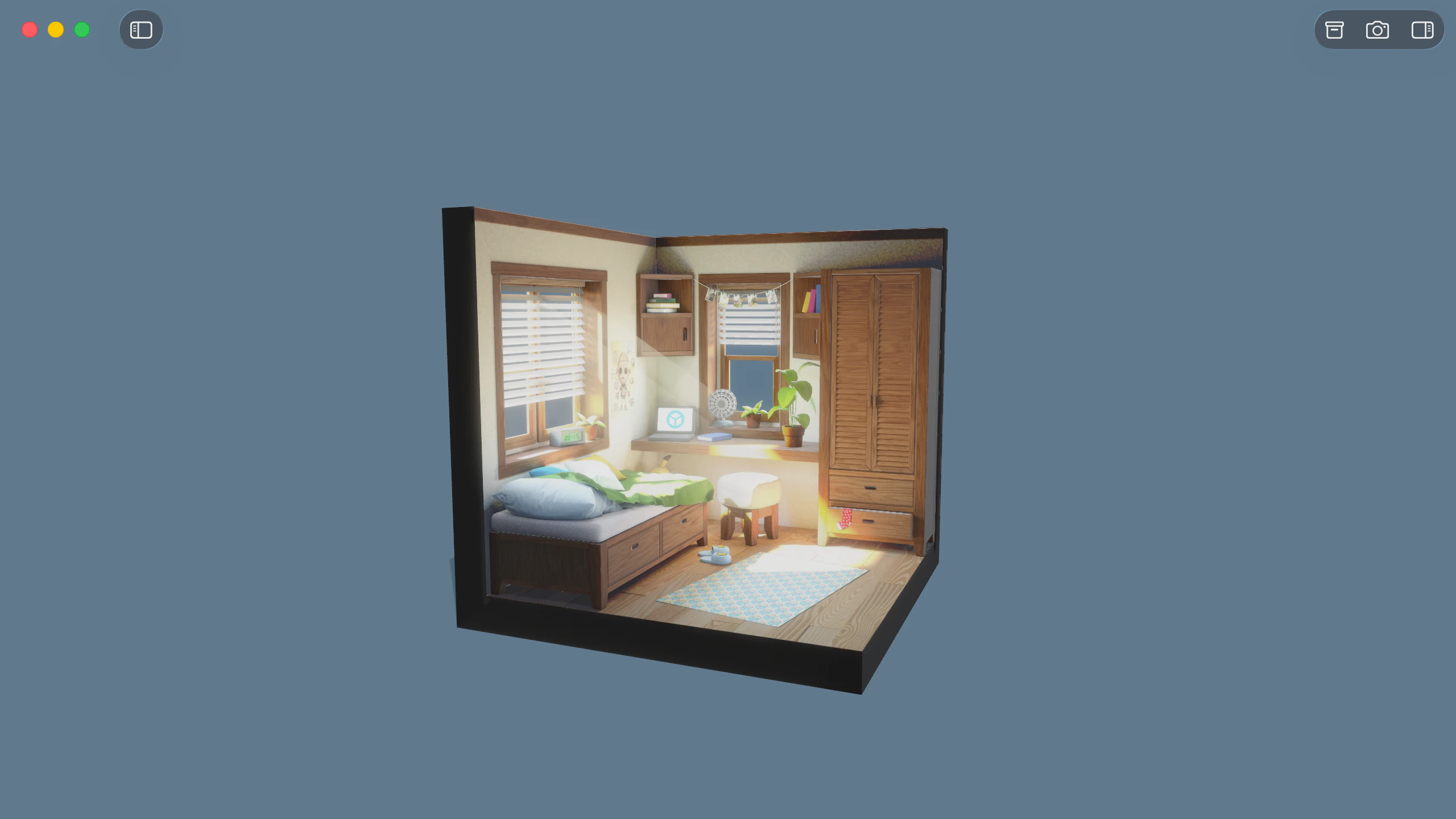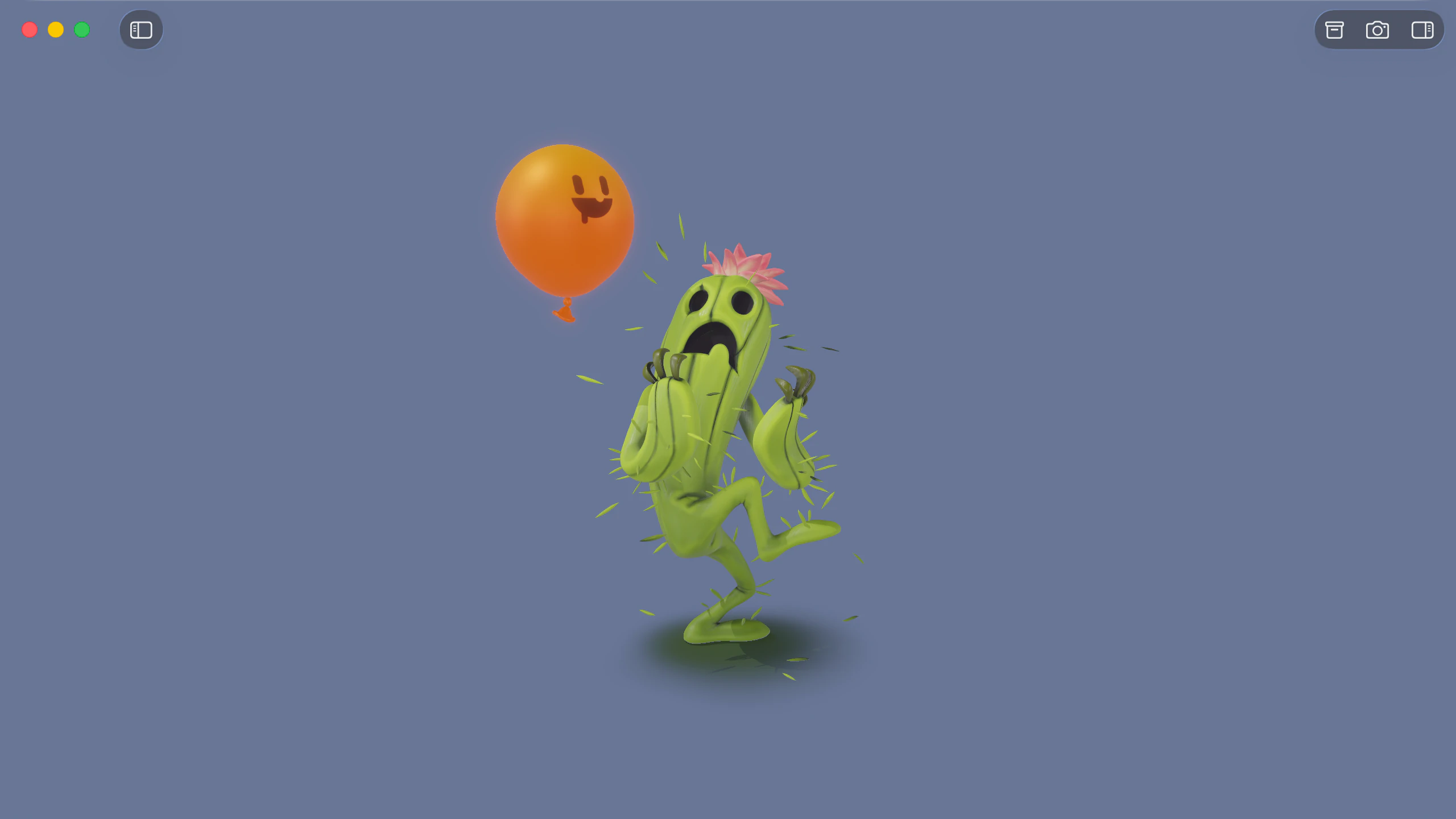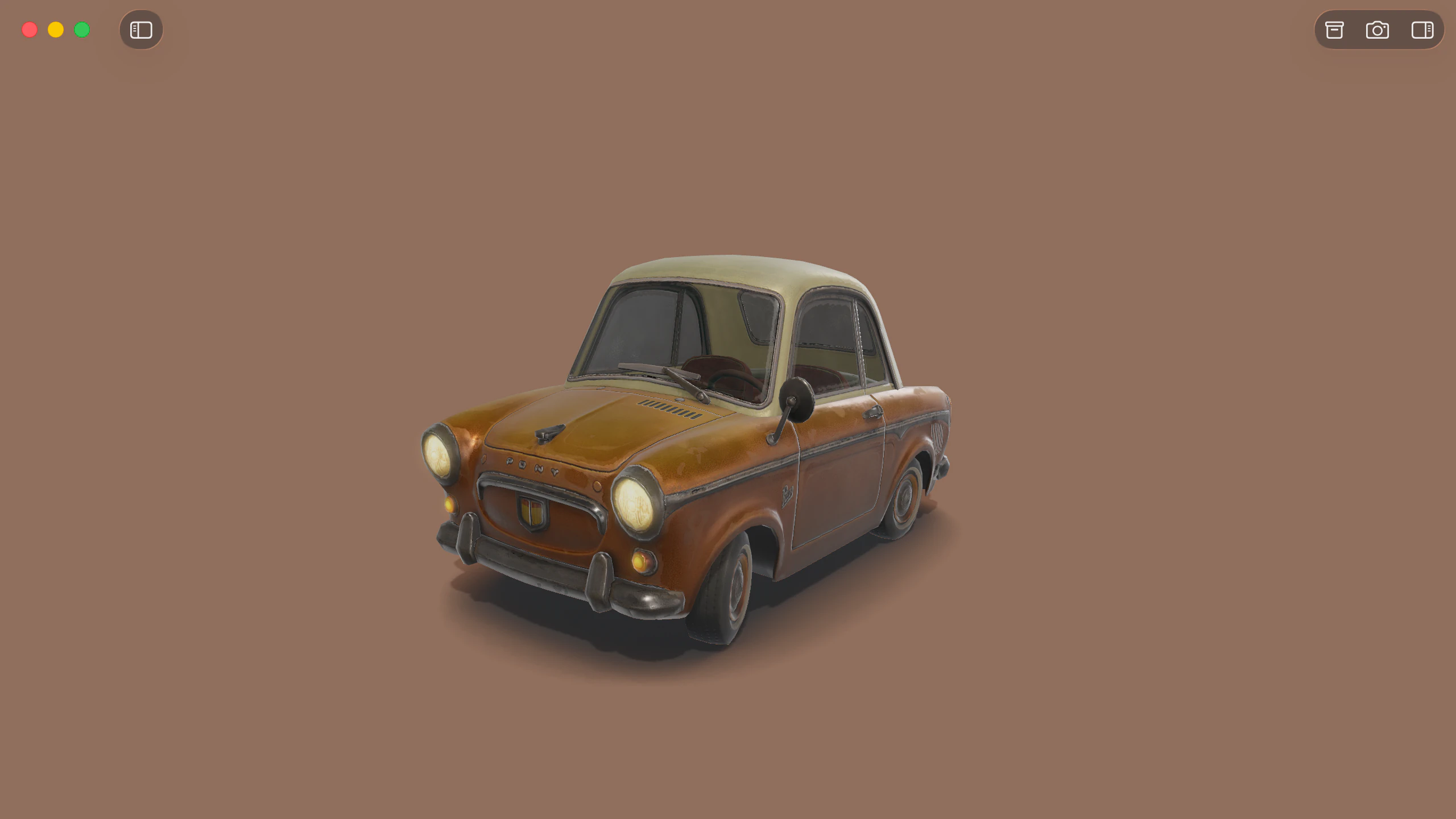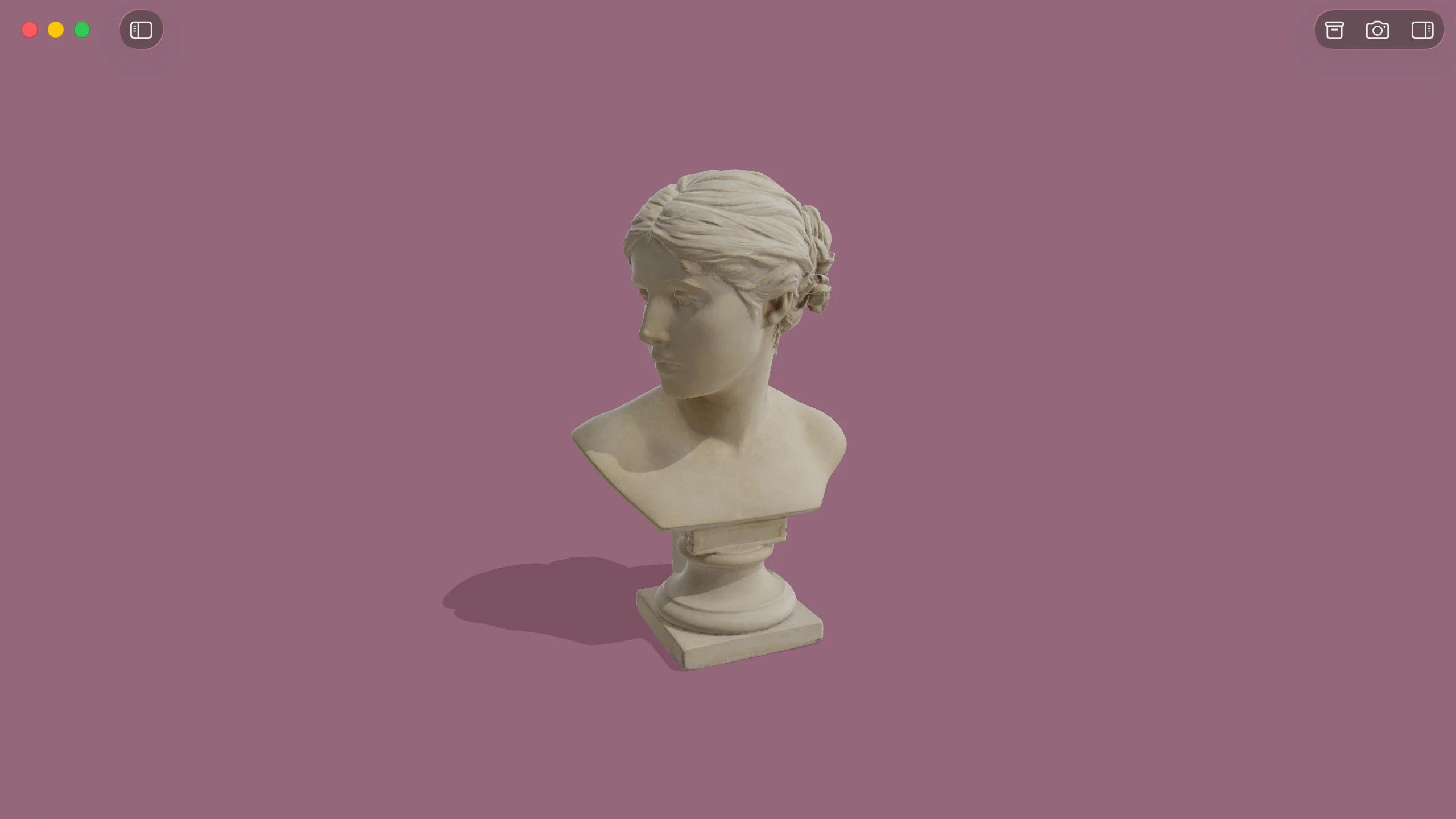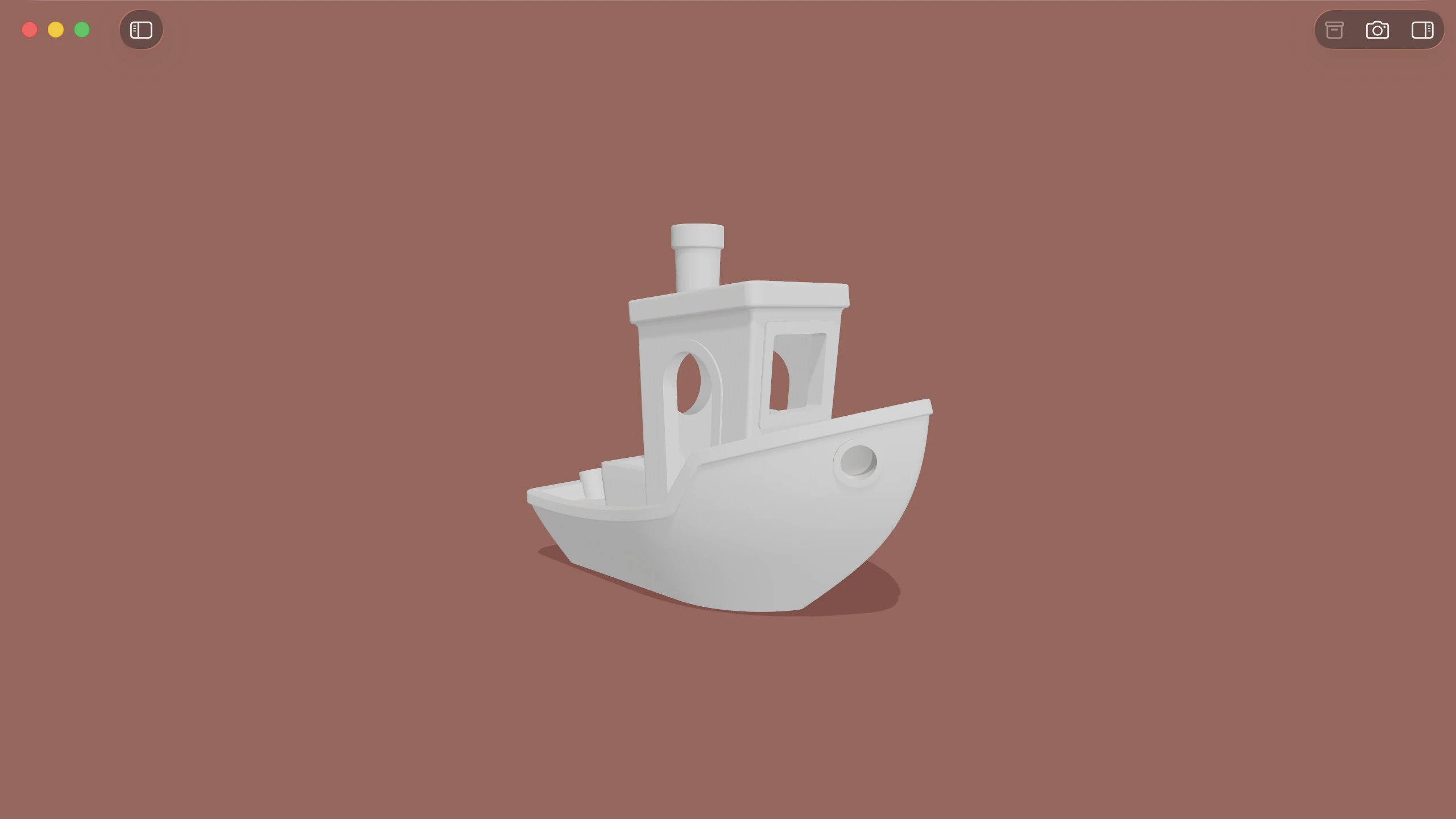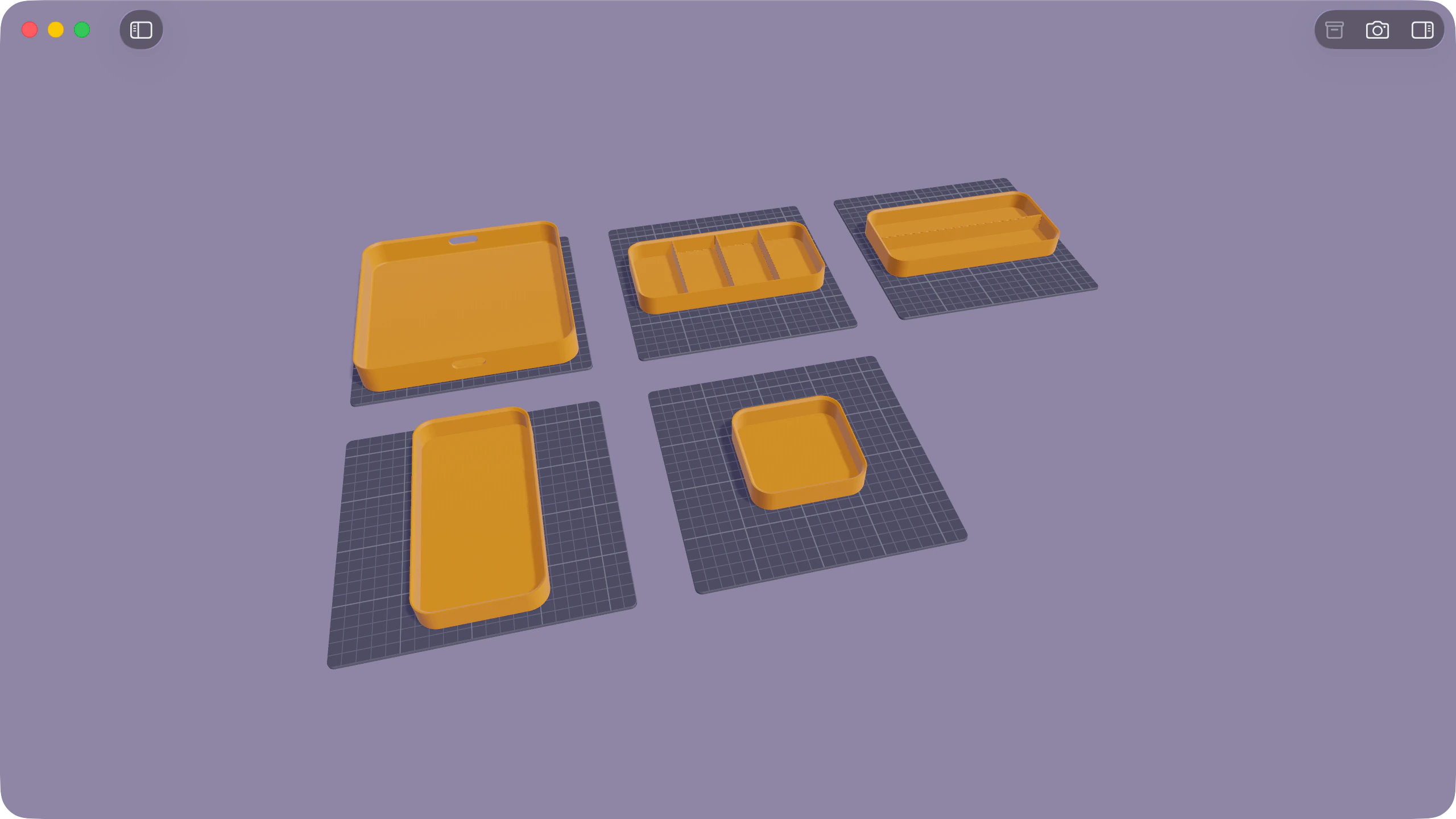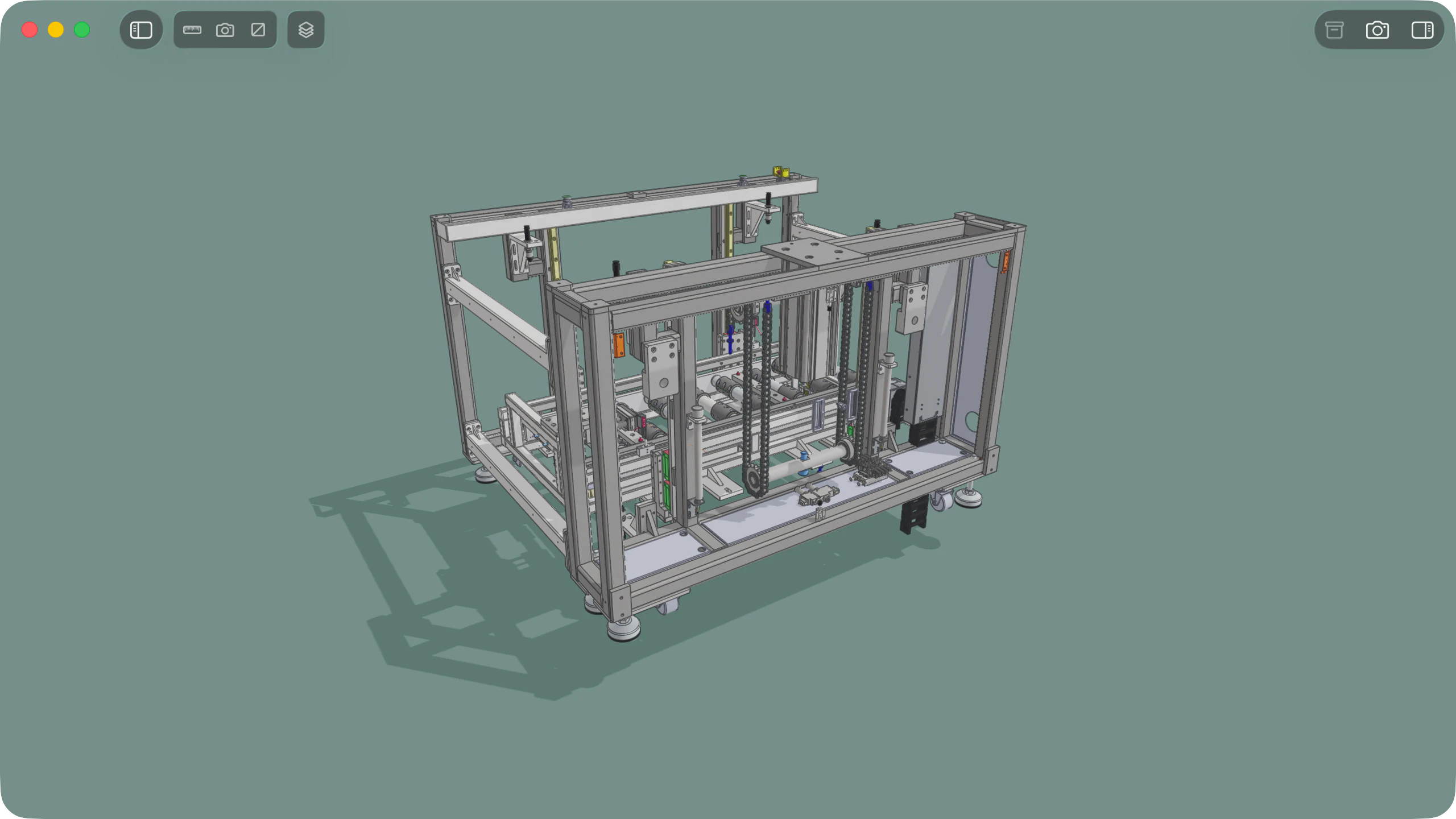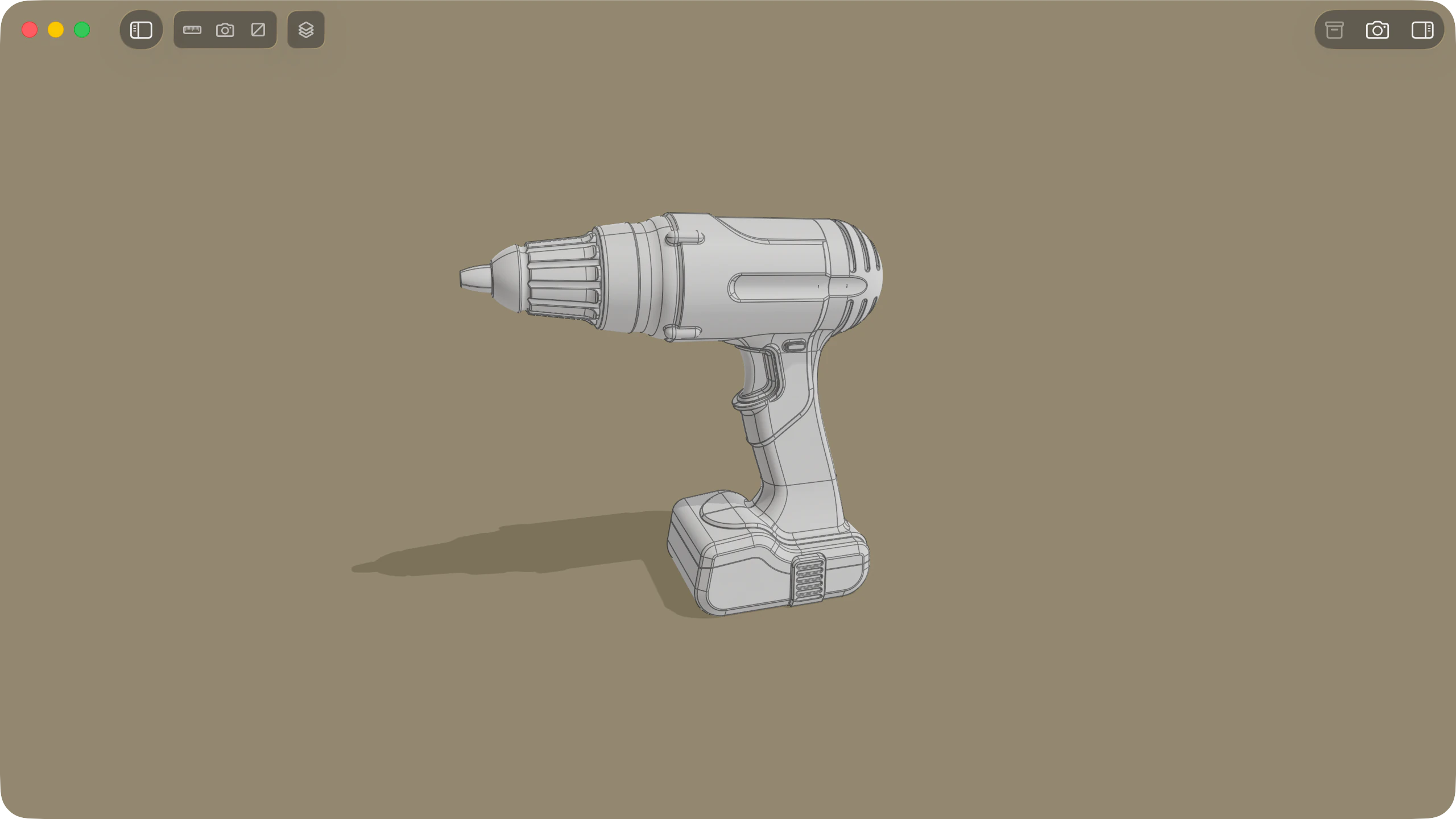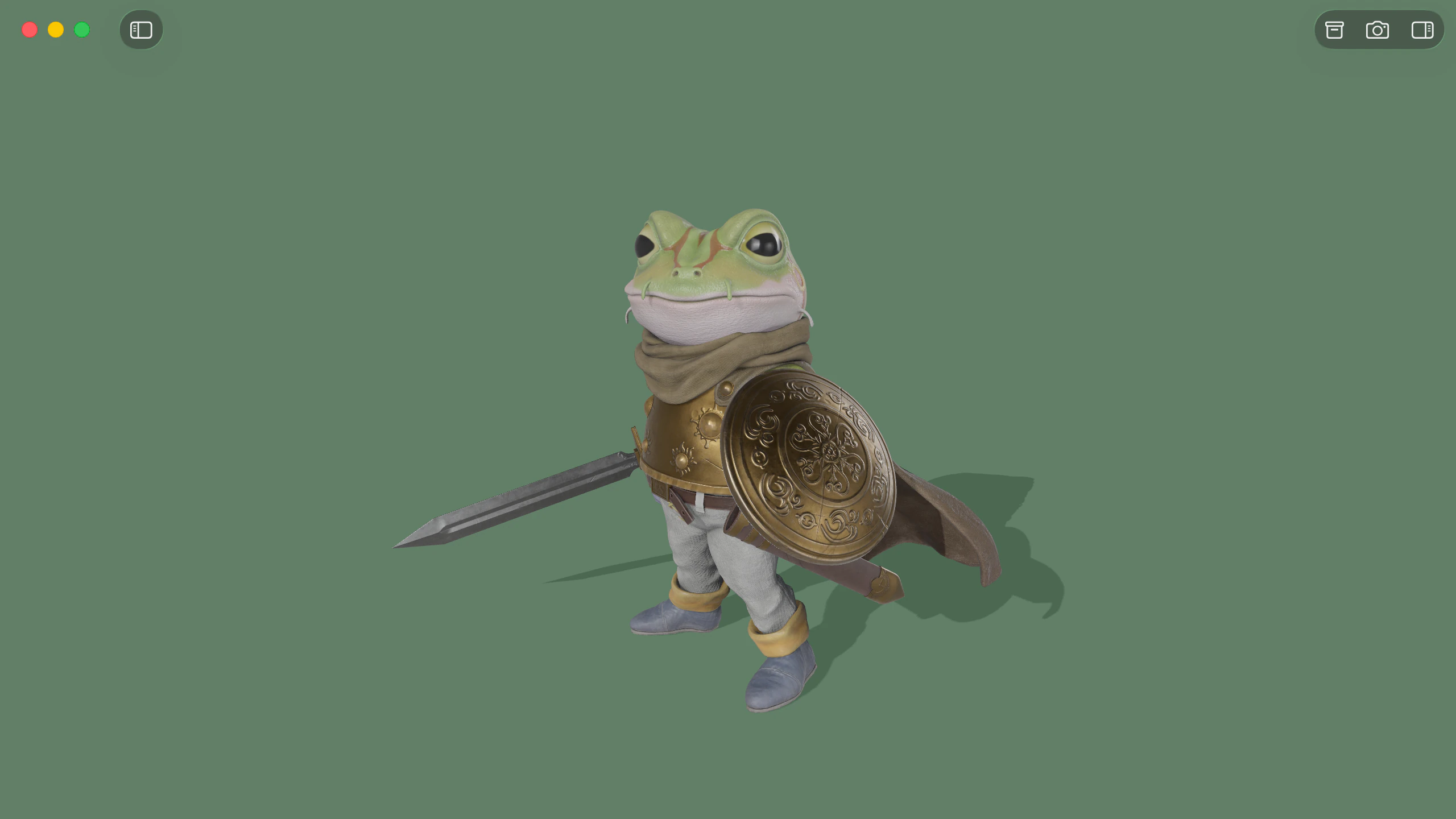
Solidly provides native macOS support for both standalone .glb containers and .gltf documents with external buffers and texture files. Models open directly into a real-time viewport that accurately evaluates scene hierarchy, skeletal animation, and physical materials without requiring conversion.
PBR materials and glTF extensions
Solidly implements the standard glTF metallic-roughness shading model under HDR environment lighting. Solidly's renderer handles advanced material extensions including clearcoat, surface sheen, volumetric transmission, glass dispersion, and thin-film iridescence.
Models packaged with geometry compression or modern texture containers decode during load. Solidly decompresses Draco, Meshopt, quantized meshes, and KTX2 Basis Universal textures directly into memory, opening production-ready web assets without pre-processing.
A detailed summary of supported material, geometry, and texture extensions appears in the glTF extension support reference table.
Supported glTF extensionsAnimation playback and transport controls
When a file contains animation tracks, Solidly displays a transport bar directly over the viewport. Solidly's playback engine evaluates skeletal deformation on skinned meshes, adjusts morph target weights, and drives property transitions targeted by KHR_animation_pointer.
Individual animation clips include controls for timeline scrubbing, continuous looping, and playback speed adjustments from half speed to double speed. Files authored with multiple concurrent tracks display stacked controls to inspect each sequence independently.
Still frames from any point on the playback timeline can be captured at up to 8K resolution through Photo Mode.
Animation playback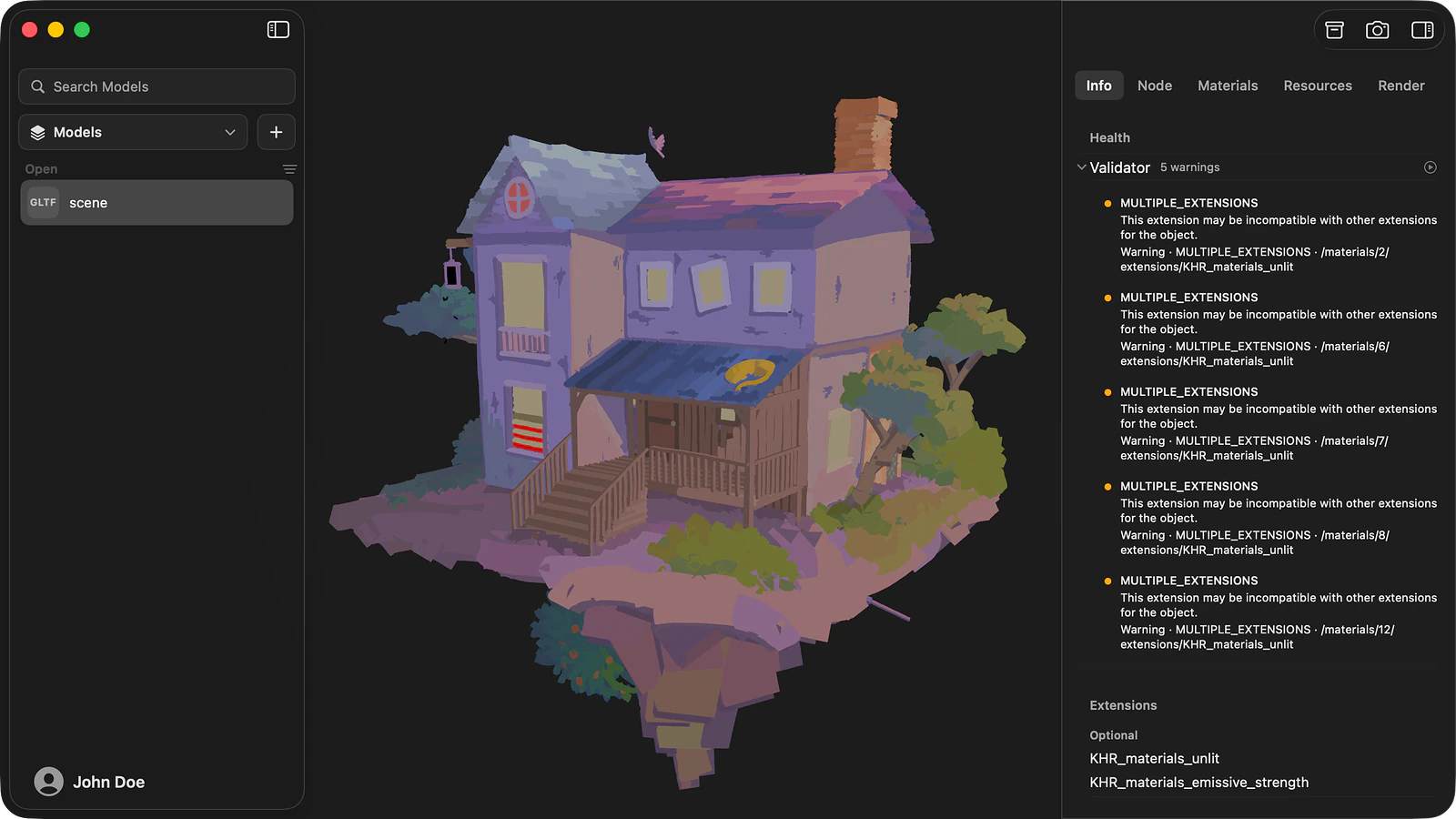
File inspection and Khronos validation
The Info tab summarises the core technical properties of the file, detailing vertex and triangle totals, declared compression methods, extension requirements, and embedded metadata such as XMP packets. Solidly runs the official Khronos glTF Validator automatically upon opening a file, reporting syntax errors, specification warnings, and optimisation hints alongside their exact JSON pointers.
To isolate rendering issues, the Render tab provides dedicated diagnostic modes. Visualizers display surface normals, tangents, vertex colours, UV coordinates via checker patterns, and individual shading passes in isolation. Toggle switches on each active material extension allow direct before-and-after evaluations without modifying file data.
The Resources tab exposes the underlying file schema, organising scene nodes, mesh primitives, cameras, punctual lights, skinning bindings, and raw buffer accessors into a navigable tree.
The Info tab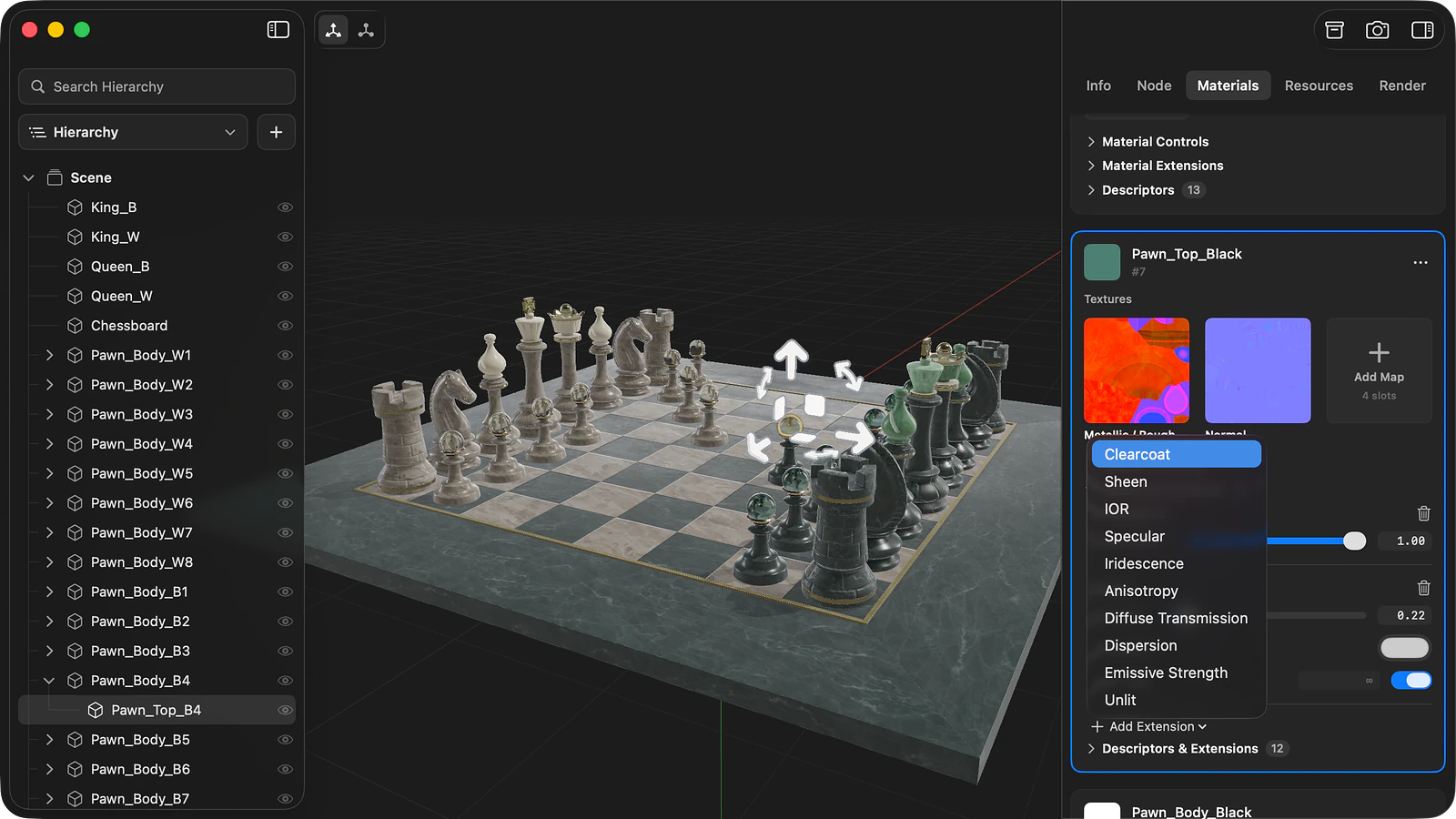
Material configuration and variants
The Materials tab organises every material in the 3D model into an interactive card showing surface parameters, texture channel assignments, alpha modes, and backface culling options. Edits reflect immediately in the viewport, and individual materials can be reset to their disk state at any point.
The Add Extension menu adds supported Khronos extensions directly to an existing material card, including clearcoat, sheen, transmission, iridescence, and volume. Texture sampler parameters, such as wrapping modes, filtering behaviour, and KHR_texture_transform UV offsets, can be adjusted inside the Textures pool.
For models with KHR_materials_variants, Solidly allows creating new variant entries, switching active configurations, and assigning material overrides within the chosen variant set.
Scene graph editing and file saving
The Hierarchy panel provides complete access to the glTF node tree. Nodes can be reordered, reparented, renamed, duplicated, or deleted, and empty group nodes, directional or punctual lights, and perspective cameras can be inserted directly into the scene. Spatial transforms can be adjusted numerically in the Node tab or positioned interactively with viewport gizmos. Separate glTF or GLB files can also be merged into the active scene.
Mesh utilities can separate multi-primitive meshes into distinct nodes, invert surface normals, recalculate tangents, and generate missing UV coordinates. Metadata fields, including custom extras objects and XMP blocks, are editable through dedicated property fields.
Saving updates the original file while preserving its declared compression layout. The Save As command exports to either binary .glb with self-contained assets or standard .gltf with external buffers and textures.
Asset compression and delivery optimization
Solidly's compression pipeline generates optimized duplicates of GLB and glTF assets while keeping source files untouched. Mesh data can be quantized or encoded using Draco or Meshopt compression algorithms, while texture maps can be converted to WebP or Basis Universal KTX2 containers.
For web delivery, the default configuration pairs Meshopt geometry compression with KTX2 textures, which stay compressed in GPU memory during runtime.
Compressing glTFglTF extension support
Solidly supports the complete suite of visual, material, and asset compression extensions in the Khronos glTF registry, covering 20 ratified KHR extensions and 3 approved multi-vendor EXT extensions. The table lists each supported extension alongside its rendering and editing capabilities.
| Extension | Rendering | Editing |
|---|---|---|
KHR_materials_anisotropy | Rendered | Added, edited, and removed on a material |
KHR_materials_clearcoat | Rendered | Added, edited, and removed on a material |
KHR_materials_dispersion | Rendered | Added, edited, and removed on a material |
KHR_materials_emissive_strength | Rendered | Added, edited, and removed on a material |
KHR_materials_ior | Rendered | Added, edited, and removed on a material |
KHR_materials_iridescence | Rendered | Added, edited, and removed on a material |
KHR_materials_sheen | Rendered | Added, edited, and removed on a material |
KHR_materials_specular | Rendered | Added, edited, and removed on a material |
KHR_materials_transmission | Rendered | Added, edited, and removed on a material |
KHR_materials_unlit | Rendered | Added and removed on a material |
KHR_materials_volume | Rendered | Added, edited, and removed on a material |
KHR_materials_variants | Selectable in the Info and Materials tabs | Variants created, and materials assigned to them |
KHR_texture_transform | Rendered | Offset, rotation, and scale edited in the Textures pool |
KHR_texture_basisu | Decoded when the file opens | Written by compression export |
EXT_texture_webp | Decoded when the file opens | Written by compression export |
KHR_draco_mesh_compression | Decoded when the file opens | Written by compression export |
EXT_meshopt_compression | Decoded when the file opens | Written by compression export |
KHR_mesh_quantization | Read when the file opens | Written by compression export |
EXT_mesh_gpu_instancing | Rendered, with each copy selectable | Copies moved and deleted individually |
KHR_lights_punctual | Rendered | Lights added, and their colour, intensity, range, and cone angles edited |
KHR_node_visibility | Hidden nodes are not drawn | Nodes shown and hidden |
KHR_animation_pointer | Played back | Not editable |
KHR_xmp_json_ld | Shown in the Info and Node tabs | Asset and node packets edited |
Solidly also supports two extensions that are not ratified. KHR_materials_diffuse_transmission is supported as a release candidate and flagged in the Info tab for compatibility awareness. The archived KHR_materials_pbrSpecularGlossiness extension renders and remains editable in existing files, though Solidly restricts new material creation to modern metallic-roughness workflows.
Availability
Every feature on this page is included in Solidly's 30-day free trial with no payment details required. Solidly Standard is a one-time purchase that keeps full functionality permanently. See pricing.
Solidly requires an Apple silicon Mac running macOS 26 or later.
Limitations
- Solidly exports glTF scenes exclusively to GLB or glTF formats and does not perform conversions to foreign schemas such as FBX, OBJ, or USDZ.
- Four extensions in the Khronos registry are not supported:
KHR_interactivity,KHR_node_hoverability, andKHR_node_selectability(which define interactive application runtime behaviour rather than 3D asset rendering), andKHR_gaussian_splatting(which Solidly opens in PLY format). Unsupported extensions are reported in the Info tab and preserved without alteration during save operations. - Animation tracks can be evaluated and played back, but keyframe editing is not supported.
- Compressed models are unpacked in system memory upon load; recompressing modified geometry or changing compression algorithms requires running the compression export tool.
- Maximum loadable file and texture dimensions are limited by available unified memory on the host Mac.
Frequently asked questions
What is the difference between a GLB file and a glTF file?
A .gltf file stores the scene description as human-readable JSON while referencing external binary buffers (.bin) and standalone texture image files. A .glb file packages the exact same scene data, buffers, and textures into a single binary container. Solidly opens, displays, and converts between both variants.
How do I open a GLB file on a Mac?
Open Solidly and choose File ▸ Open, or drag the file directly into the application window. Once installed, pressing Space on any .glb file in the Finder opens an interactive 3D Quick Look preview.
Can Solidly convert a glTF file to GLB?
Yes. Solidly saves models between glTF variants. Opening a .gltf file and selecting File ▸ Save As ▸ GLB bundles all external buffers and images into a single self-contained binary file. Cross-format conversion to formats like FBX or USD is not supported.
How can I reduce the size of a GLB file?
The compression export feature writes a smaller copy of the file by applying Meshopt or Draco geometry compression and encoding textures to KTX2 or WebP. The original source asset remains unmodified.
Is Solidly's GLB viewer free?
Solidly includes an unrestricted 30-day trial with no credit card required. Continued use after 30 days requires purchasing a permanent Solidly Standard license.