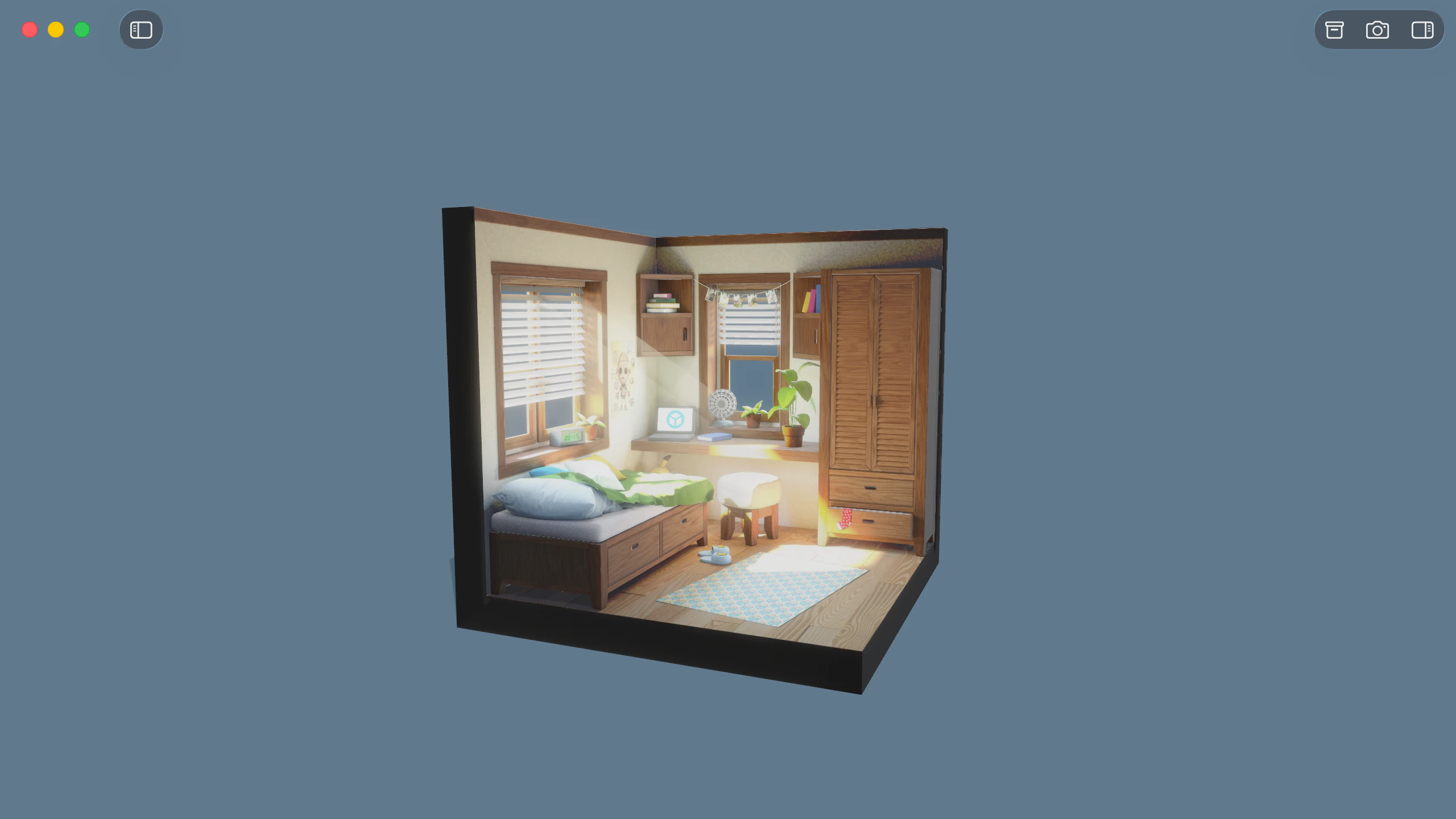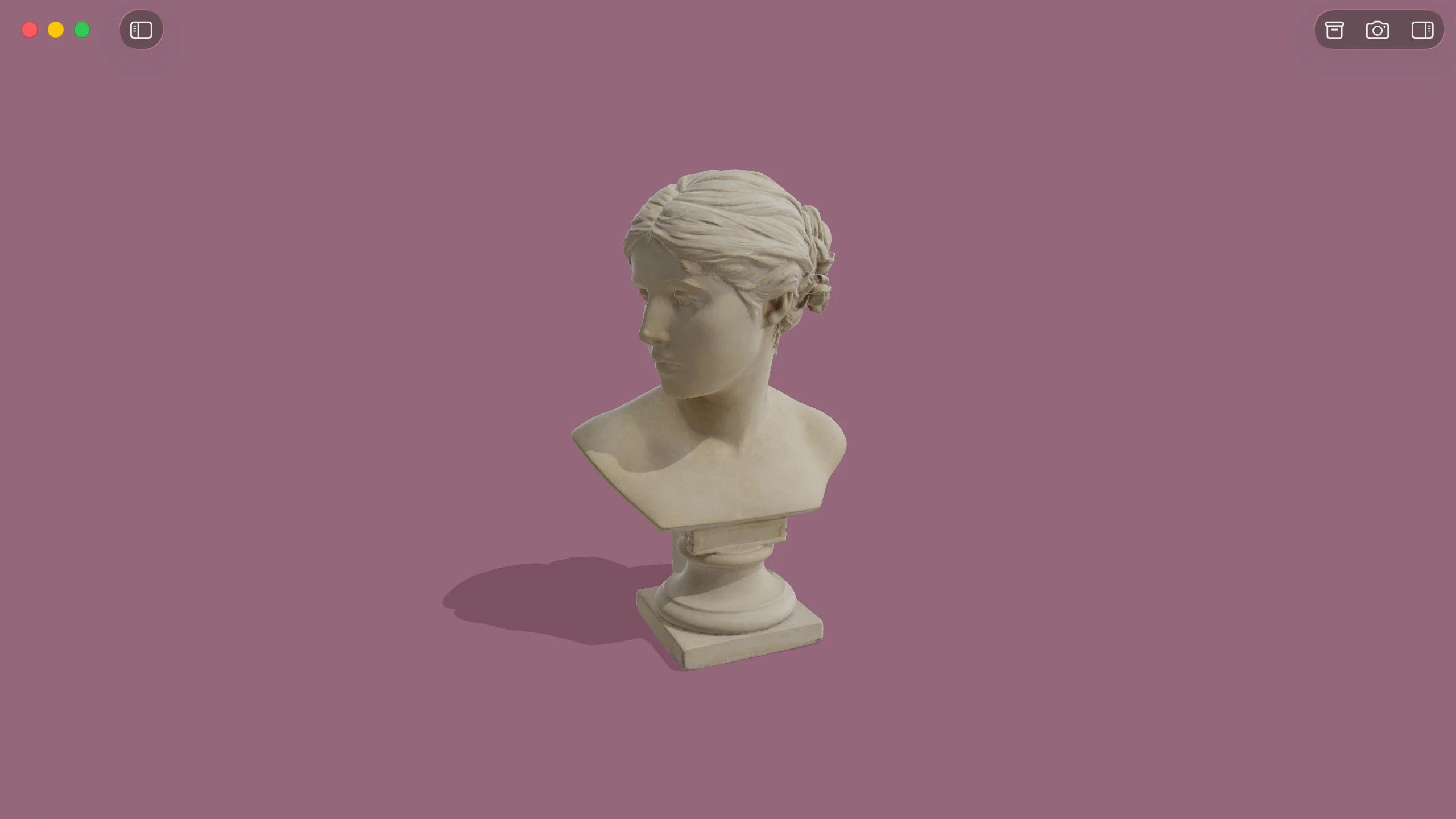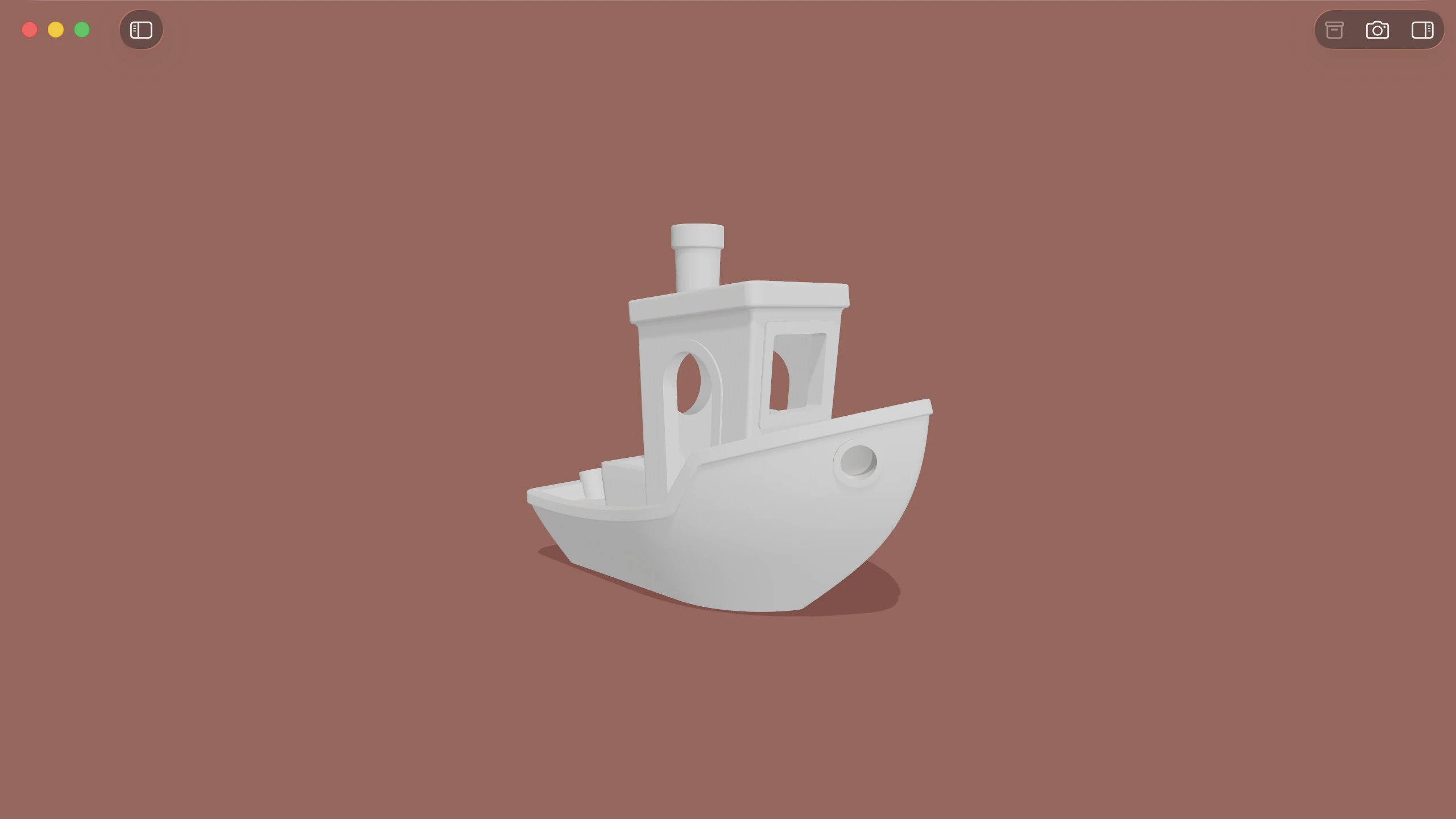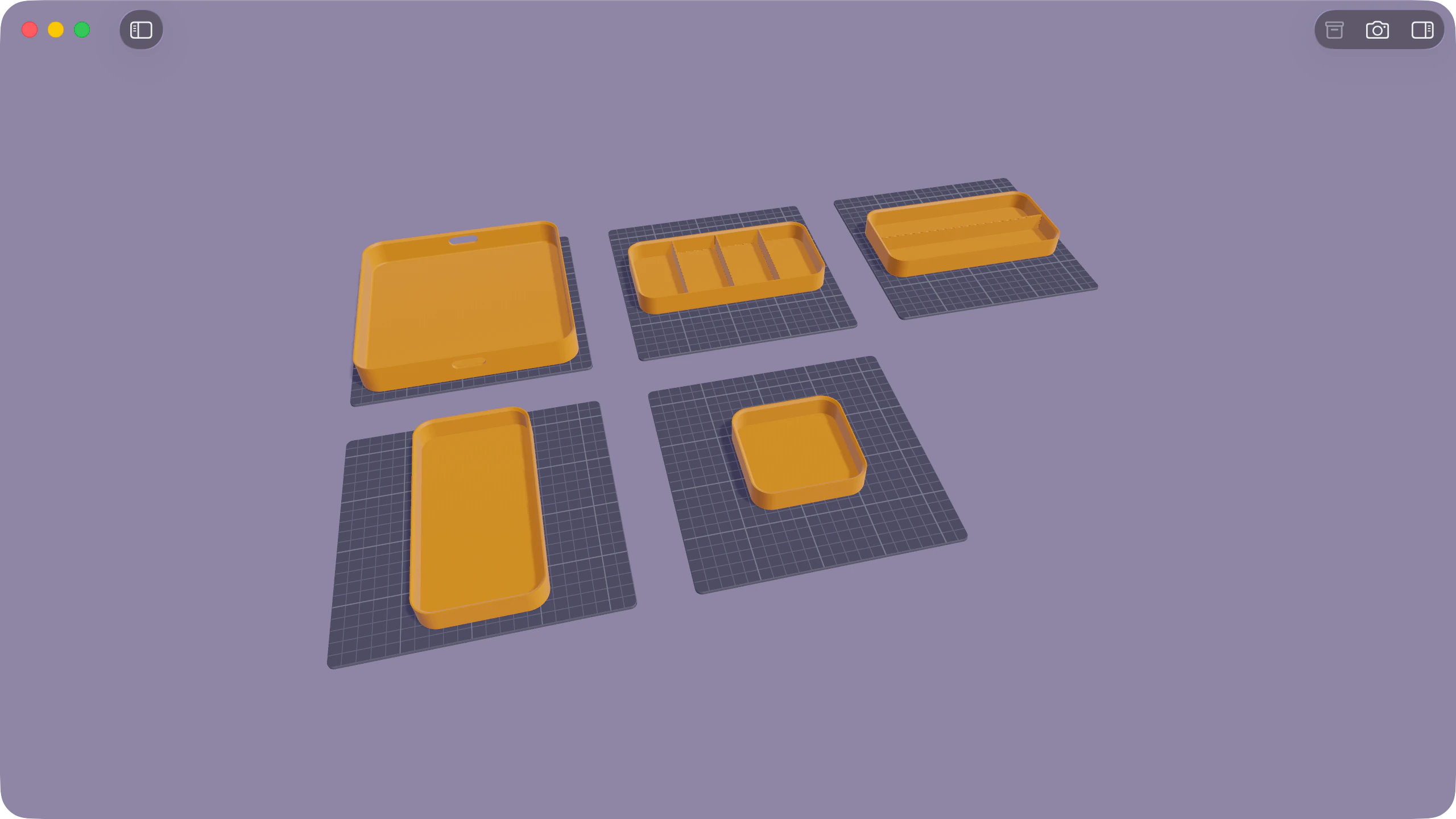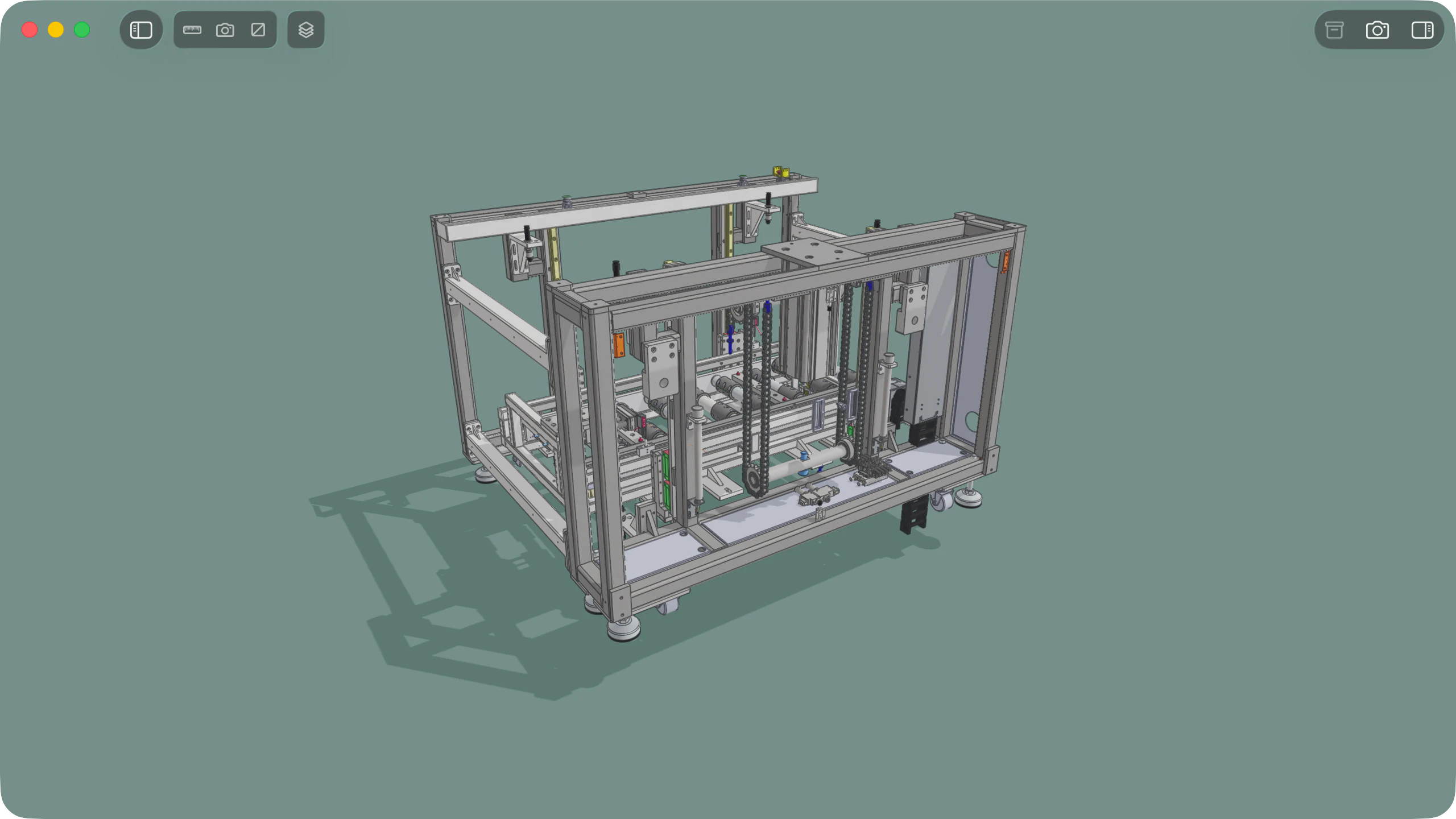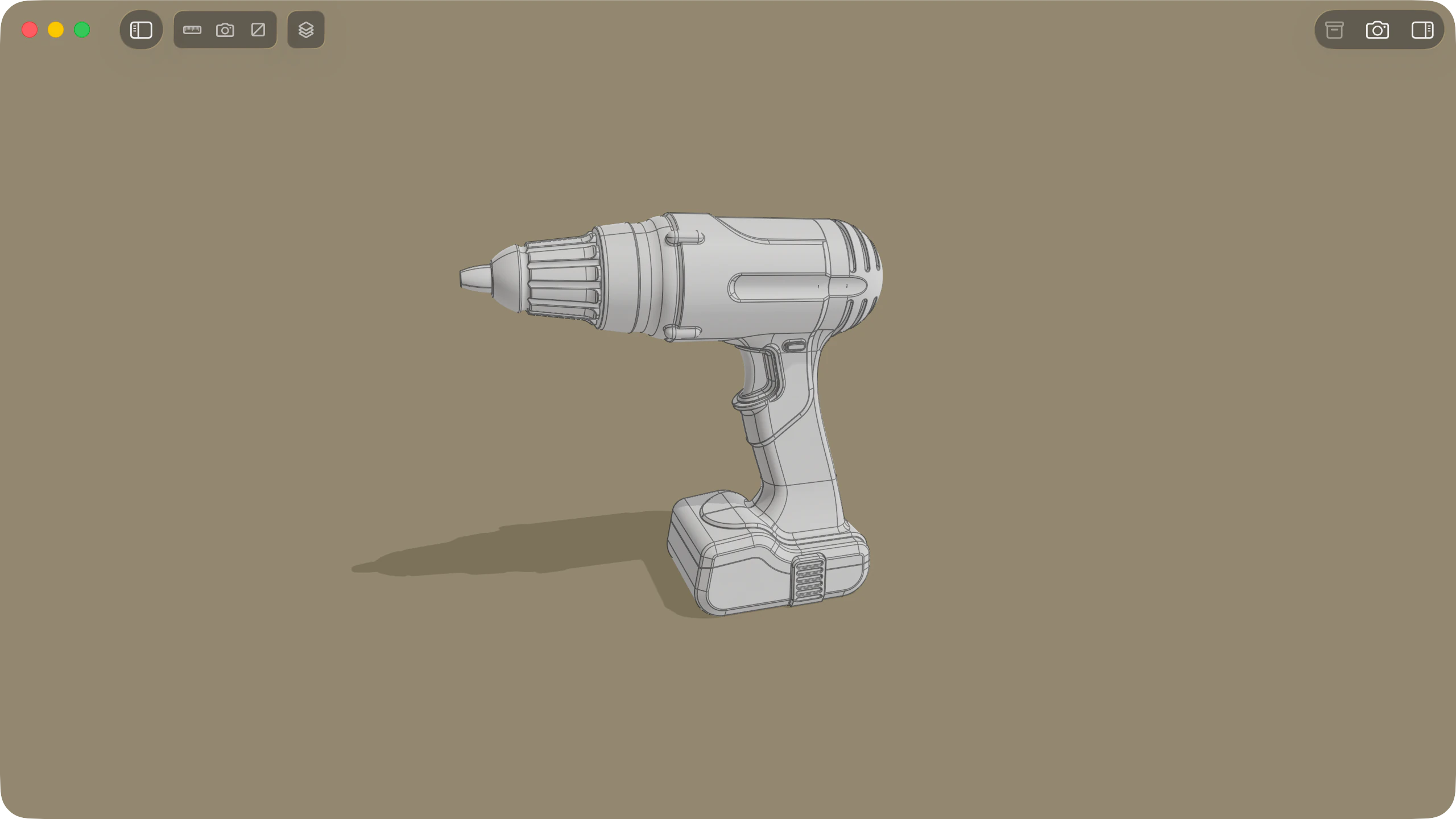
Solidly provides native macOS support for binary and ASCII FBX files across game development, visual effects, and architectural visualisation workflows. Models open directly into a real-time viewport that evaluates scene hierarchies, skeletal deformation rigs, blend shapes, animation takes, and authored materials without pre-processing or external dependencies.
Shading models and texture mapping
Solidly resolves referenced textures whether embedded directly within binary FBX files, stored in adjacent .fbm media directories, or located via relative file paths. Materials evaluate within their authored shading models under HDR environment lighting. Physically based shaders, including Autodesk Standard Surface and Stingray PBS, render with metallic and roughness parameters, while legacy Lambert and Phong materials are calibrated with balanced diffuse and specular approximations for visual consistency.
In the Render tab, Solidly provides diagnostic visualizers to inspect base colour, normal maps, roughness, and emissive channels in isolation. Imported directional, point, and spot lights can be toggled independently to evaluate lighting contributions against the environment.
FBX materialsAnimation takes and skeletal deformation
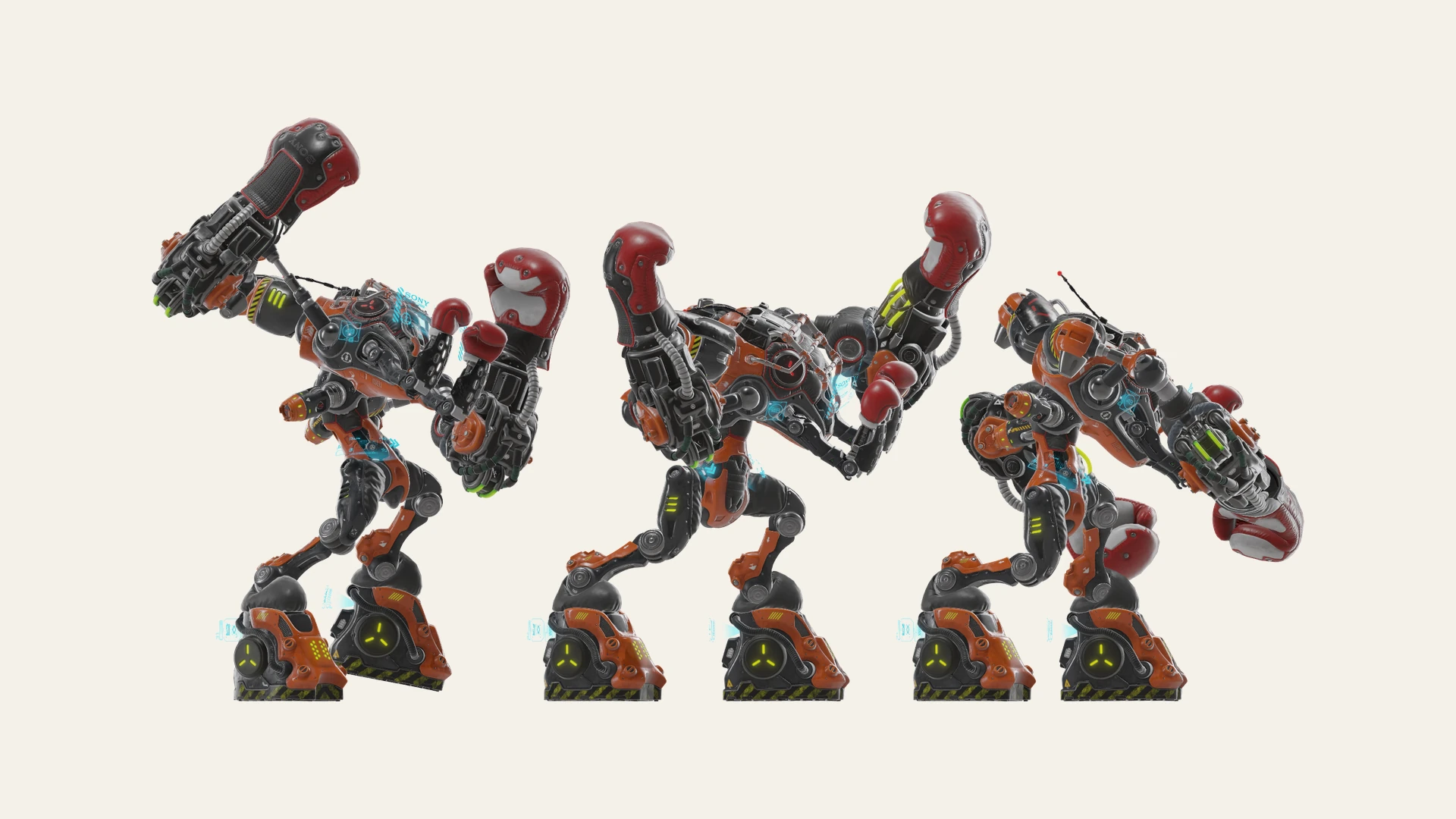
When an FBX file contains animation takes, Solidly displays a transport bar directly over the viewport. Solidly evaluates skeletal deformation across skinned character rigs, animates node transformations and visibility tracks, and drives complex morph targets across blend shape channels.
Each authored animation take is available as an independent clip, complete with controls for frame-accurate timeline scrubbing, continuous looping, and playback speed adjustments from half speed to double speed.
Still frames from any point along the animation timeline can be captured at up to 8K resolution using Photo Mode.
Animation playbackFile structure and schema inspection
Solidly's Info tab provides an immediate technical summary of the file, detailing node counts, mesh geometry totals, vertex and polygon counts, authored coordinate systems, linear unit scale, and embedded metadata.
In the Resources tab, Solidly maps the complete internal schema in native FBX terms, detailing geometry layer elements, animation takes and curve nodes, skeletal clusters, skin bindings, bind poses, and camera definitions. Selecting any scene node opens its dedicated FBX Properties card in the Node tab, presenting all authored attributes and custom metadata alongside their data types.
To isolate geometry details, Solidly provides wireframe rendering, face orientation indicators to verify polygon winding, and visualizers for vertex normals and tangents.
The Resources tab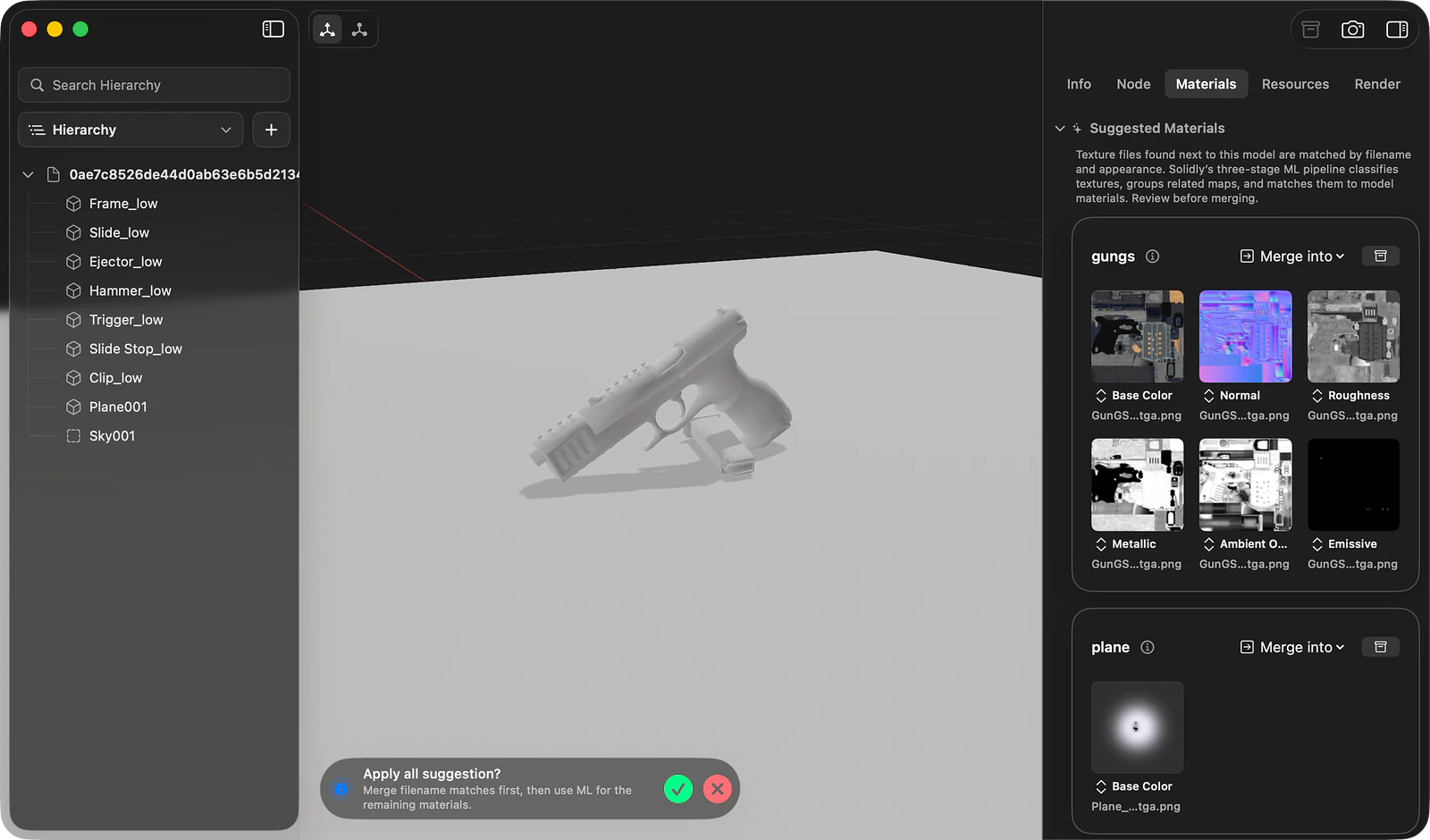
Material reconstruction and loose textures
Exported FBX files frequently separate from their texture bindings or ship alongside unlinked texture maps. Solidly scans the directory containing the model, detects texture channels by evaluating filename patterns and image contents, and groups compatible images into candidate materials matched to the file's material slots.
Suggested materials can be inspected in the Materials tab and assigned across the model using Merge Suggested, or mapped individually by dragging cards directly onto mesh surfaces in the viewport. When metallic or roughness maps are assigned to legacy Lambert or Phong materials, Solidly automatically exposes physical controls and maps the textures to standard FBX property slots recognised across modern 3D tools and game engines.
Material suggestions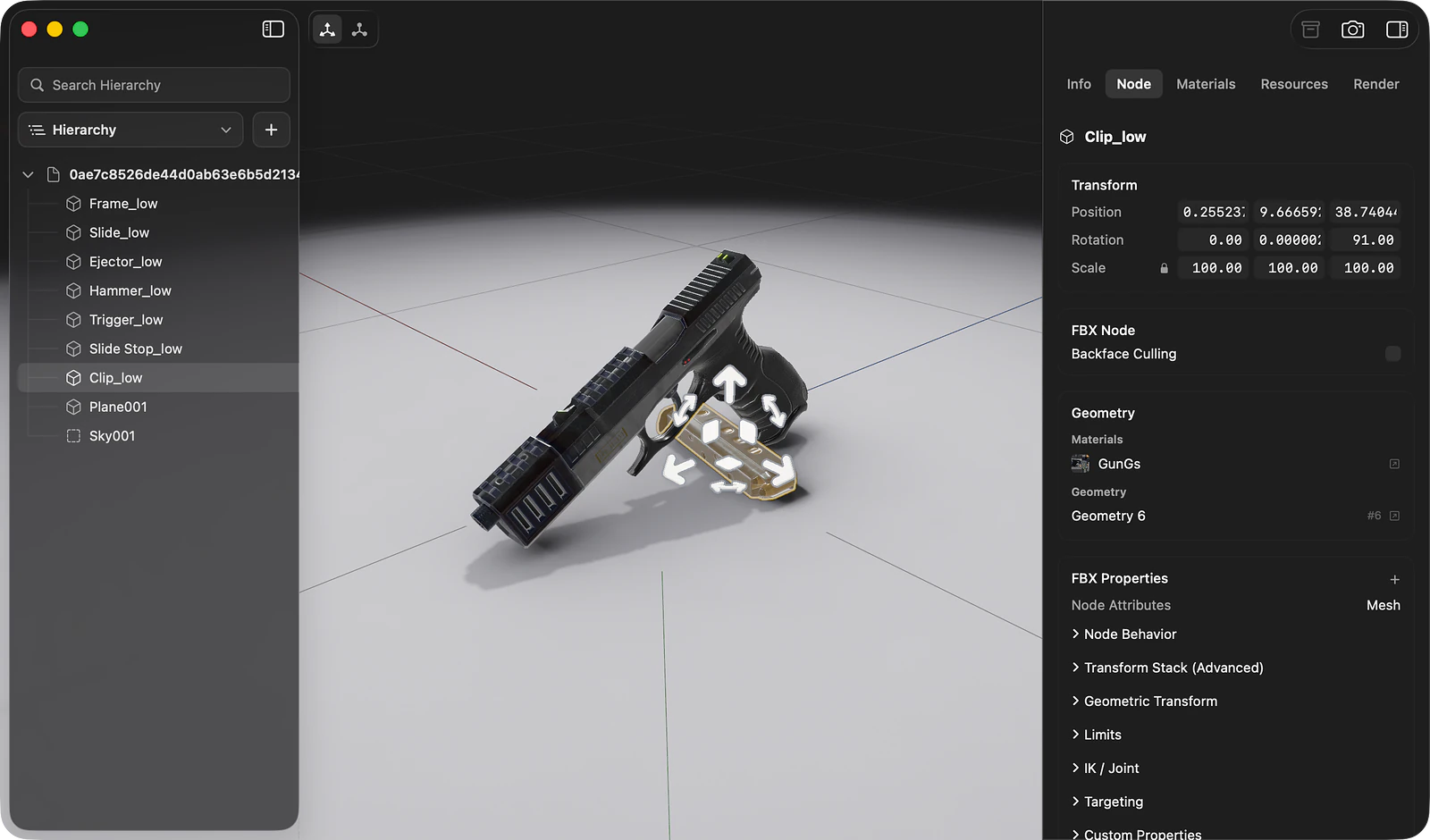
Scene graph restructuring and material editing
The Hierarchy panel provides full access to the FBX scene graph. Nodes can be reparented, reordered, renamed, duplicated, or removed. Empty group nodes, directional, point, or spot lights, and perspective or orthographic cameras can also be added into the tree. Spatial transformations can be adjusted numerically in the Node tab or positioned interactively with viewport gizmos, with Solidly resolving coordinate offsets through authored rotation and scaling pivots to maintain alignment across external applications.
In the Materials tab, Solidly organises surface parameters according to each shading model. Physically based materials expose controls for metallic, roughness, normal map strength, and emissive channels, while Phong and Lambert shaders provide adjustments for specular colour, shininess, and diffuse values. Mesh nodes include toggles for double-sided rendering, and inspector cards allow editing light intensities, cone angles, camera field of view, and file-level metadata.
Editing the hierarchyFile saving and texture embedding
Saving applies modifications directly to the FBX file while preserving unedited scene structures, animation takes, and custom attributes. The Save command updates the original file on disk.
The Save As command provides two output formats: standard FBX, which references textures located in an adjacent .fbm media folder, and Embedded FBX, which packages all binary geometry, materials, and texture maps into a single self-contained file.
Availability
Every feature on this page is included in Solidly's 30-day free trial with no payment details required. Solidly Standard is a one-time purchase that keeps full functionality permanently. See pricing.
Solidly requires an Apple silicon Mac running macOS 26 or later.
Limitations
- Solidly saves FBX models exclusively to FBX and does not perform conversions to foreign formats such as glTF, OBJ, or USDZ.
- Animation takes can be evaluated, scrubbed, and played back, but keyframe authoring and curve editing are not supported.
- Solidly normalises the active scene coordinates to Y-up and centimetre units upon loading. Saving structural node changes writes the file with these coordinate settings, while saving material changes alone preserves the original axis and unit definitions.
- The standard FBX specification does not include a native ambient occlusion material property. Ambient occlusion textures assigned through material suggestions render in the viewport and are copied alongside saved files, but are not referenced in the written FBX material schema.
- Custom properties authored in an FBX file are displayed in the Node tab for inspection, but authoring or editing custom properties is not supported.
- Area and volume lights authored in existing files are rendered, but creating new area or volume light nodes is not supported.
Frequently asked questions
What is an FBX file?
FBX is a 3D interchange format used to exchange complex scenes, skeletal rigs, and animation data across digital content creation tools and game engines. Files store geometry, material definitions, texture references, cameras, lights, and skeletal hierarchies in either a compact binary format or plain-text ASCII. Solidly provides native support for opening, inspecting, and editing both binary and ASCII FBX files on macOS.
How do I open an FBX file on a Mac?
Open Solidly and select File ▸ Open, or drag the file directly into the application window. Once installed, pressing Space on any FBX file in the Finder opens an interactive 3D Quick Look preview with full material and lighting evaluation. When opening files with external textures, keep the image assets in the same directory or within an adjacent .fbm folder.
Can I open an FBX file without Autodesk software?
Yes. Solidly is a standalone native macOS application that opens, inspects, and edits FBX files directly. It evaluates geometry, materials, skeletal animation, and scene hierarchies without requiring Autodesk software or secondary conversion tools.
Can Solidly convert an FBX file to OBJ or glTF?
Solidly saves FBX files exclusively to FBX, preserving source format structures. Files can be saved with external textures organised in an adjacent .fbm folder or exported as self-contained Embedded FBX packages. Solidly does not convert FBX files to OBJ, glTF, or USDZ.
Is Solidly's FBX viewer free?
Solidly includes an unrestricted 30-day trial with no credit card required. Continued use after 30 days requires purchasing a permanent Solidly Standard license.