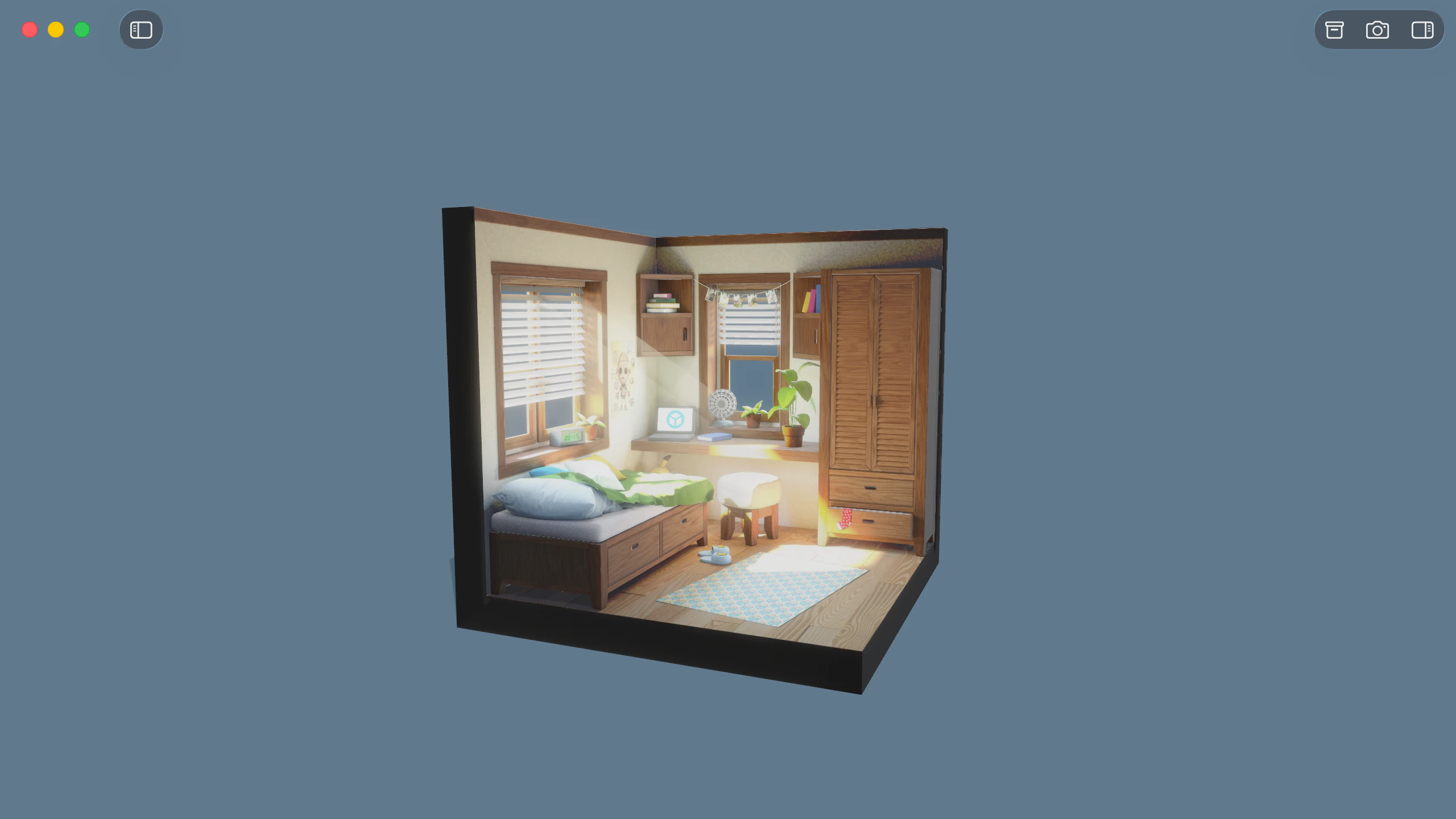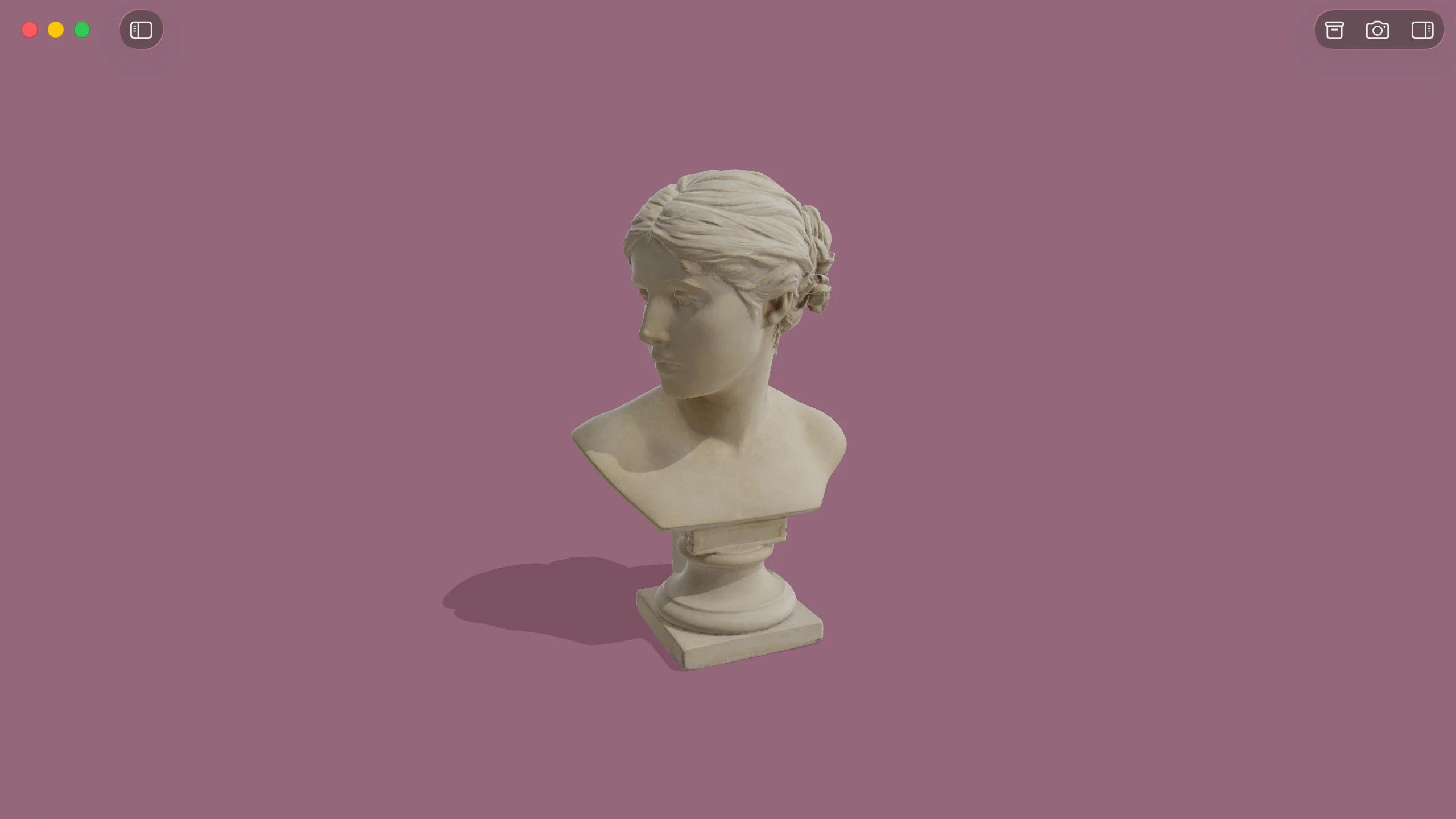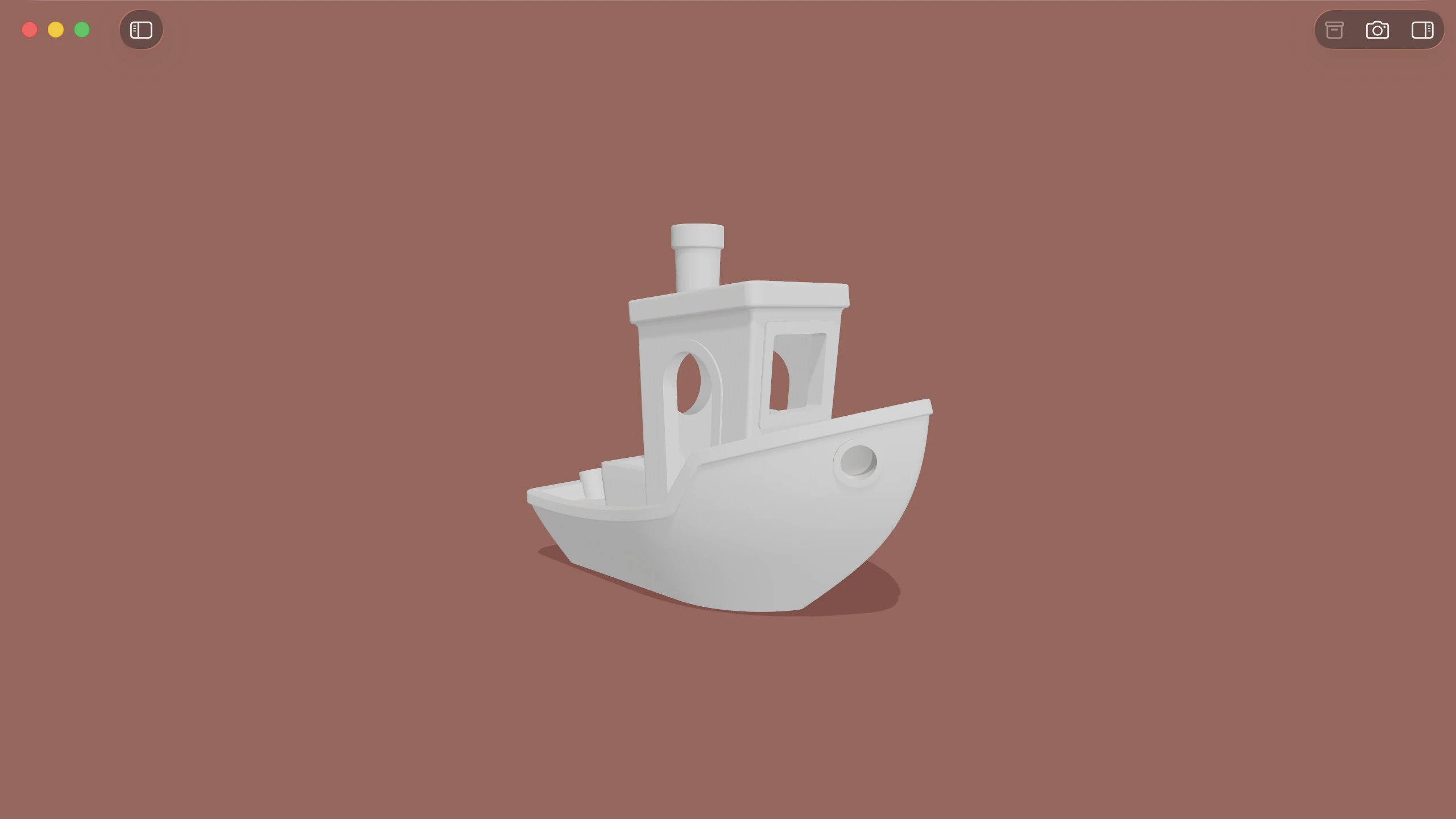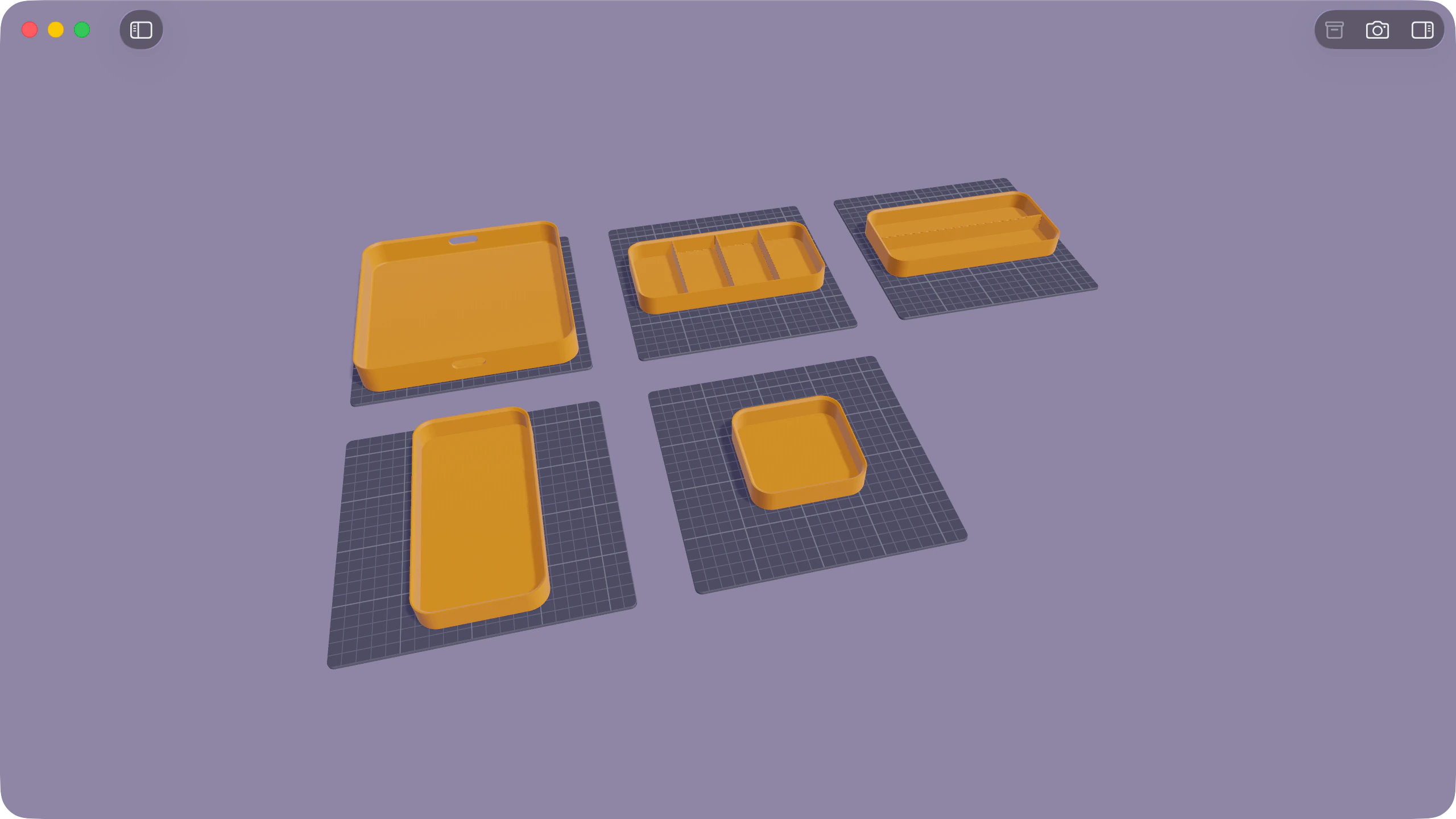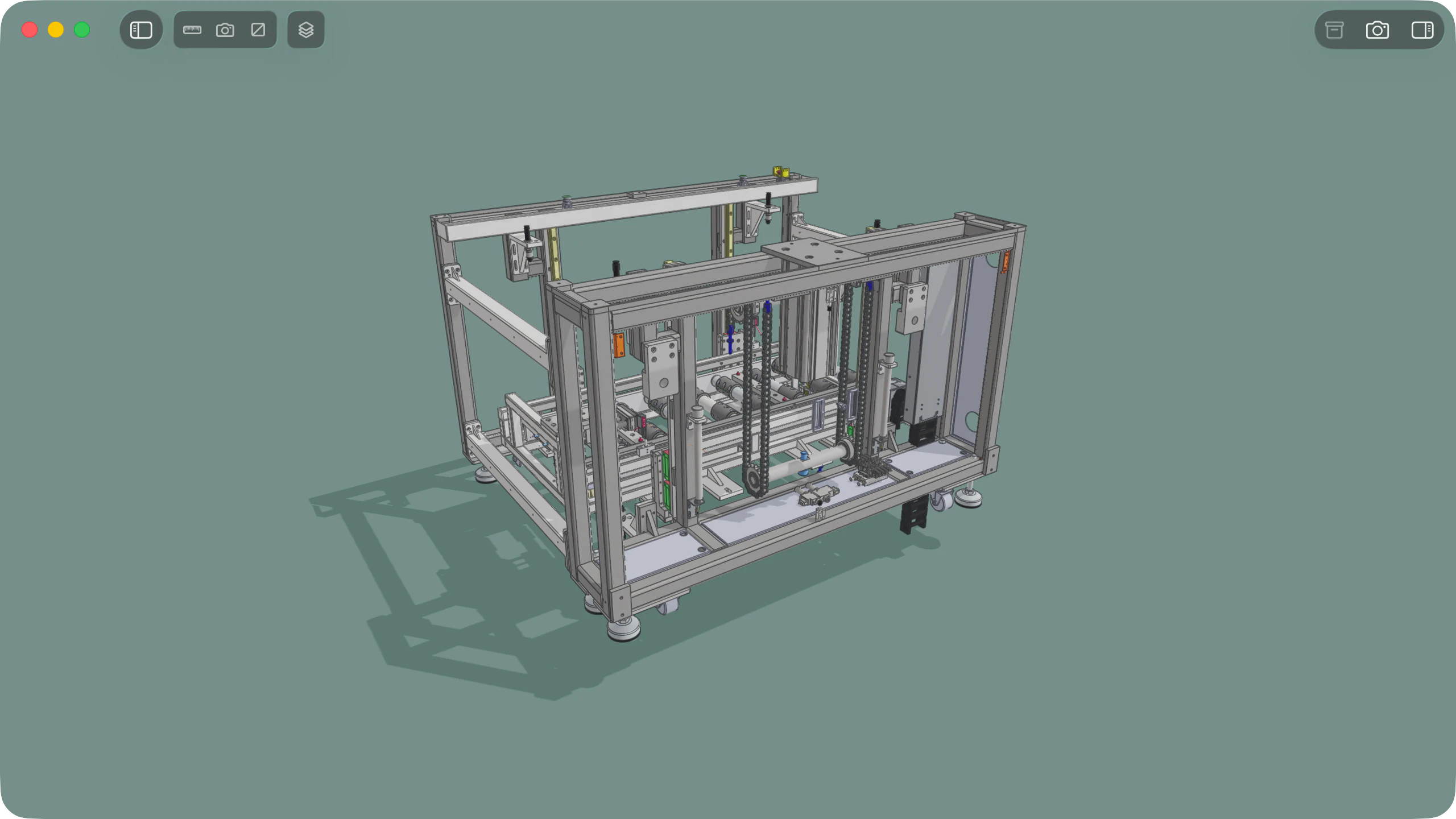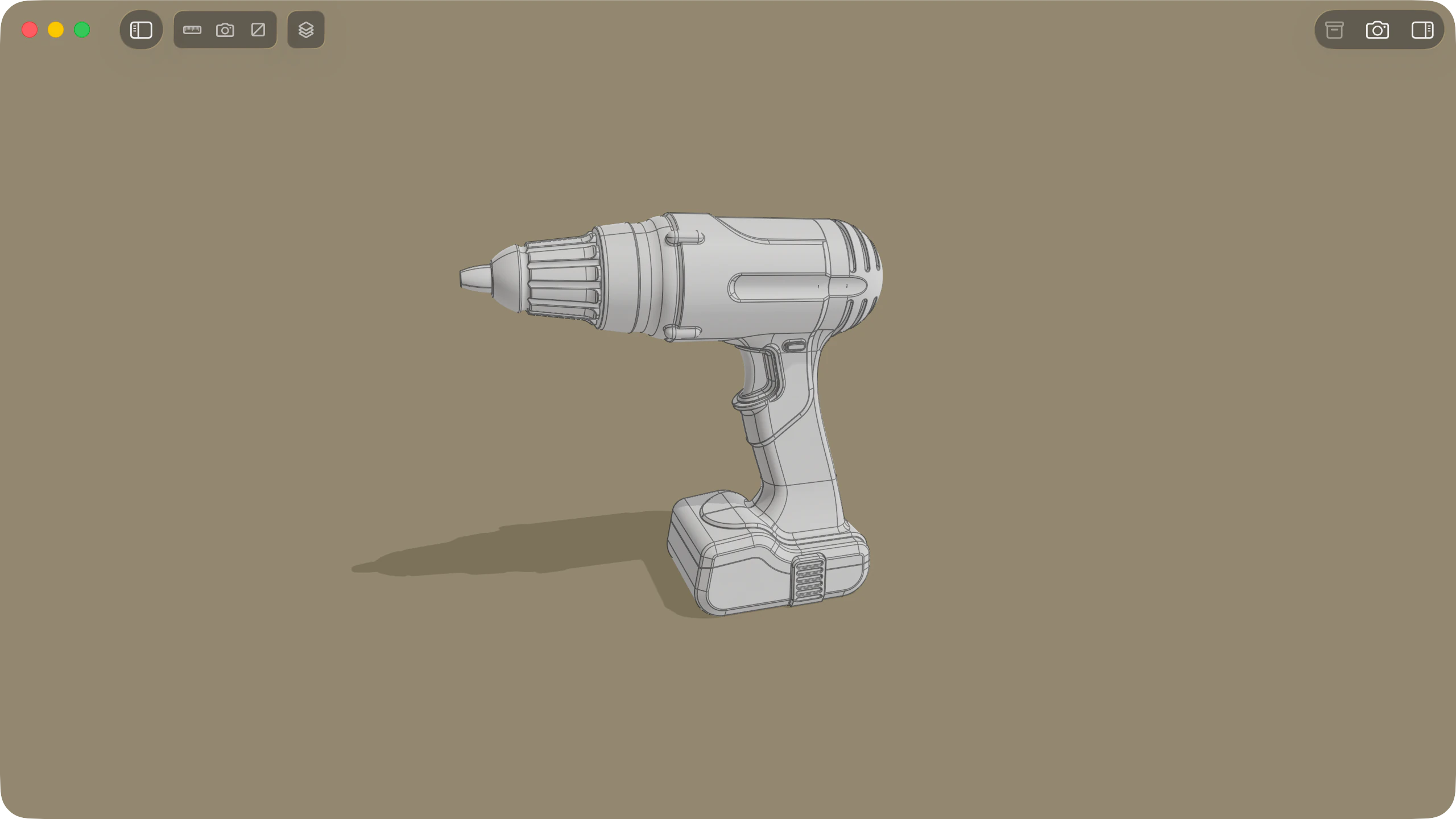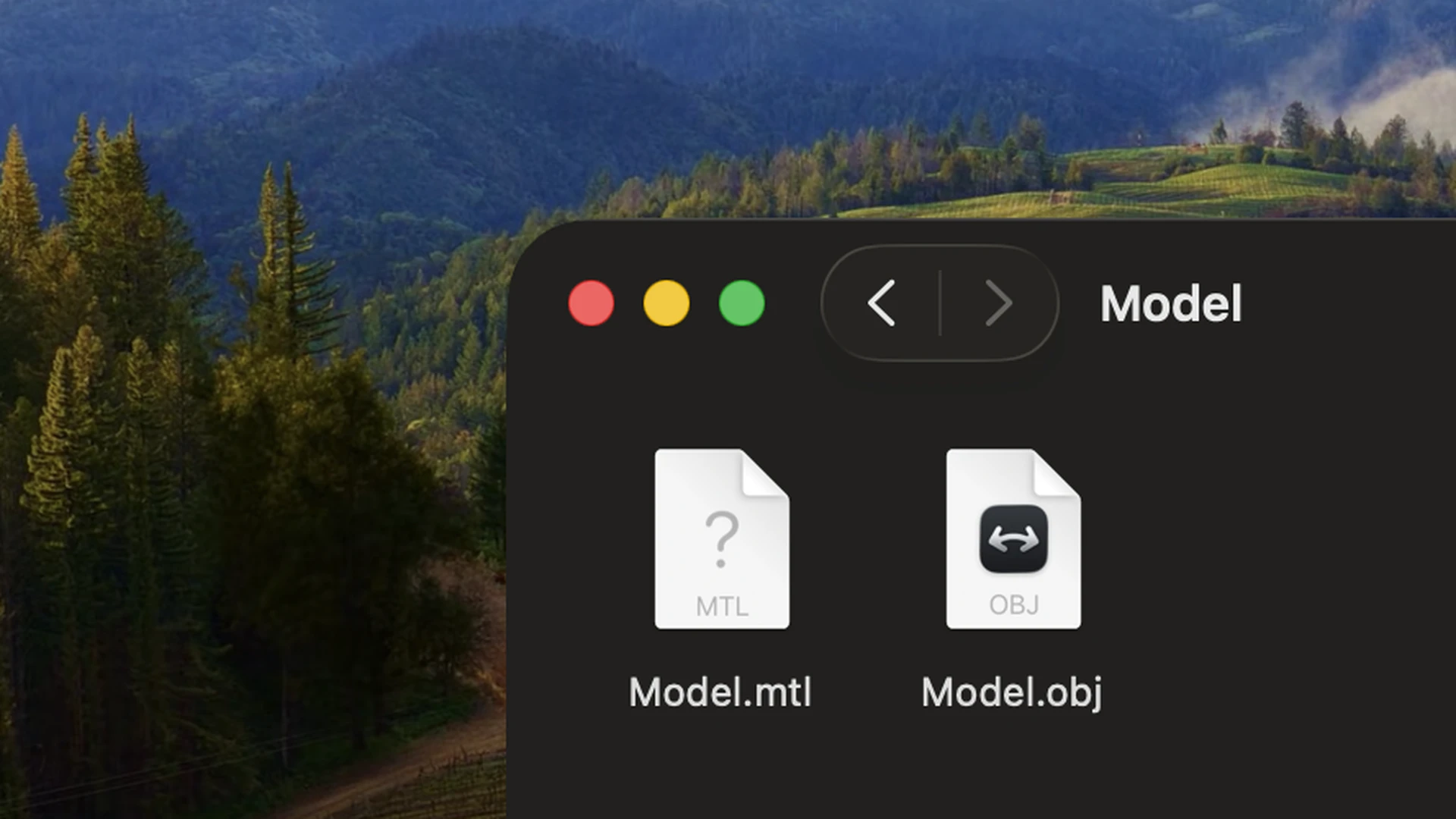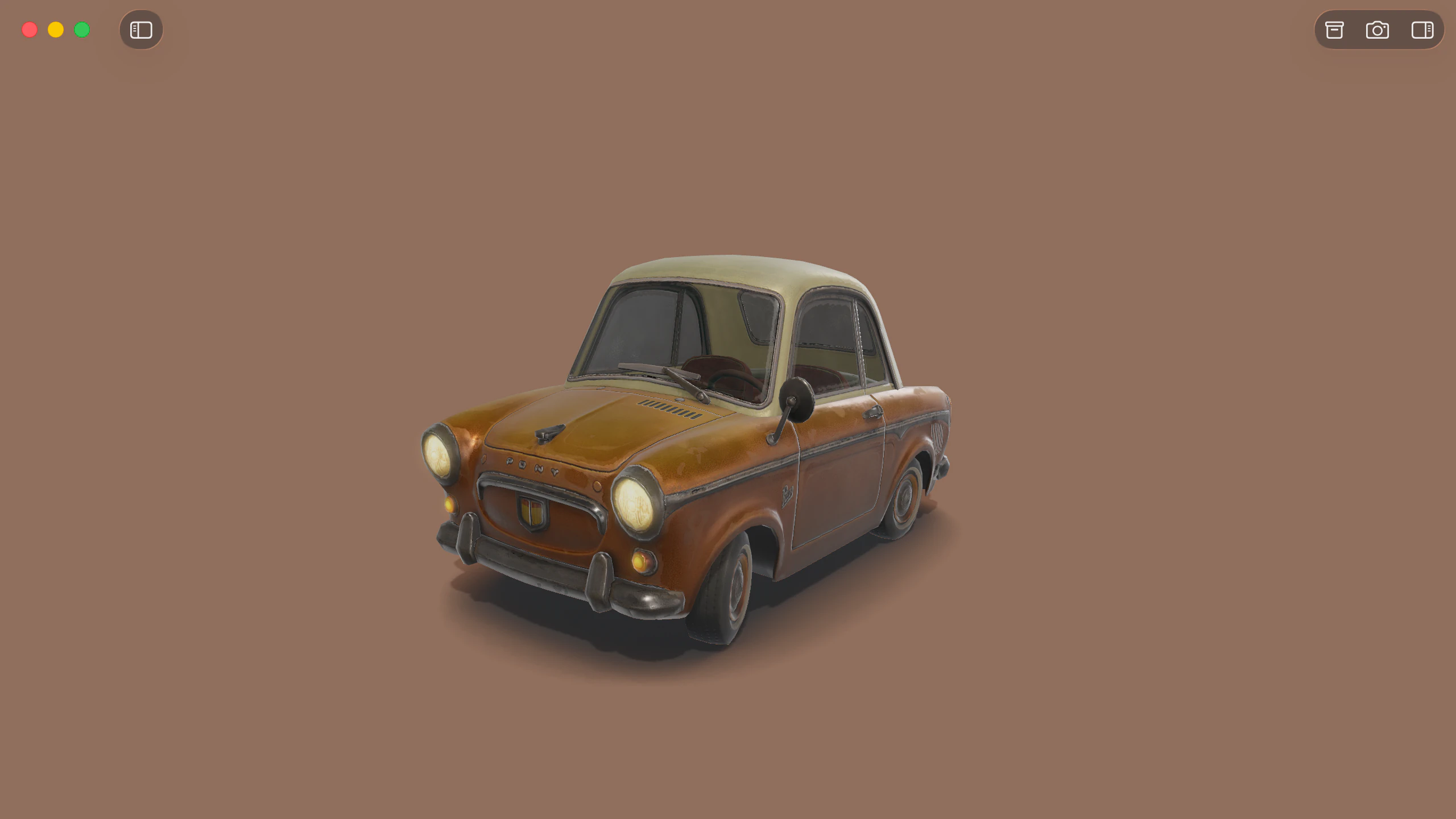
Solidly provides native macOS support for Wavefront OBJ geometry and associated MTL material libraries. Models open directly into a real-time viewport that resolves material references, texture maps, smoothing groups, polygonal partitions, and per-vertex colours without conversion or manual file linking.
MTL materials and PBR extensions
When opening an OBJ file, Solidly automatically resolves the companion .mtl library declared by mtllib statements and loads referenced texture maps from adjacent directories.
Beyond traditional Phong and Lambert definitions, Solidly evaluates modern physically based extensions written to MTL files. Materials render under HDR environment lighting with support for roughness, metallic, surface sheen, clearcoat, anisotropy, and transmission parameters, alongside per-vertex colours authored in v x y z r g b syntax. Solidly also displays line and point primitives alongside polygonal faces.
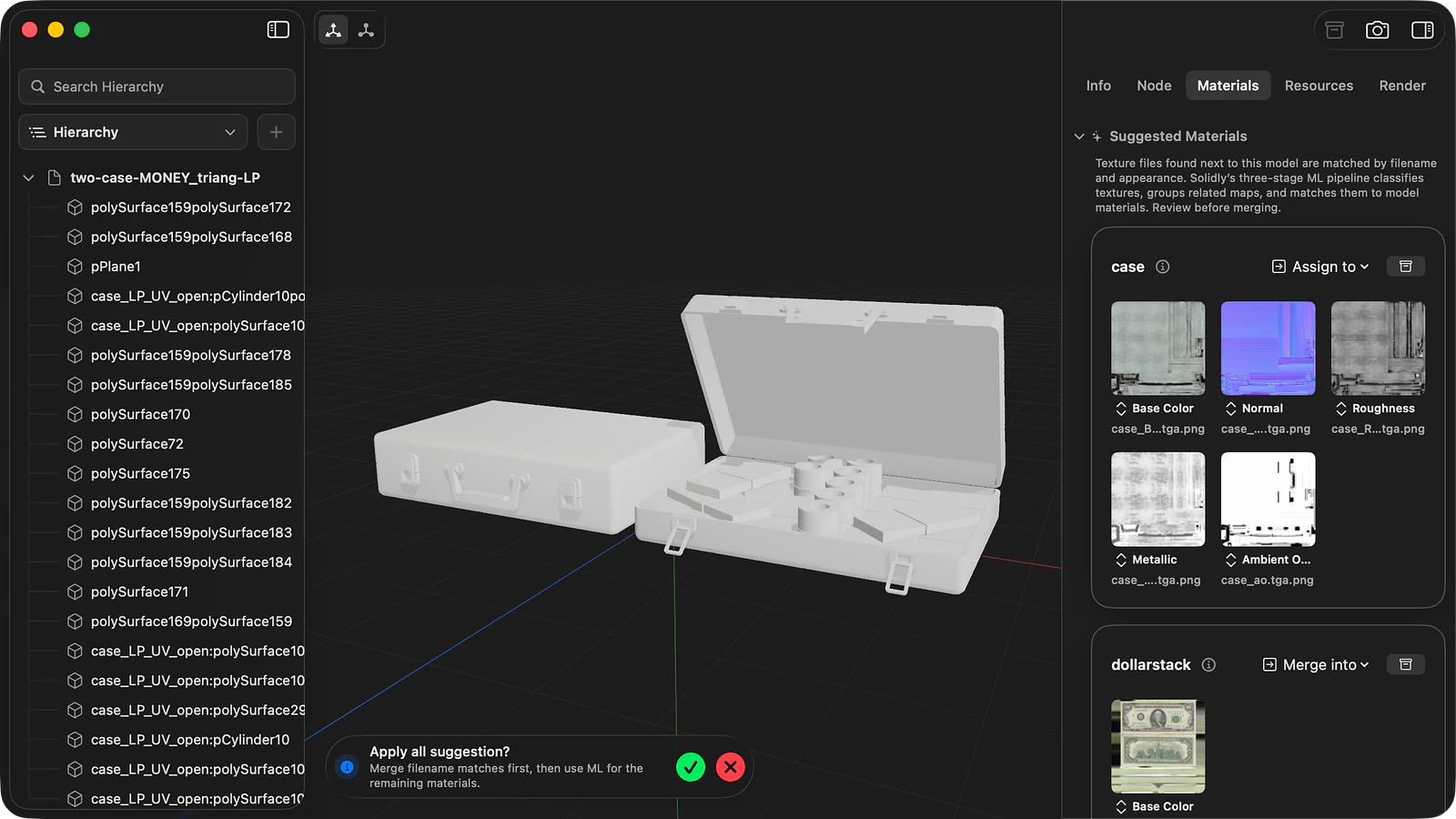
Material reconstruction and loose textures
Exported OBJ assets frequently detach from their texture paths or ship with unreferenced image files. Solidly scans the surrounding directory, analyses filenames and image contents to identify texture channels, and groups compatible images into candidate materials matched to the file's declared material slots.
Suggested materials appear as interactive cards in the Materials tab. Textures can be bound across the model using Merge Suggested, or mapped by dragging cards directly onto mesh surfaces in the viewport. Assigned materials update the companion .mtl library upon saving.
File structure and geometry inspection
Solidly's Info tab provides an immediate technical breakdown of the file, detailing object and group counts, line and point elements, vertex and index totals, and authored header comments.
In the Resources tab, Solidly maps the complete internal structure according to the format's own schema, organising named objects, groups, vertex attribute arrays, smoothing groups, and polygonal face definitions into a navigable tree.
To diagnose geometry and shading discrepancies, Solidly provides real-time visualizers in the Render tab to inspect surface normals, tangents, face orientation for reversed winding, UV coordinate distribution via checker patterns, and individual material channels in isolation.
The Resources tab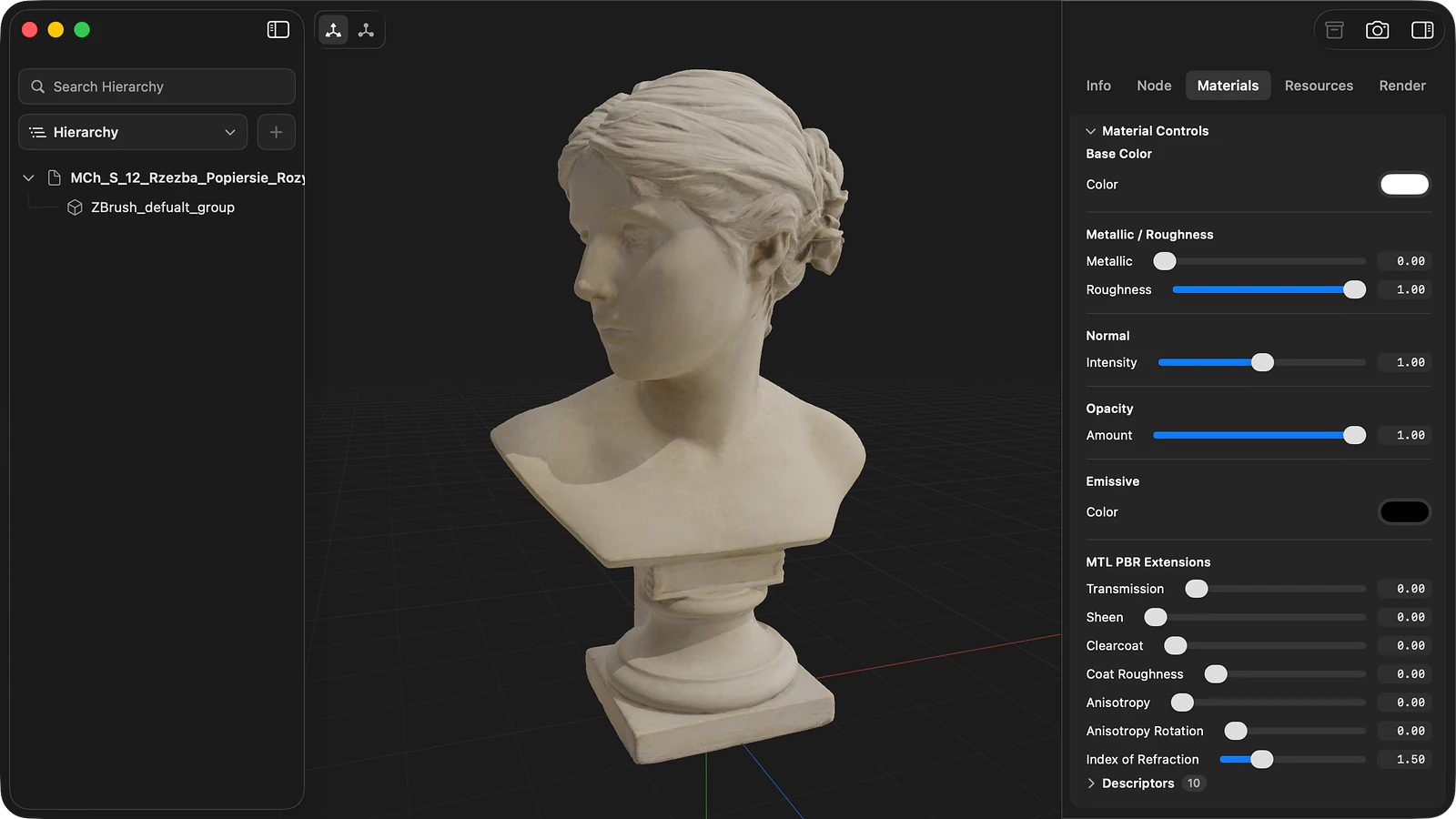
Material configuration and PBR parameters
The Materials tab organises every MTL material into a dedicated card displaying surface factors, texture bindings, opacity, normal map strength, and emissive properties. An MTL PBR Extensions section exposes controls for metallic, roughness, transmission, clearcoat, surface sheen, and index of refraction. Edits reflect immediately in the viewport, and any material can be reverted to its disk state at any point.
New materials can be added to the model and bound by dragging cards onto surfaces in the viewport. Each card also includes a Descriptors disclosure, detailing authored MTL statements and texture file assignments.
Editing materialsMesh utilities and file saving
Solidly includes dedicated geometry tools to split element groups into independent objects, reverse face winding, recalculate vertex normals, generate tangents, and compute UV unwraps for untextured surfaces. File and partition comments can also be reviewed and updated through a structured metadata inspector.
Saving updates the original OBJ and MTL files directly. The Save As command consolidates the model into a clean package folder containing the .obj, its companion .mtl, and all referenced texture maps.
Availability
Every feature on this page is included in Solidly's 30-day free trial with no payment details required. Solidly Standard is a one-time purchase that keeps full functionality permanently. See pricing.
Solidly requires an Apple silicon Mac running macOS 26 or later.
Limitations
- Solidly saves OBJ models exclusively to OBJ and does not perform conversions to foreign formats such as STL, FBX, or glTF.
- The OBJ format defines flat partitions rather than a hierarchical scene graph; objects and groups cannot be nested or reparented, and auxiliary nodes, punctual lights, and cameras cannot be authored.
- Spatial transforms applied to an object or group are baked directly into vertex positions upon saving, replacing original coordinates.
- PBR extensions in MTL files represent an informal convention across modern tools and may not be evaluated by legacy applications.
- Free-form parametric curves and surfaces authored with
curvandsurfstatements are not rendered. - OBJ files do not store animation tracks or skeletal rigs.
Frequently asked questions
What is the MTL file that comes with an OBJ file?
An OBJ file stores 3D geometry data. Material definitions, such as diffuse colour, specular parameters, transparency, and texture file paths, are stored in an external .mtl companion file referenced by an mtllib statement. If the MTL file or its referenced textures are missing, geometry renders unshaded. Solidly resolves companion MTL files automatically and reconstructs missing material bindings from loose image files.
How do I open an OBJ file on a Mac?
Open Solidly and select File ▸ Open, or drag the file directly into the application window. Once installed, pressing Space on an OBJ file in the Finder opens an interactive 3D Quick Look preview with full material and lighting evaluation. Keep the companion .mtl file and texture images in the same directory as the .obj file to ensure assets resolve correctly.
Why does my OBJ file open without textures?
OBJ models open without textures when the companion .mtl file is missing or contains obsolete absolute file paths authored on another computer. When texture images reside in the model's directory, Solidly automatically scans the folder, matches image channels to material slots, and provides suggested materials that can be merged and saved directly into the MTL file.
Can Solidly convert OBJ to STL?
Solidly saves OBJ models exclusively as OBJ, preserving source geometry, materials, and textures. It does not perform cross-format conversion to STL, FBX, or glTF.
Is Solidly's OBJ viewer free?
Solidly includes an unrestricted 30-day trial with no credit card required. Continued use after 30 days requires purchasing a permanent Solidly Standard license.